How to access the Database by using MySQL Workbench?
Step1. Please login to the Z.com account with your registered email and click the database server Under the "Cloud" Tag
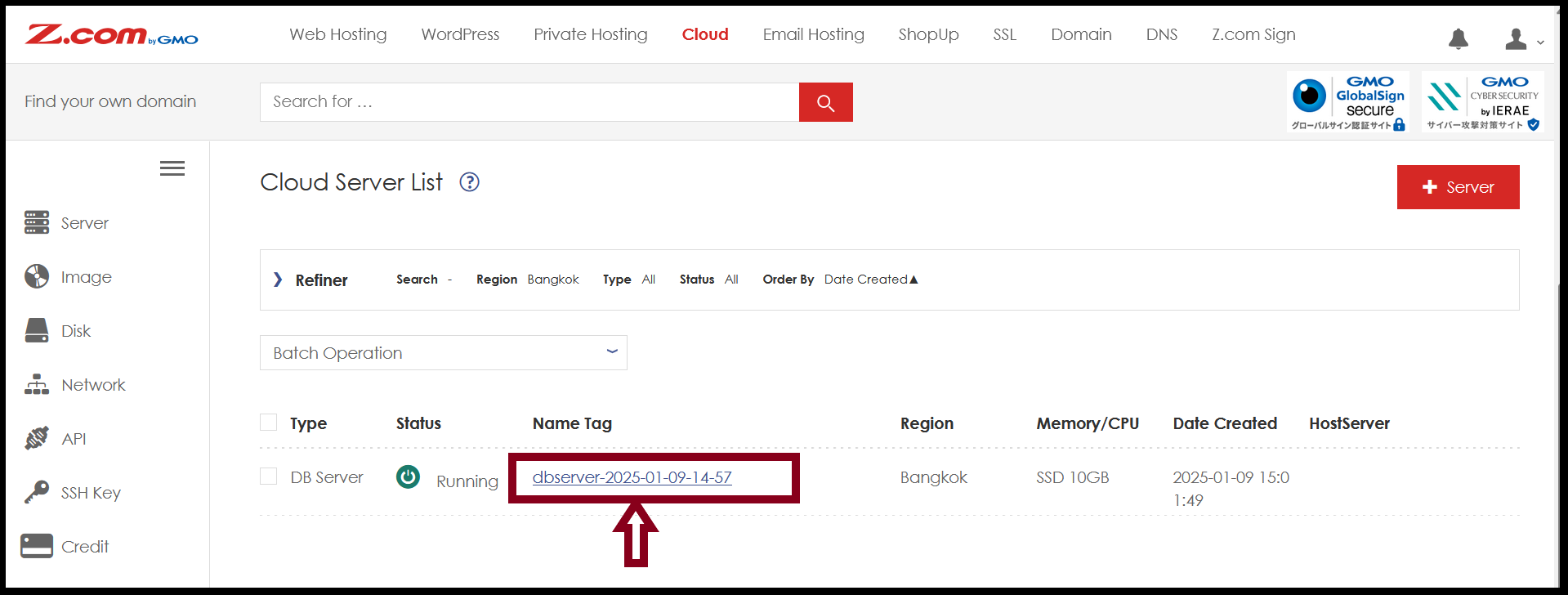
Note: If you want to access the database by using MySQL Workbench, the DB user type must be a general user. Therefore, check the user type of your database user.
Step2. To check the database user information, click the user under "User List".
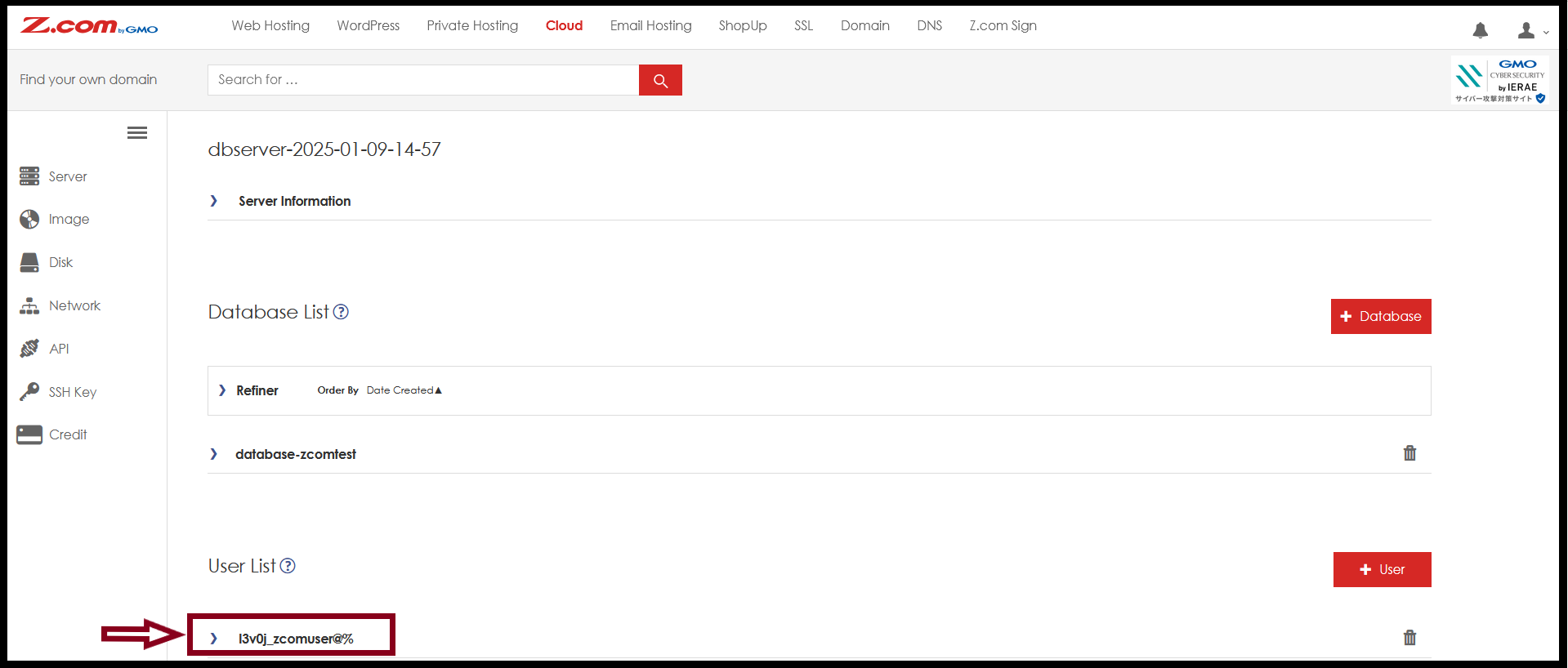
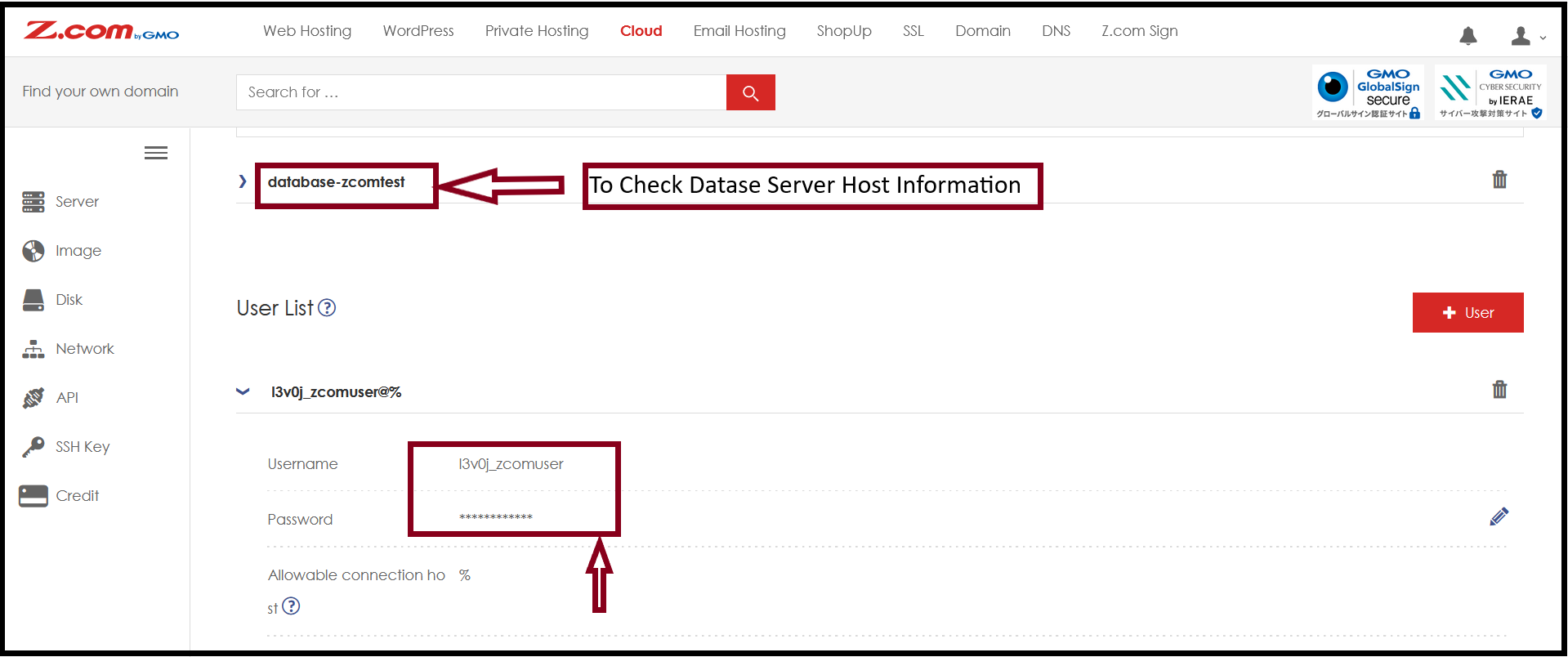
Step3. Before you access the database via MySQL Workbench, check the username, password, and allowable connection host [%] as follows.
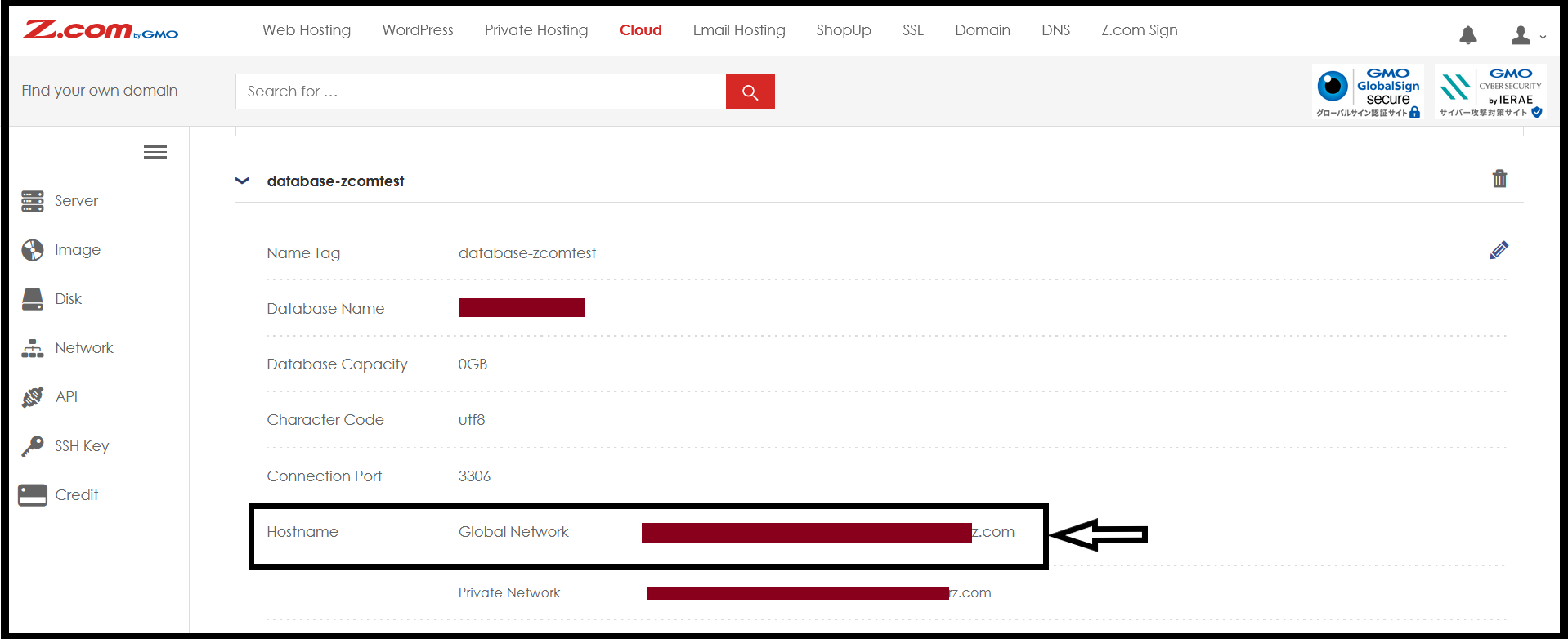
Check the Hostname of your Database and note the "Global Network".
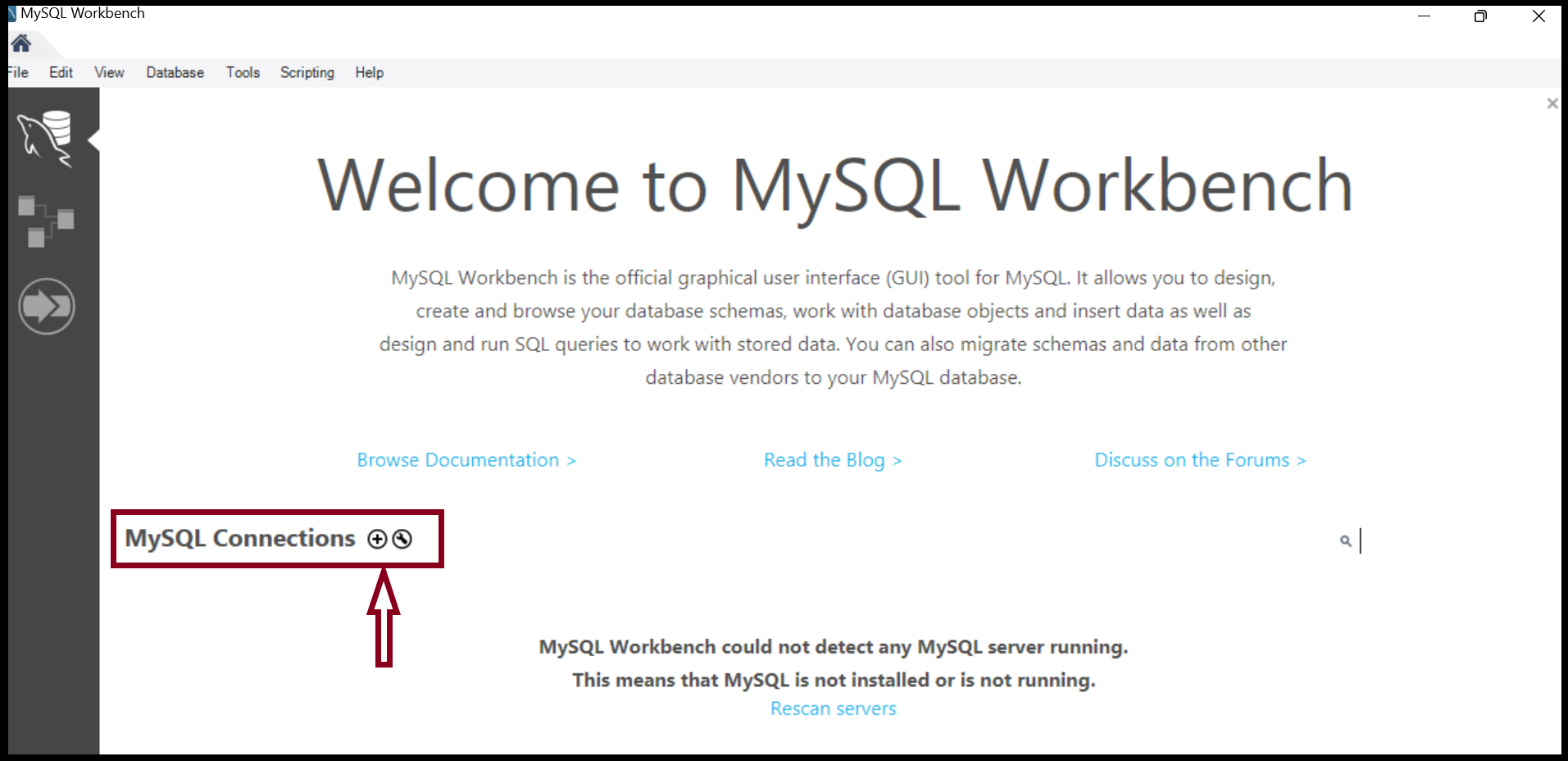
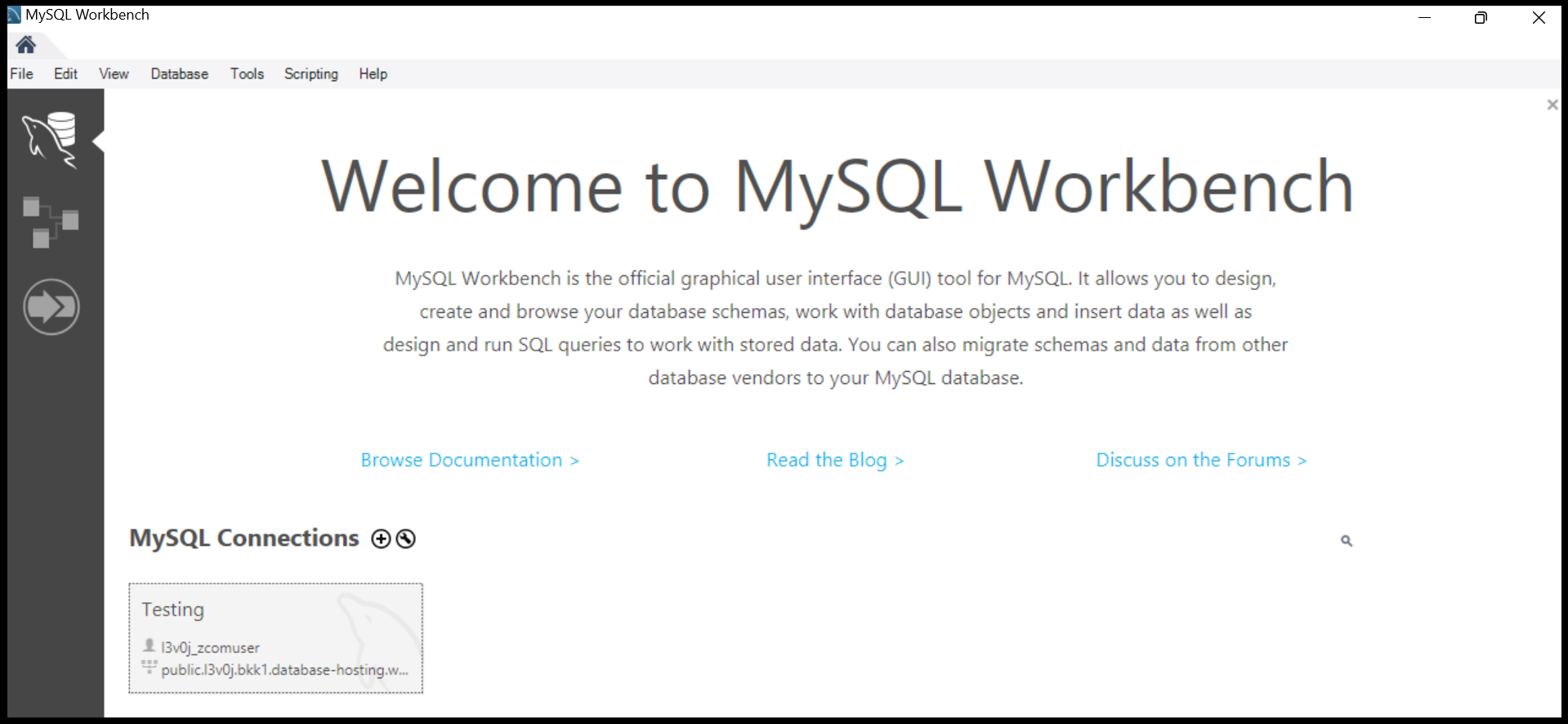
Step4. Open the MySQL Workbench App from your PC. And click "+Connection".
Fill required information to access the database.
[Require Information]
Connection Name: *******
Hostname:
Port:
Username:
Password: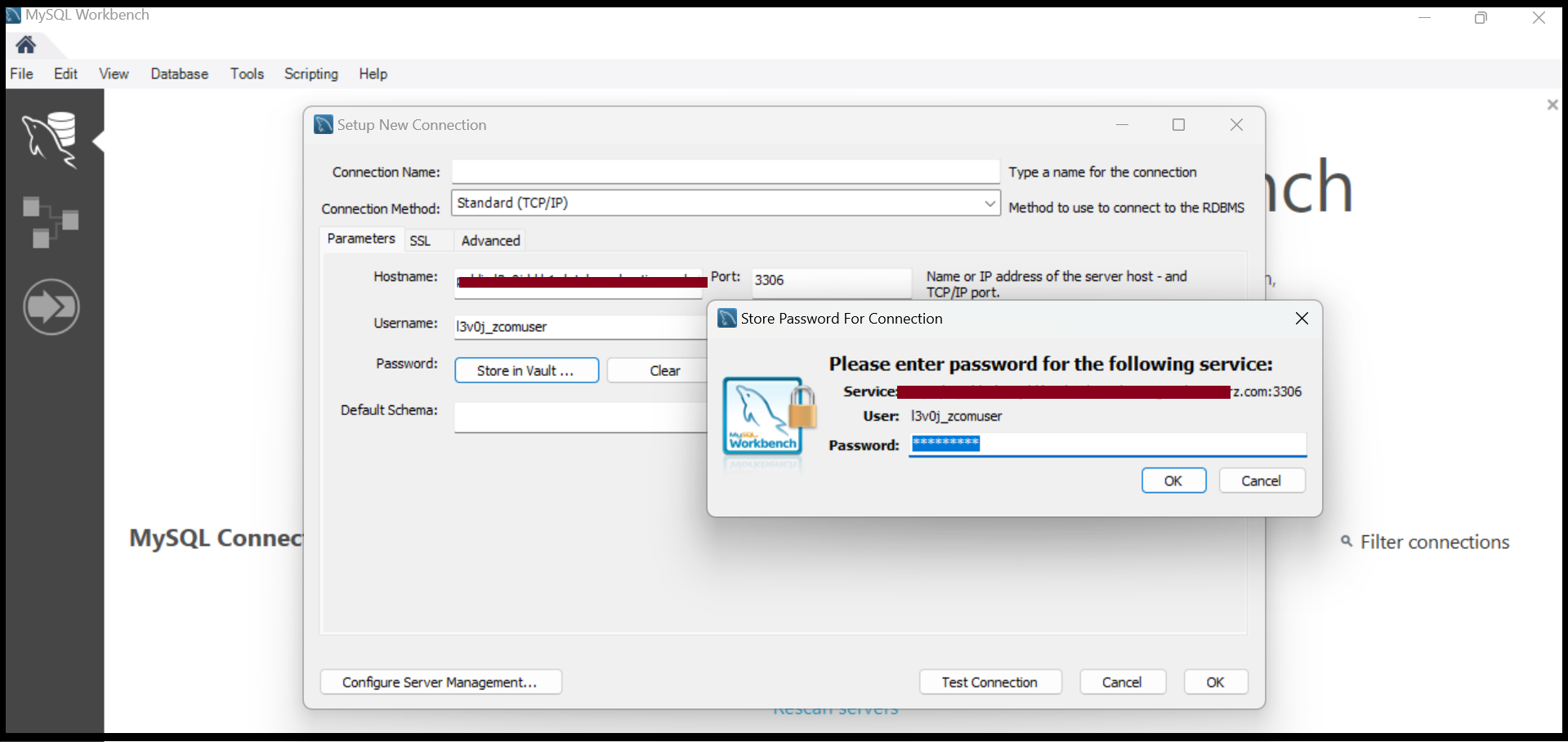
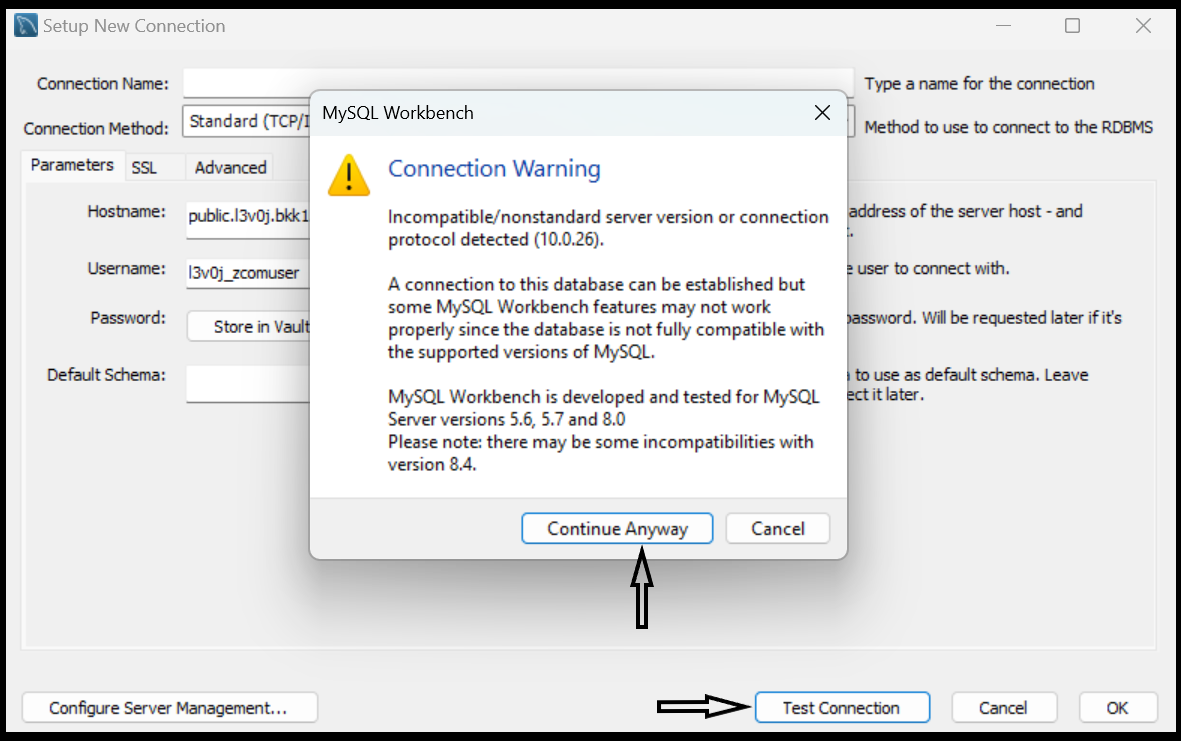
Check the Test connection to access the database.
Click “OK”
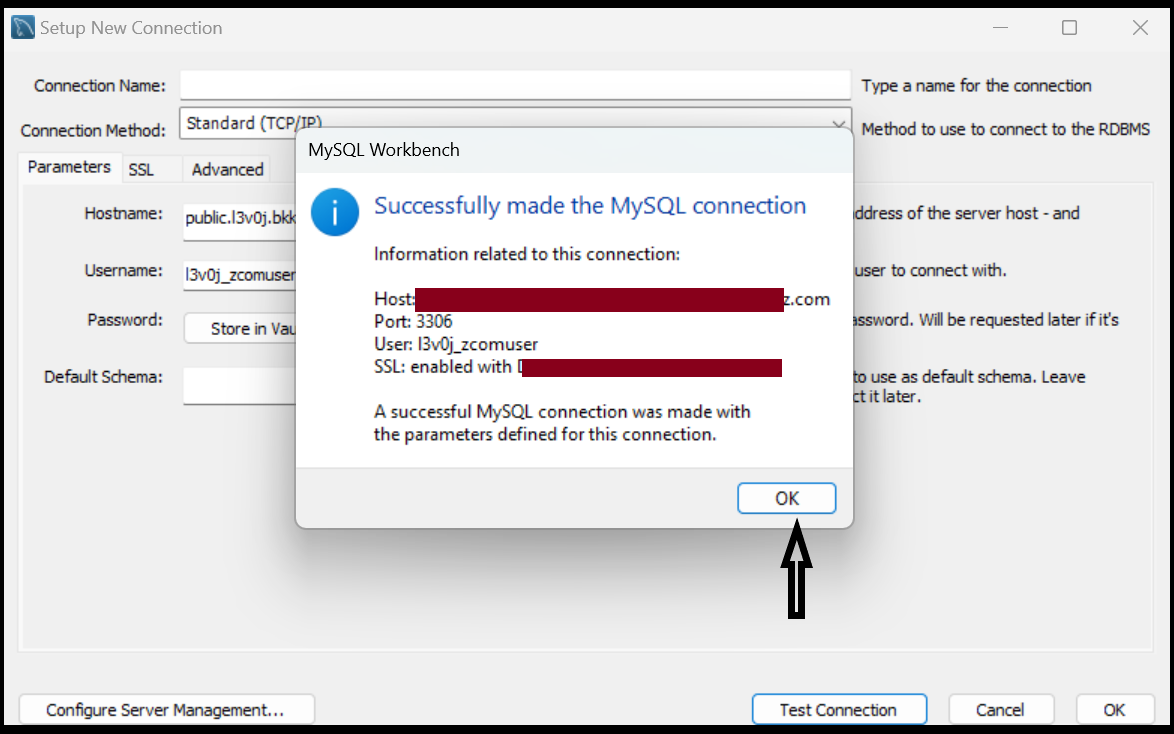
Now, you can access the database by using MySQL Workbench successfully.
THANK YOU!!!
Was this article helpful?
That’s Great!
Thank you for your feedback
Sorry! We couldn't be helpful
Thank you for your feedback
Feedback sent
We appreciate your effort and will try to fix the article