How to Check Plesk Login Access via My Z.com Portal?
To login the Plesk server from My Z.com portal, please follow the instructions.
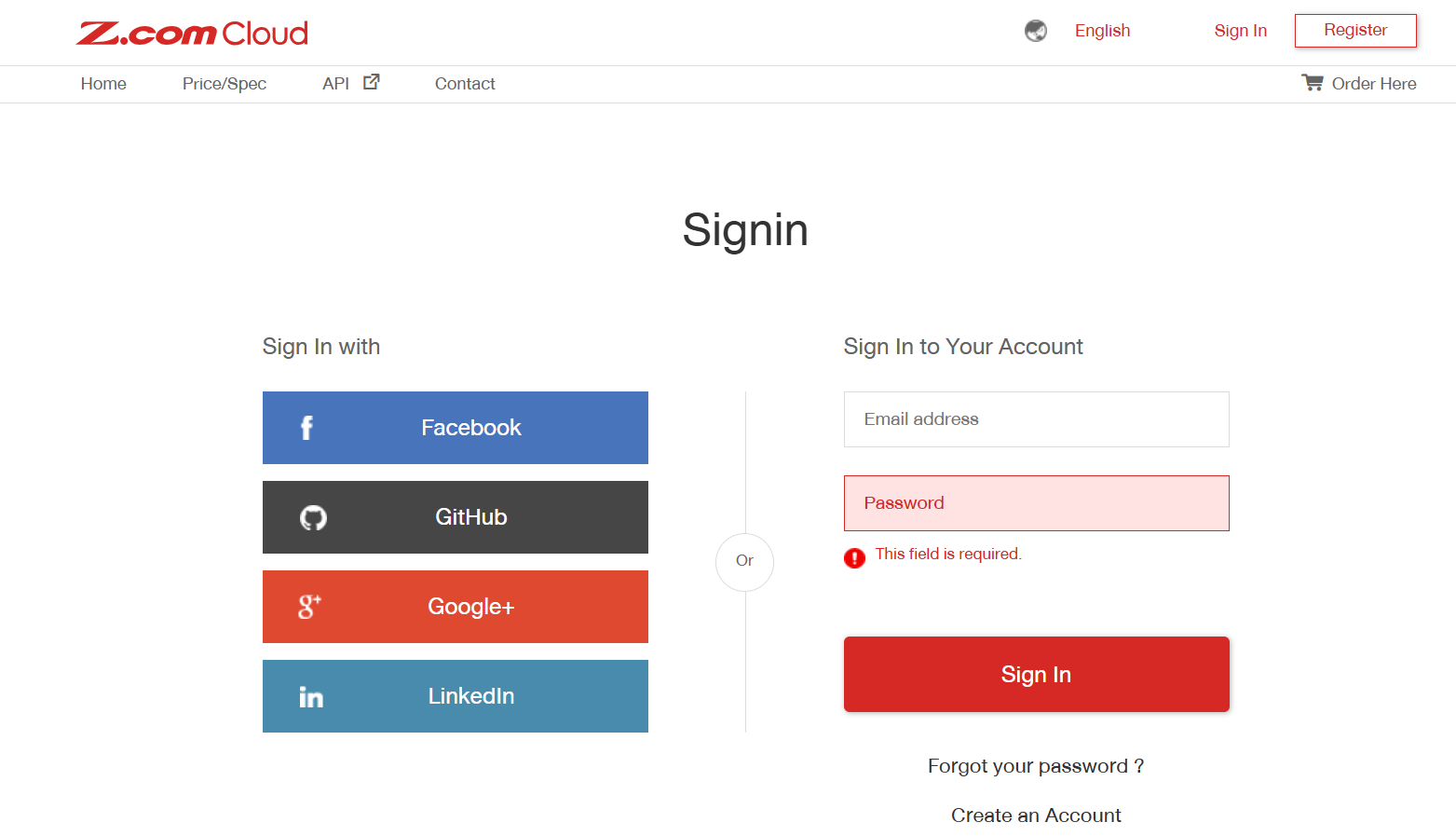
Step1. Login to the Z.com account with your registered email. https://z.com/mm/signin
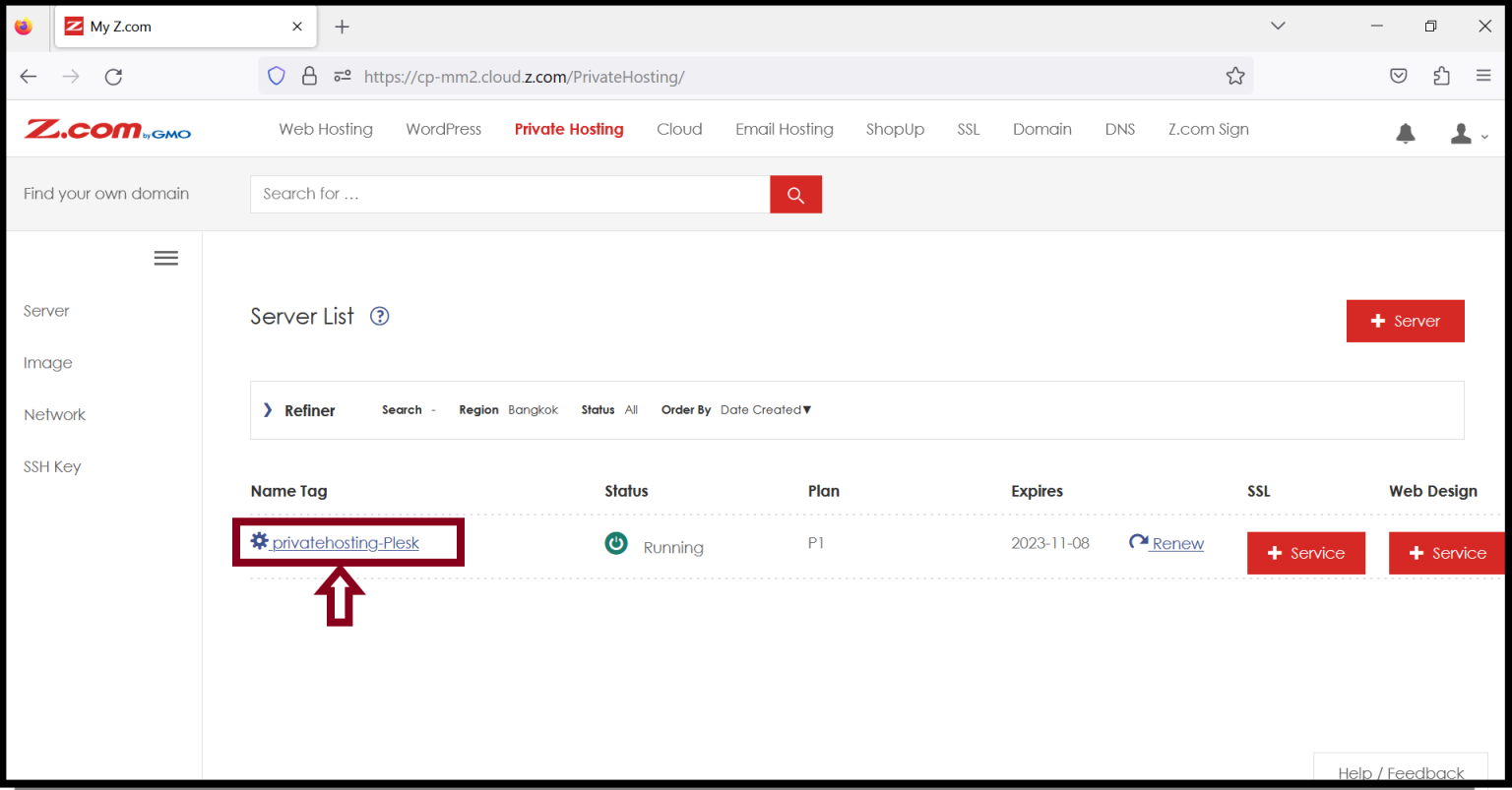
Step2. Click “Private Hosting Server” under the Name Tab option.
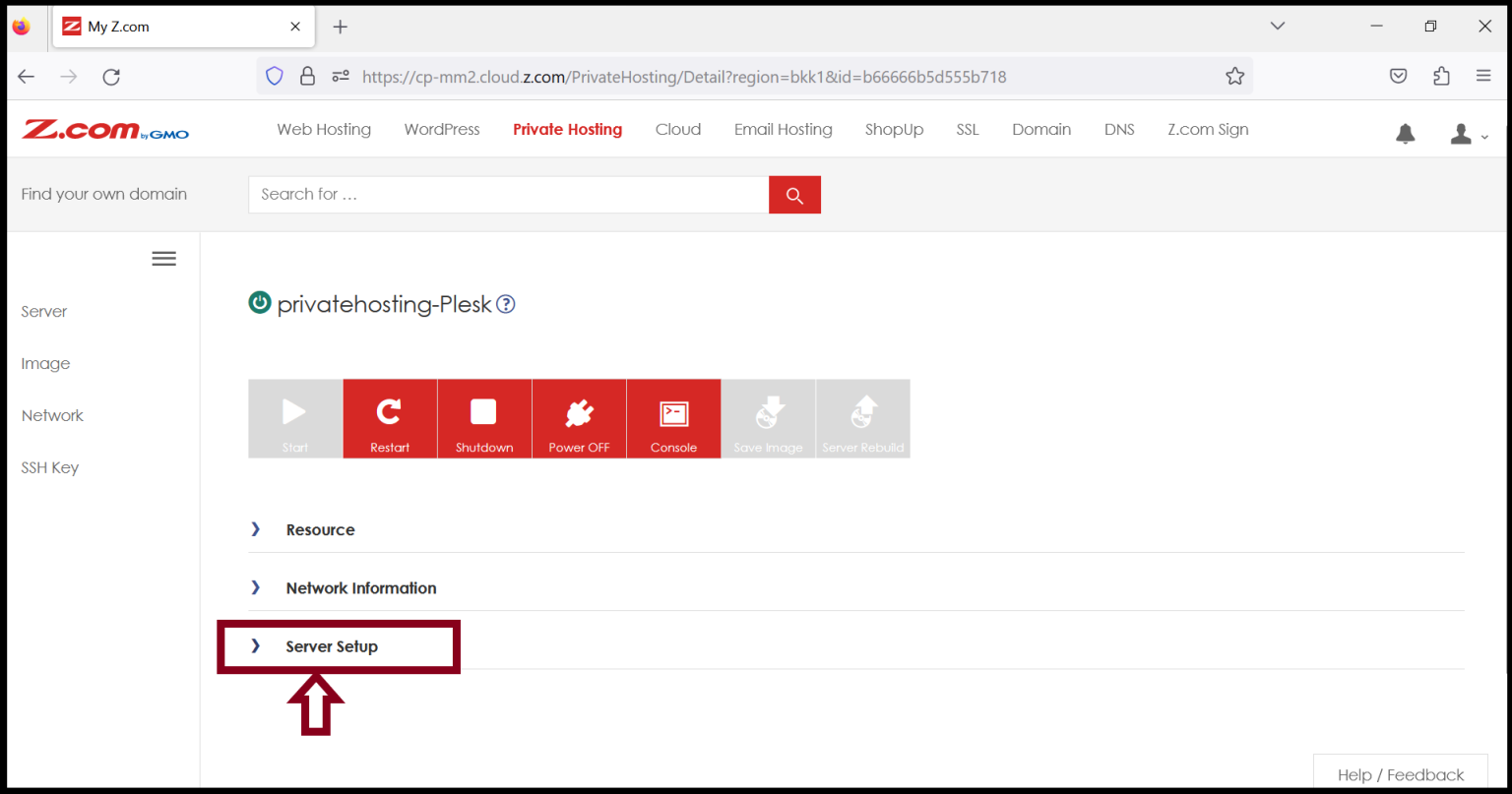
Step3. Click “Server Setup” and you can check Plesk login access
Step4. You can check the Login URL under Server Setup
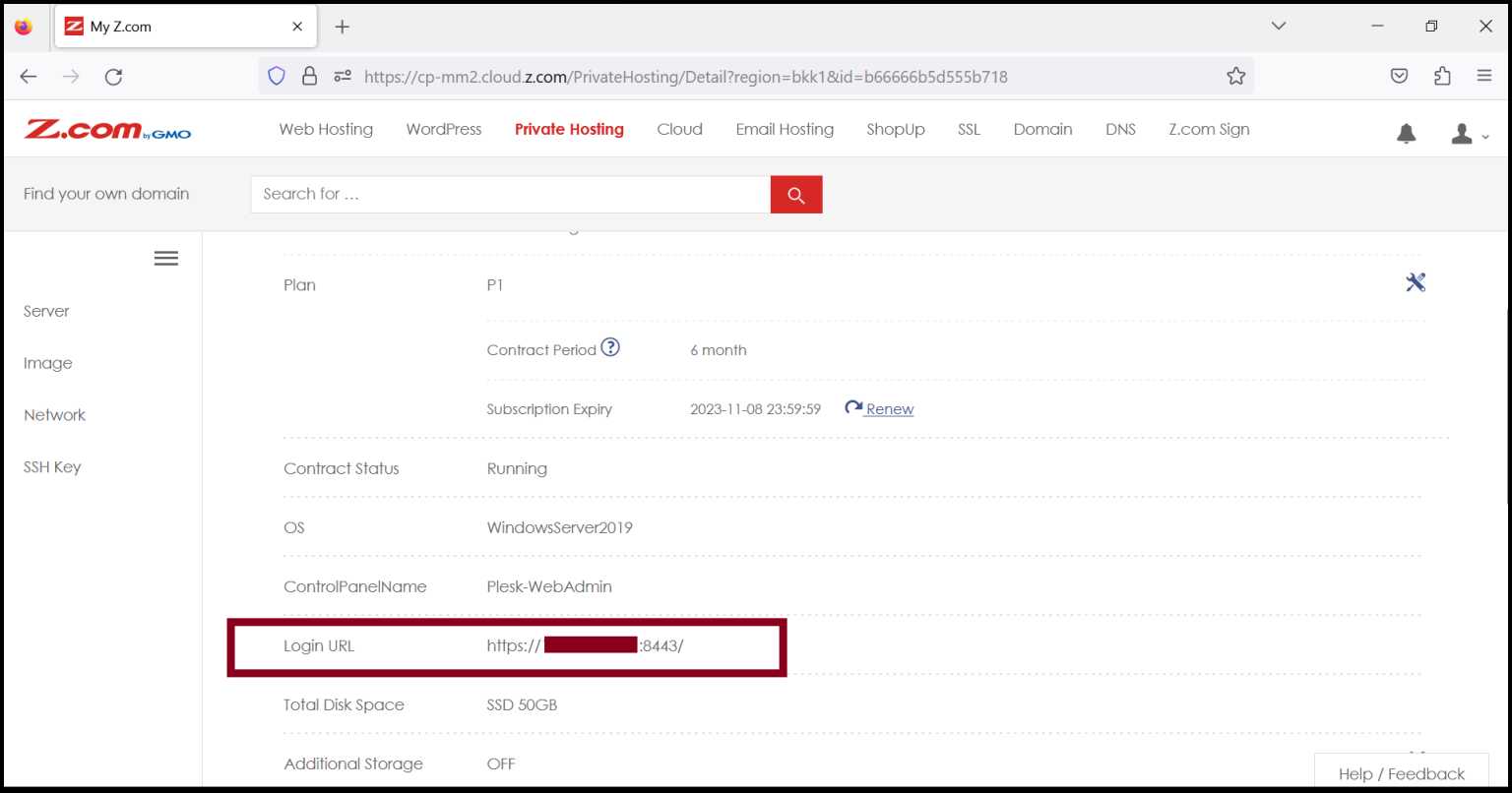
Step5. The Plesk Panel can login with the Login URL as follows.
Login URL: https://150.95.xx.xx:8443/
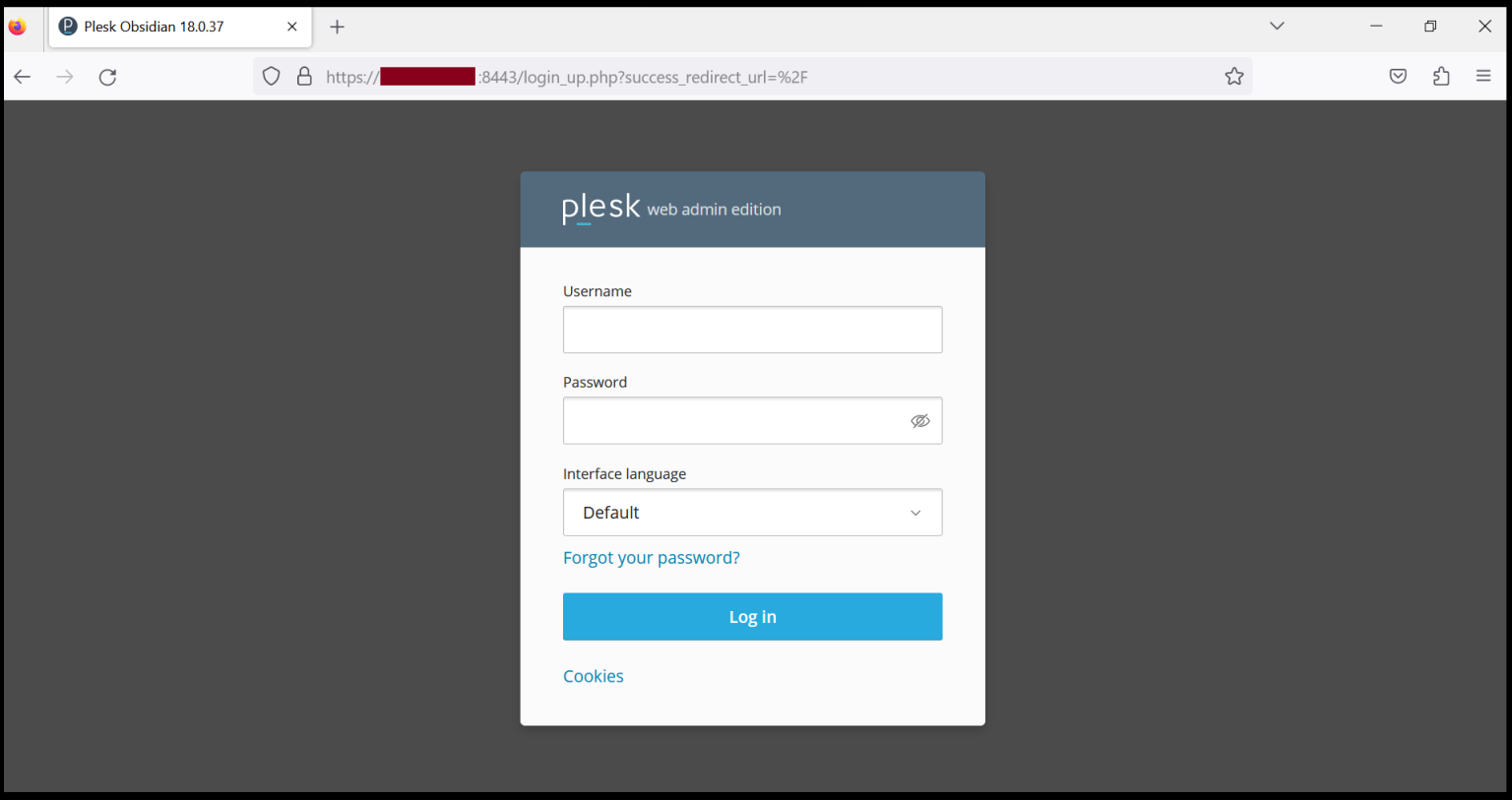
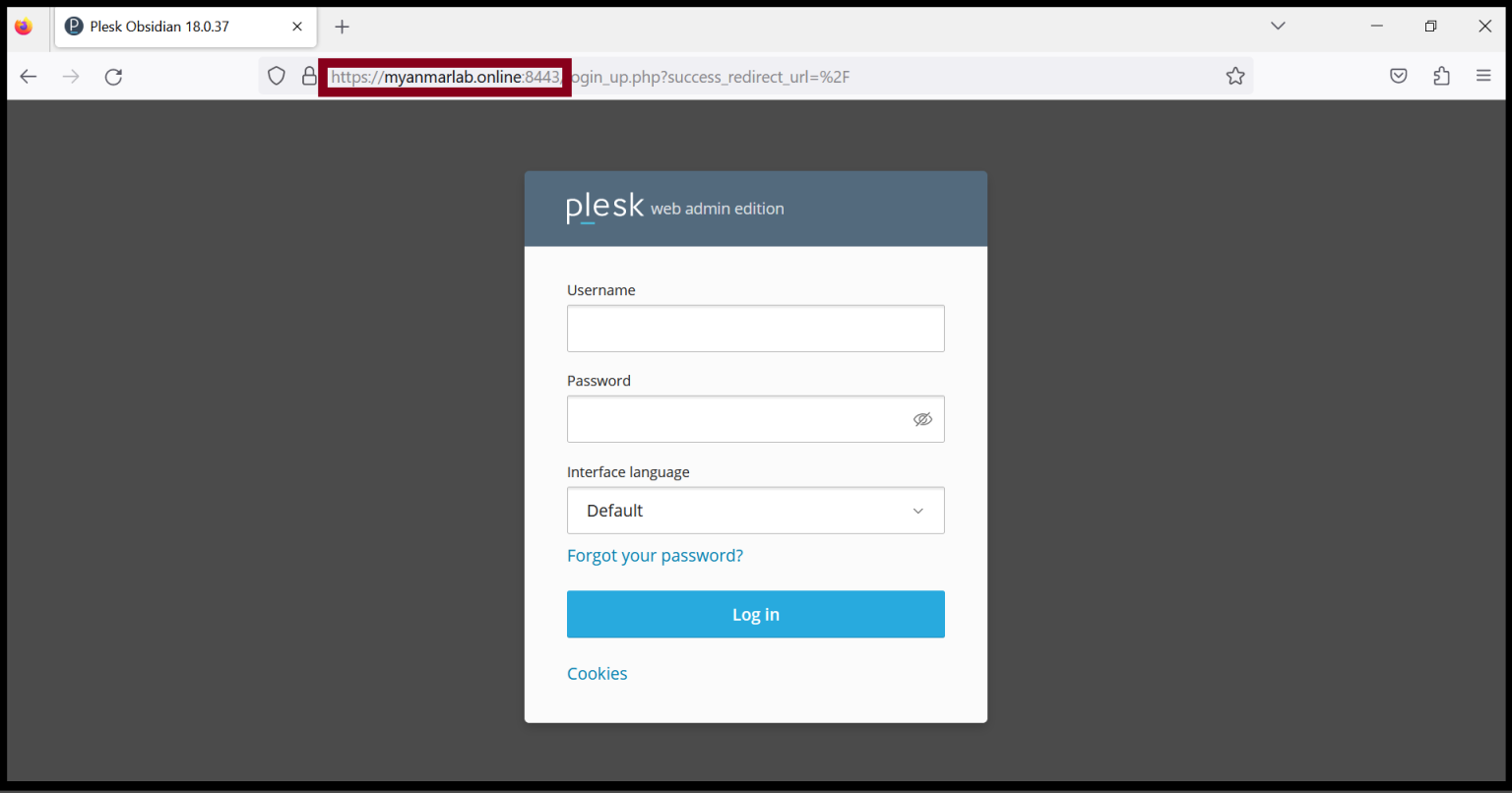
You can also login with your domain name.
Thank you!!!
Was this article helpful?
That’s Great!
Thank you for your feedback
Sorry! We couldn't be helpful
Thank you for your feedback
Feedback sent
We appreciate your effort and will try to fix the article