How to Install WordPress in Plesk Server?
To install the WordPress in the Plesk, please follow the instructions. You can manage the WordPress website in the Plesk server with this instruction.
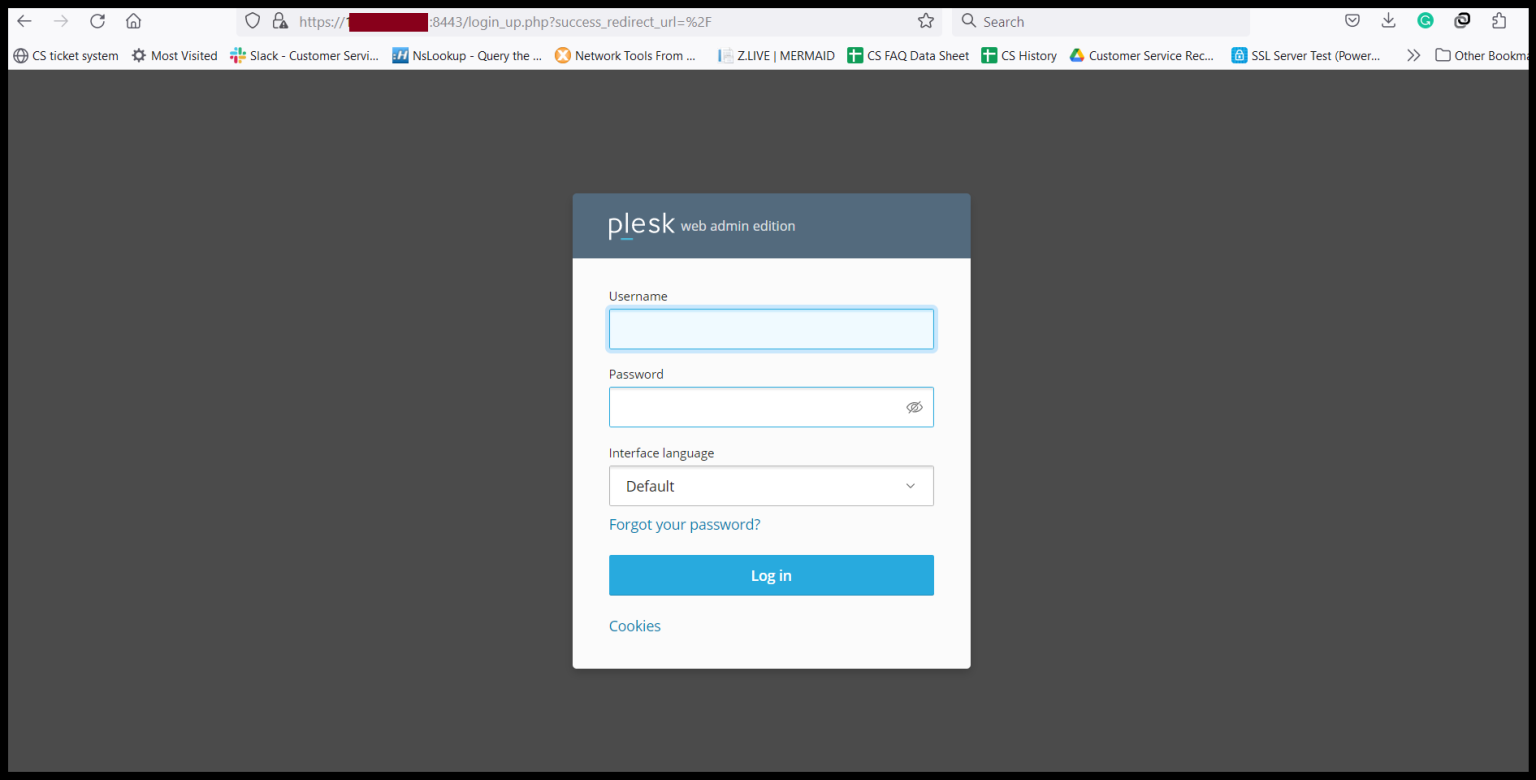
Step1. Login to the Plesk Server, https://150.95.xx.xx:8443/
Step2. Go to Extensions and Click “WordPress Toolkit” to install WordPress Toolkit Extension.

Step3. Click “Get it free” and please wait for the installation process.

Now, the WordPress Toolkit extension is installing.

After the WordPress Toolkit is installed, you can open the WordPress Toolkit.
Step4. Click “Open".

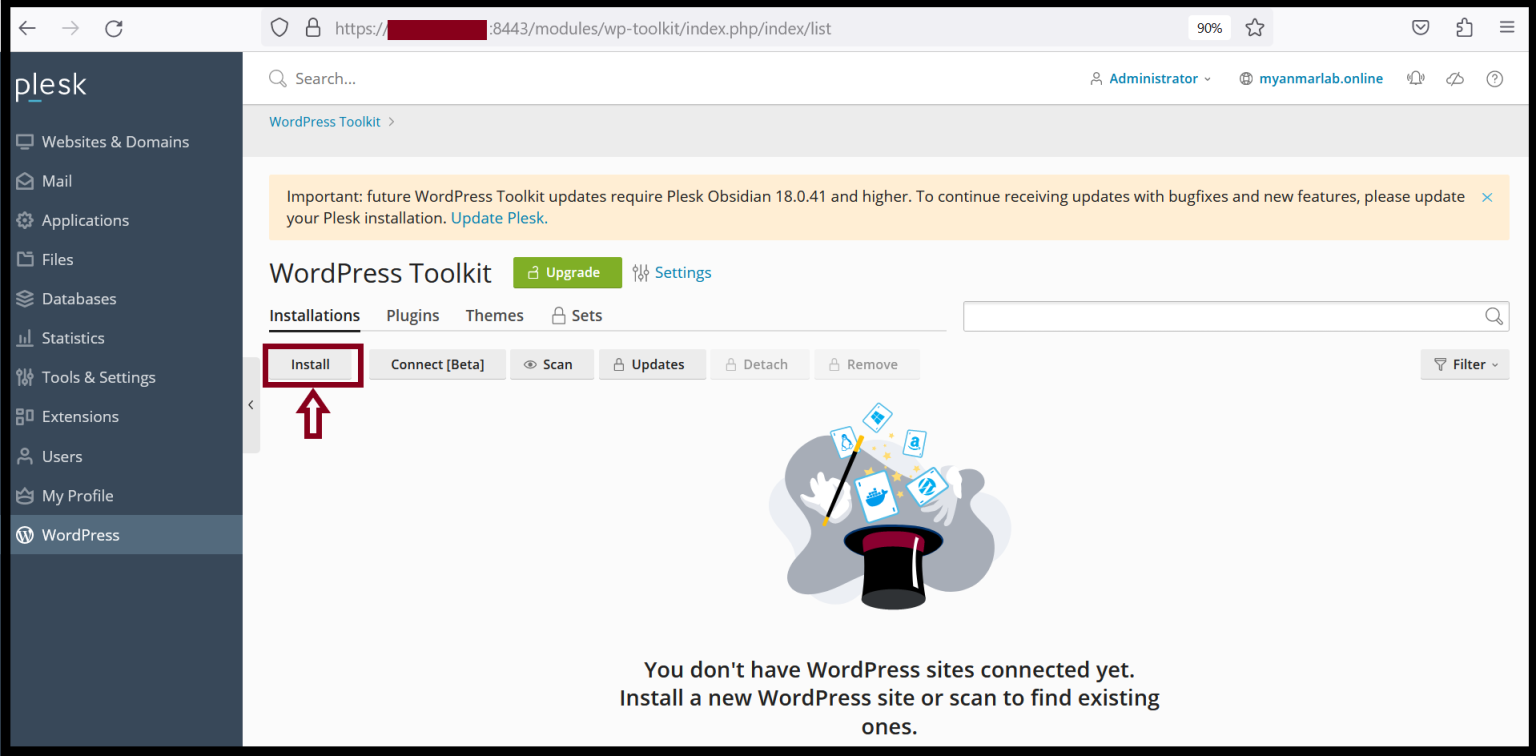
And then, click “Install” to install the WordPress.
Please enter the General Information of the WordPress Site and the WordPress Administrator
And click “Install".

Now, the WordPress is installing and please wait for a moment.

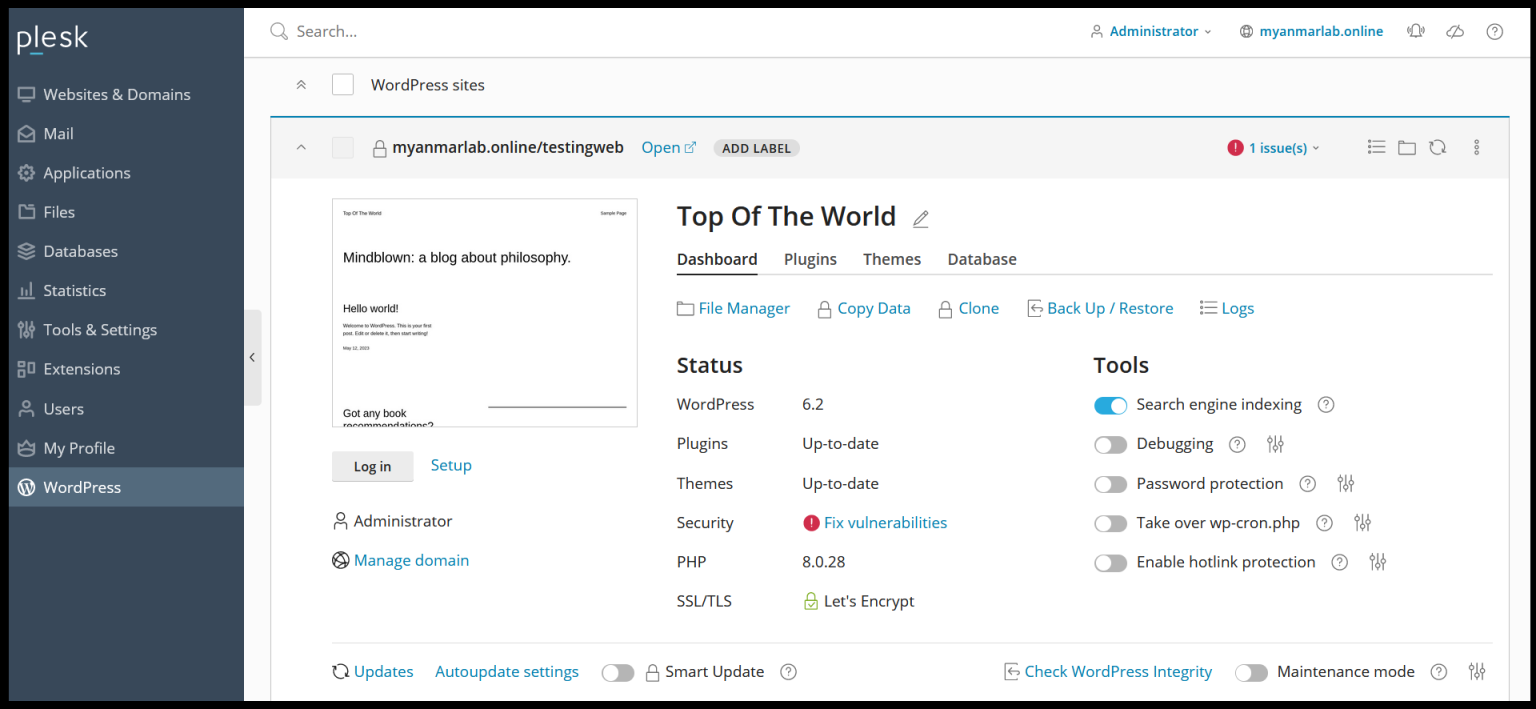
After WordPress is installed, you can also the plugins that you want to install.

Now, you can install WordPress successfully.
Thank you!!!
Was this article helpful?
That’s Great!
Thank you for your feedback
Sorry! We couldn't be helpful
Thank you for your feedback
Feedback sent
We appreciate your effort and will try to fix the article