How To Install Nginx on Ubuntu 20.04
What is Nginx?
Nginx (pronounced “engine-x”) is a free and open-source web server software that can also function as a reverse proxy, load balancer, and HTTP cache. It was first released in 2004 and has since become one of the most popular web servers in use today.
Nginx is designed to be fast, lightweight, and scalable, making it an ideal choice for serving static content or handling high-traffic websites. It uses an event-driven, non-blocking I/O model that allows it to handle multiple requests simultaneously with minimal system resources. Nginx can also be used as a load balancer to distribute incoming traffic across multiple servers, helping to improve performance and reliability.
Step 1 – Installing Nginx
sudo apt install nginx

Step 2 – Adjust the Firewall
sudo ufw app list
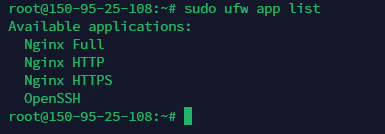
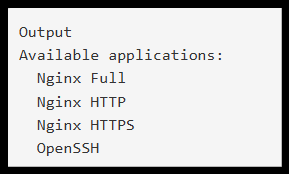
sudo ufw allow 'Nginx HTTP'

sudo ufw status
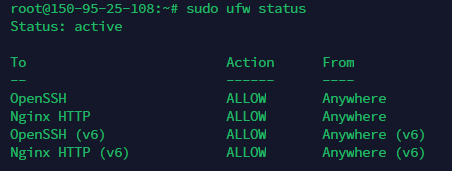
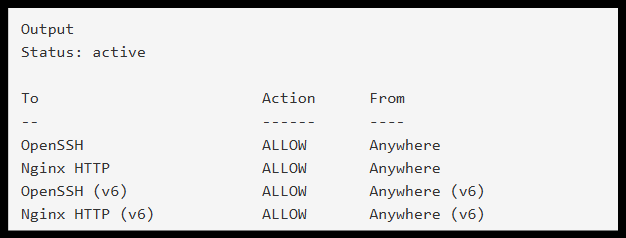
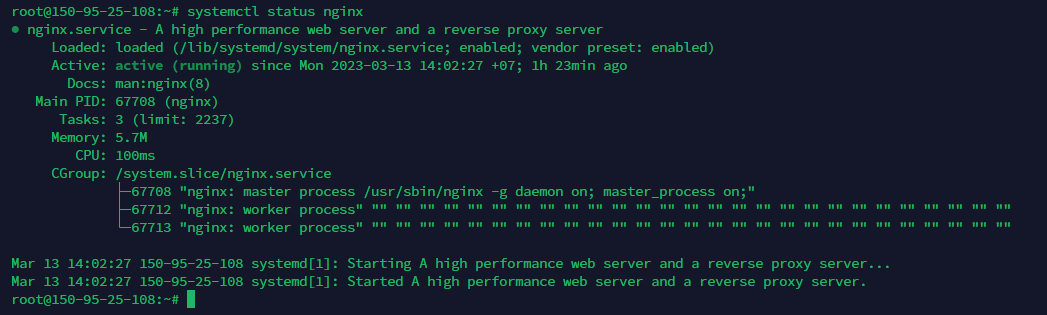
Step 3 – Checking Web Server Status
systemctl status nginx
Thank You!!!
Was this article helpful?
That’s Great!
Thank you for your feedback
Sorry! We couldn't be helpful
Thank you for your feedback
Feedback sent
We appreciate your effort and will try to fix the article