How to check IP address in Private Hosting aaPanel?
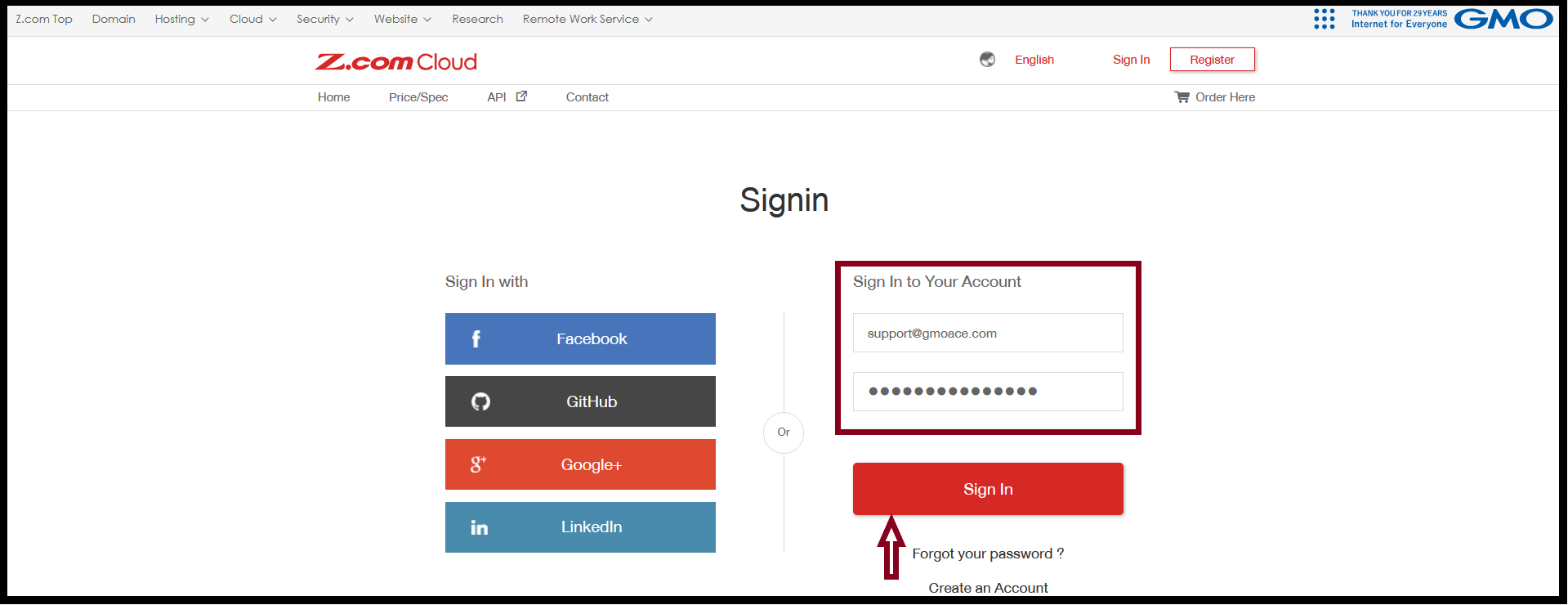
Step1. Login to the Z.com account with register email.
https://cloud.z.com/mm/signin/
Email: support@gmoace.com (please input your register email address)
Password: ***********
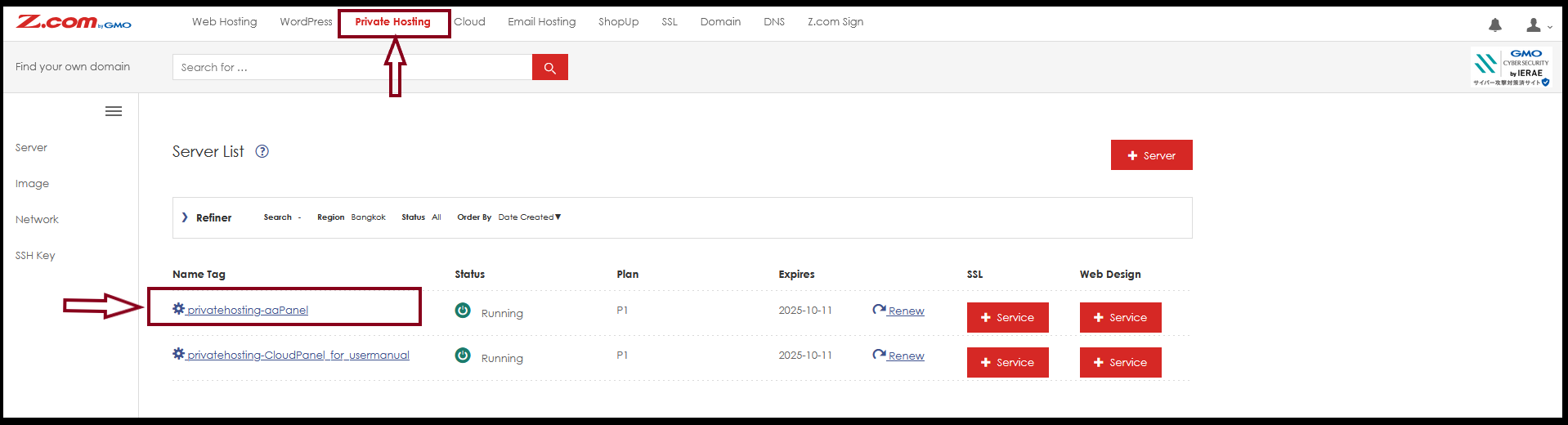
Step2. Go to “Private Hosting” Tab then Click the server Under Name Tag.
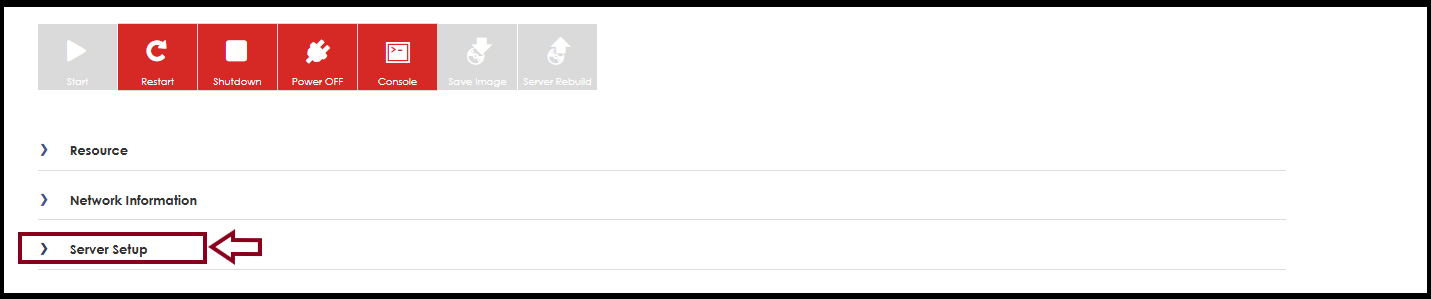
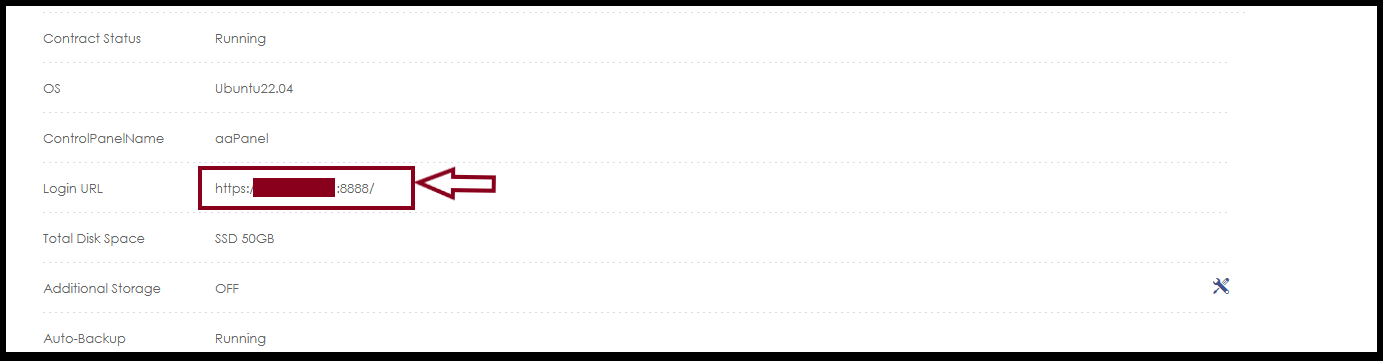
Step3. Click “Server Setup” to check the server IP.
(The IP Address of each Private Hosting Server will be different).
Thank you!!!
Was this article helpful?
That’s Great!
Thank you for your feedback
Sorry! We couldn't be helpful
Thank you for your feedback
Feedback sent
We appreciate your effort and will try to fix the article