How to install Let's Encrypt SSL in Private Hosting aaPanel?
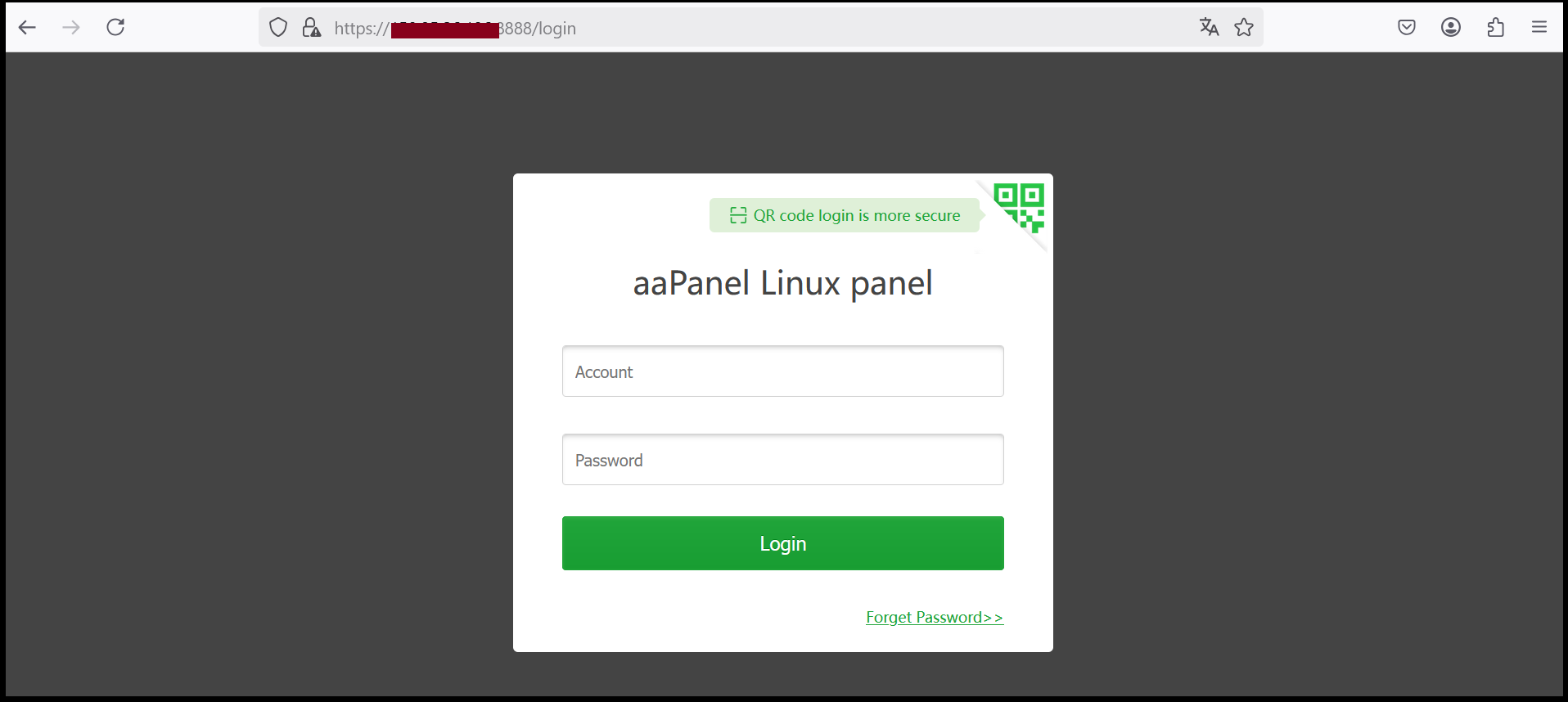
Step1. Login to to the aaPanel.
https://xxx.xxx.xxx.xxx:8888 (x is the IP address). If you don’t know the server IP address, please check in your Z.com account under Private Hosting Tab.
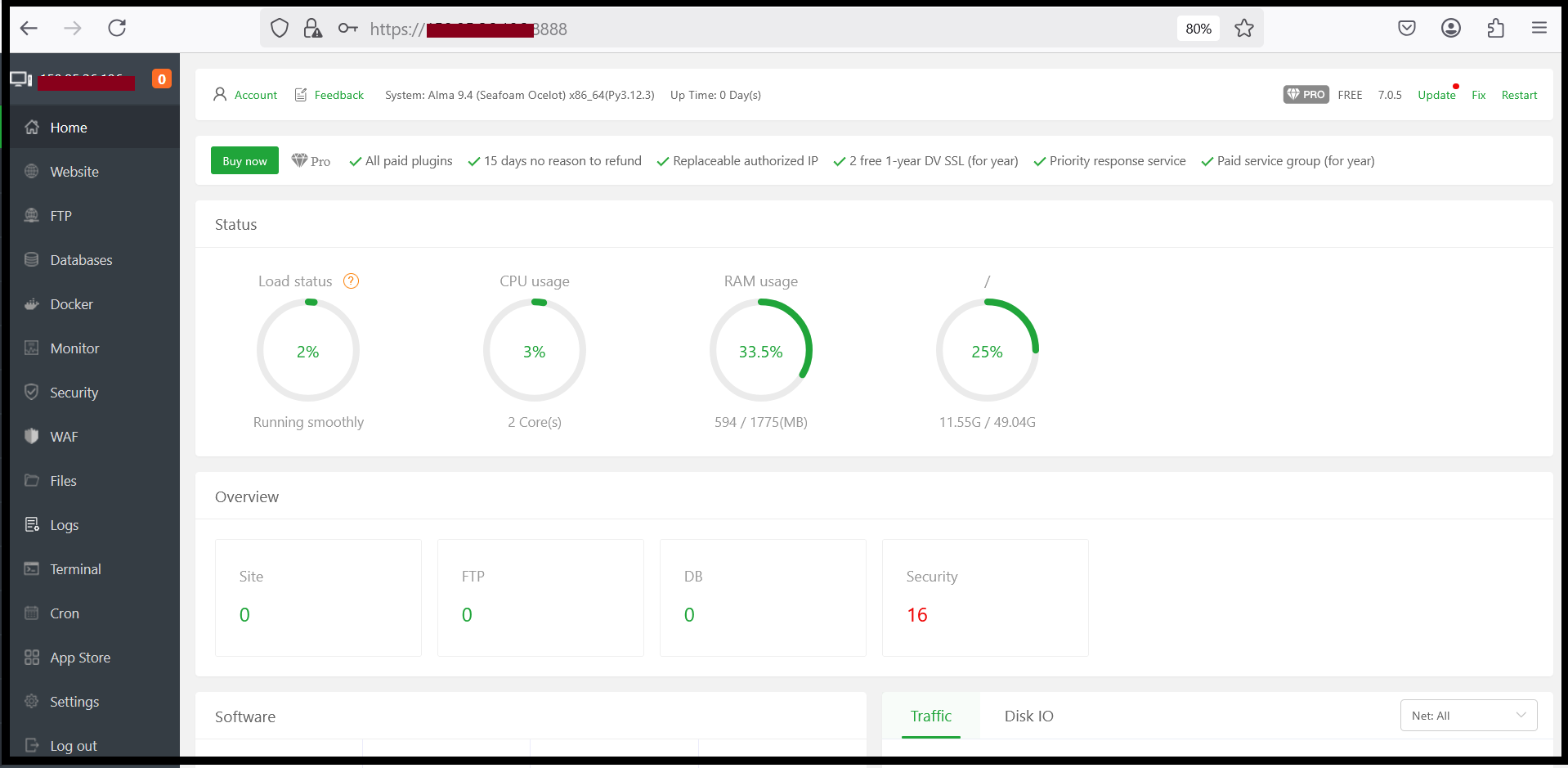
Step2. Click Not set to go to the SSL page of the domain you want to install.

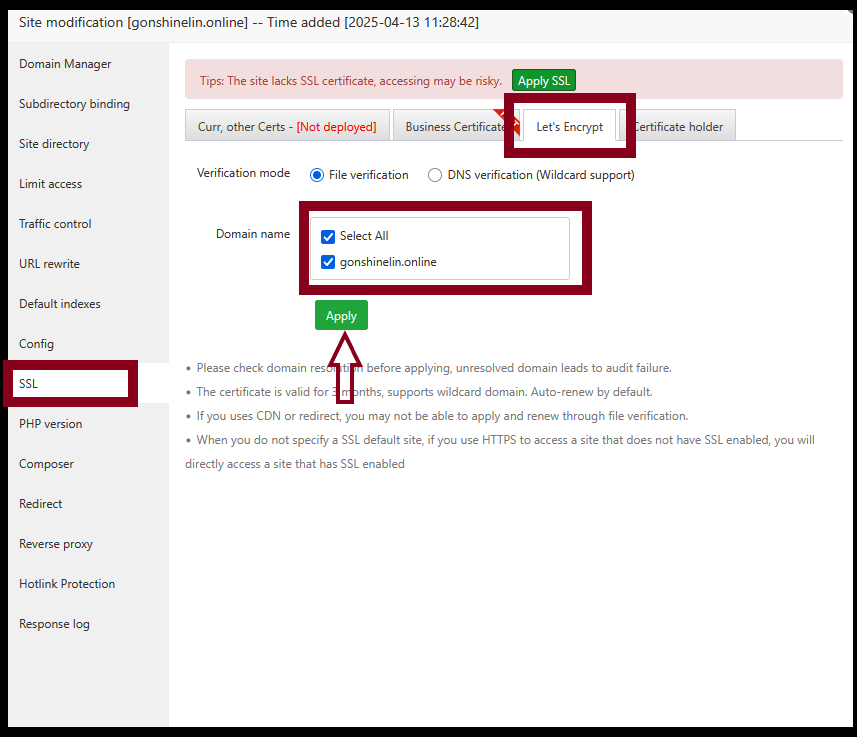
Step3. Select Let's Encrypt. Tick Select All and press Apply.
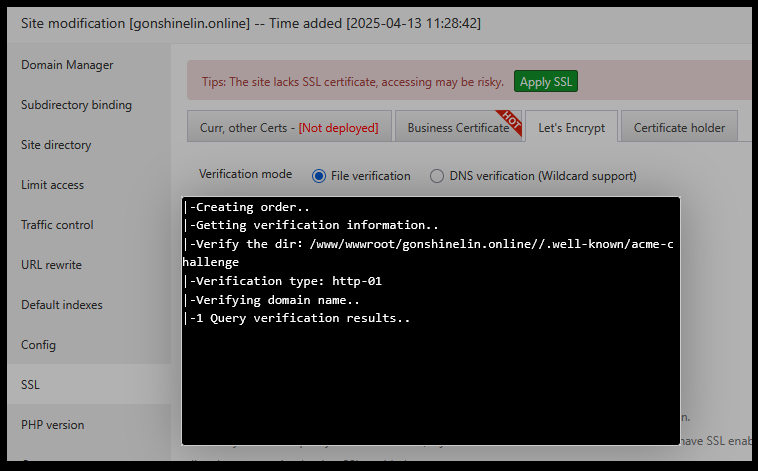
Step4. Now, let encrypt SSL installation is successfully finished and you can check SSL expire date also.

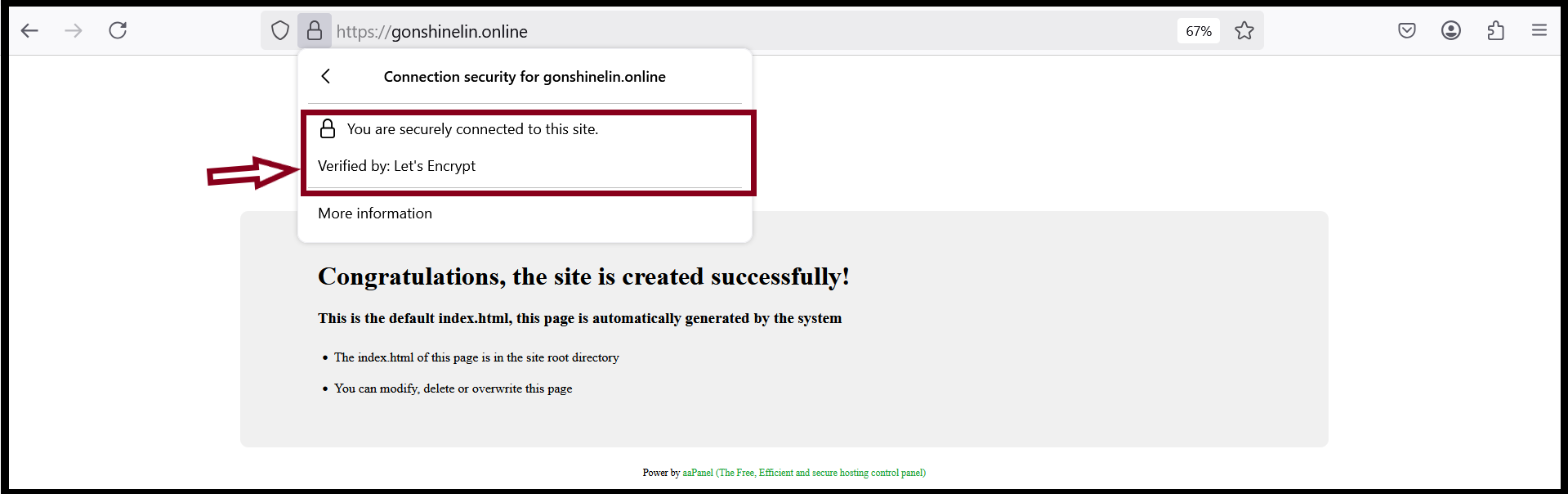
Step5. Check your site from browser.
Thank you!!!
Was this article helpful?
That’s Great!
Thank you for your feedback
Sorry! We couldn't be helpful
Thank you for your feedback
Feedback sent
We appreciate your effort and will try to fix the article