How to install Apache Service in Debian OS Server?
Step1. Login to the server with SSH access
Server IP- 123.45.67.89 (login with your cloud VPS server IP)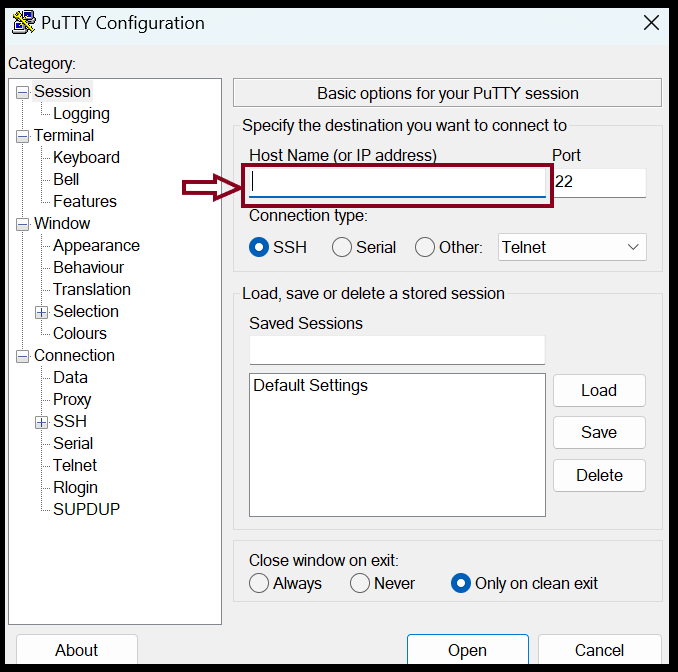
Step2. Install Apache server
root@123-45-67-89 :~# apt-get update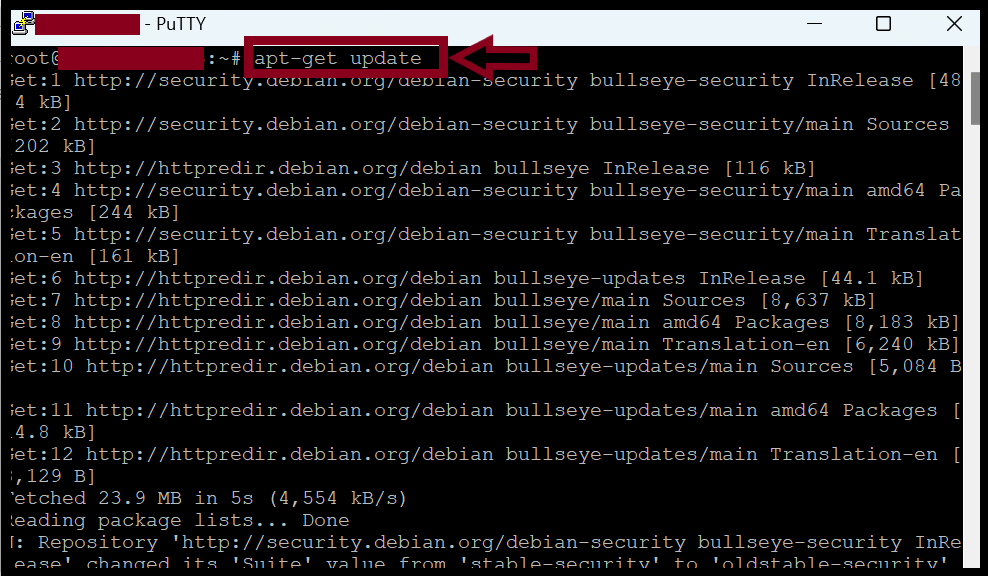
root@123-45-67-89 :~# apt-get install apache2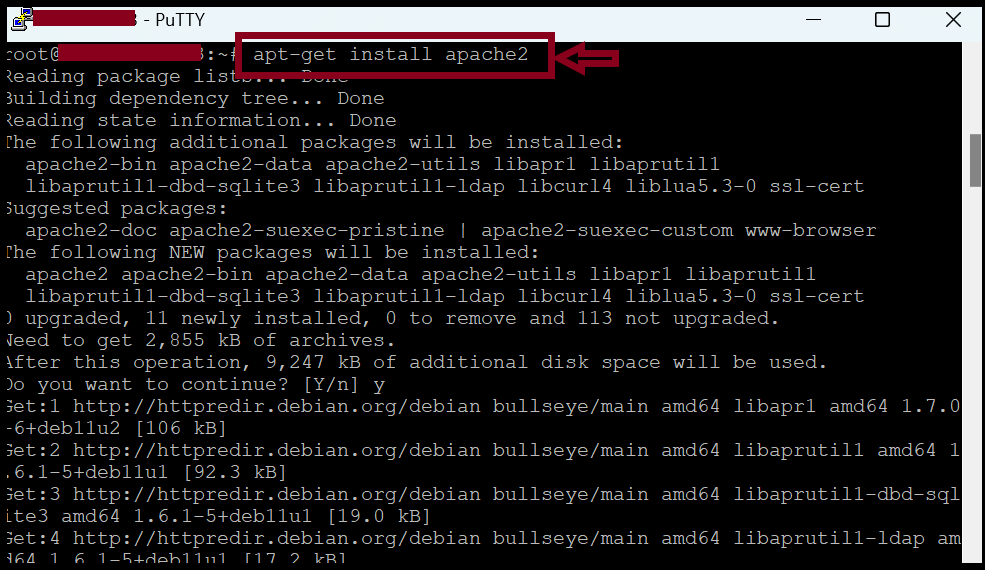
root@123-45-67-89 :~# systemctl status apache2
root@123-45-67-89 :~# systemctl start apache2
root@123-45-67-89 :~# systemctl restart apache2 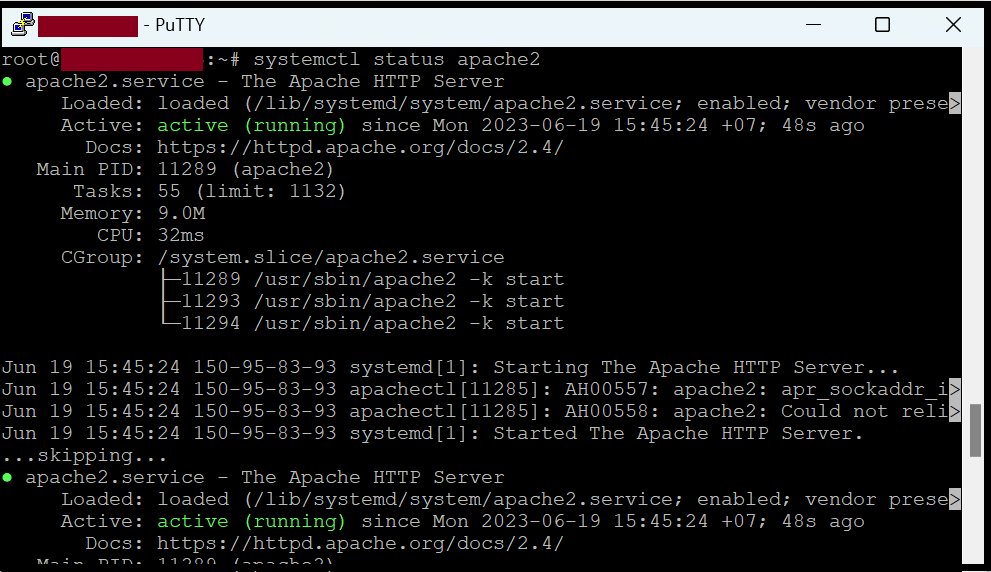
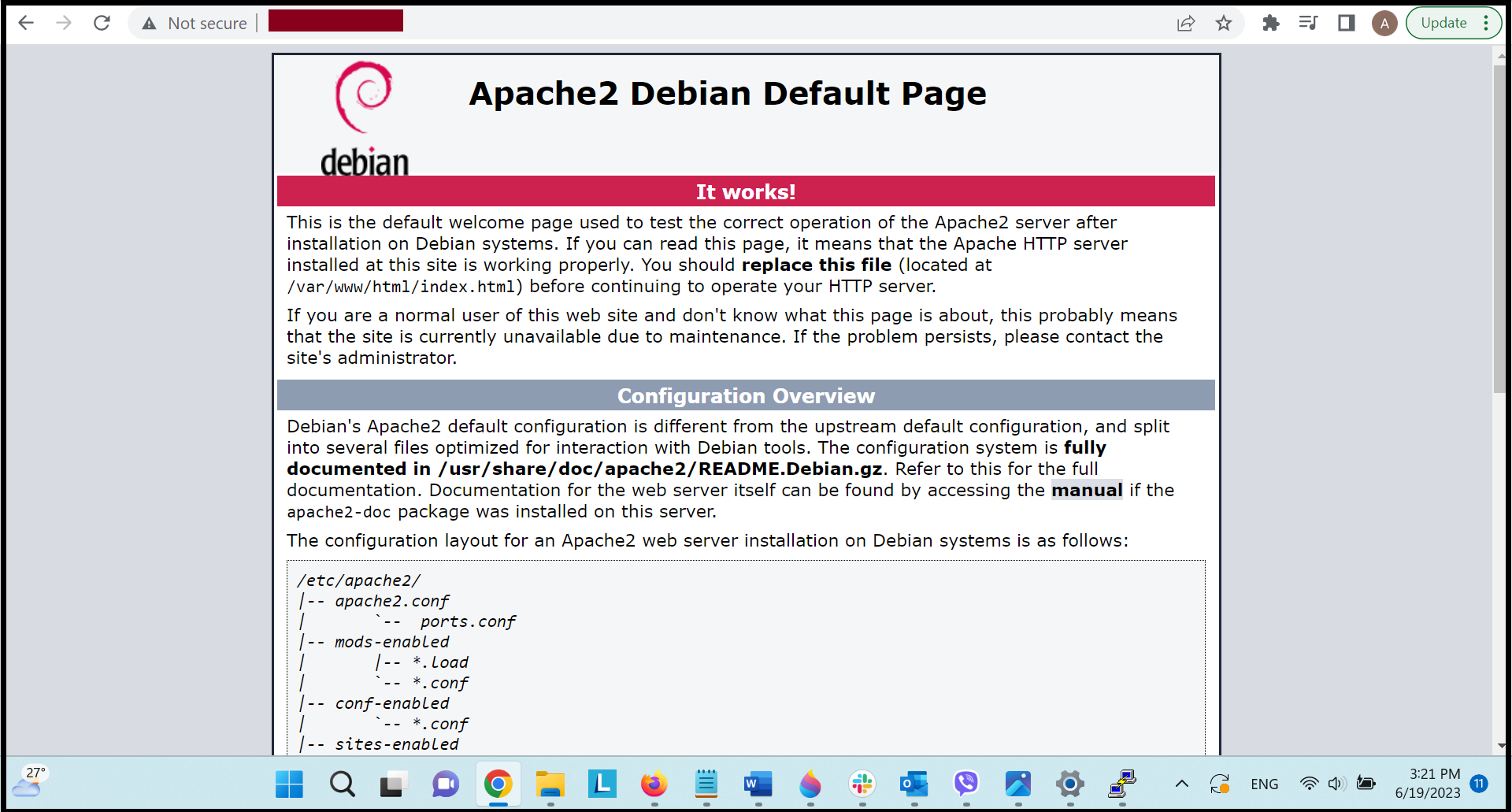
Step3. If we’ve finished the Apache installation, we can check the default webpage from the URL.
You can check with Server_IP (or) localhost.
Step4. If we want to connect with our own domain, we need to add the domain to the Apache webserver.
root@123-45-67-89 :~# mkdir /var/www/html/yourdomain_name/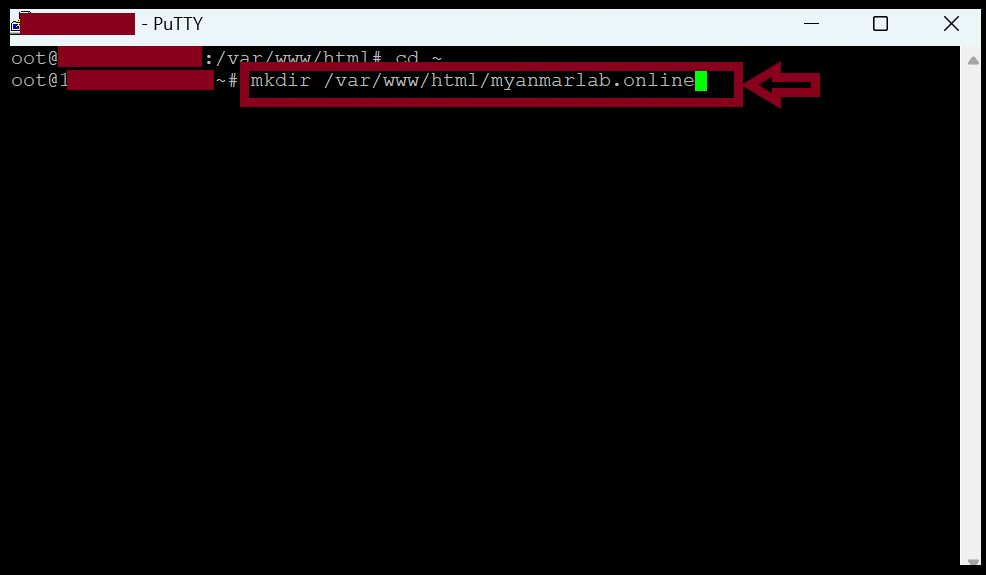
root@123-45-67-89 :~# nano /var/www/html/yourdomain_name/index.html<html>
<body>
Welcome to Myanmar Lab.
</body>
</html> 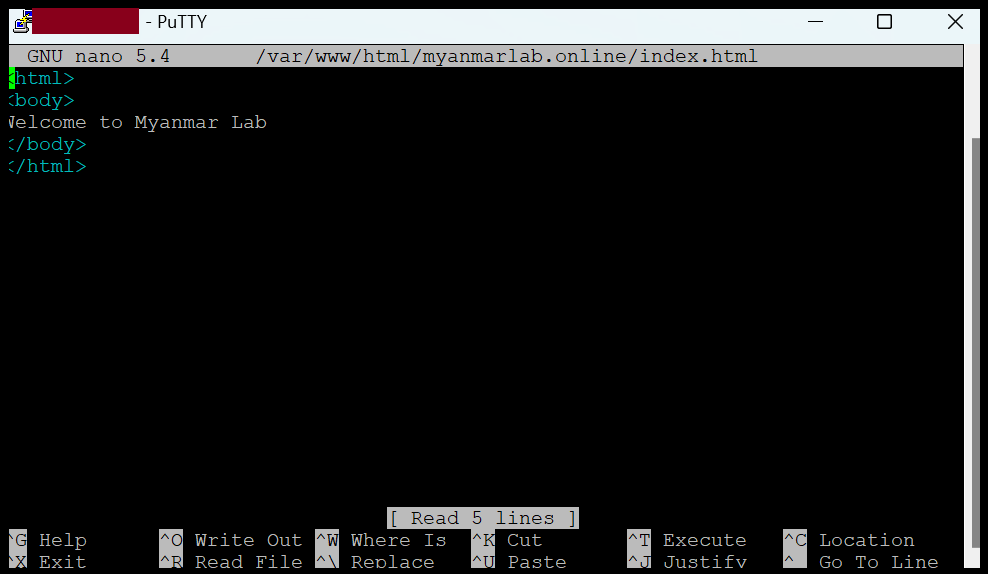
Step5. Now we can check with our domain name.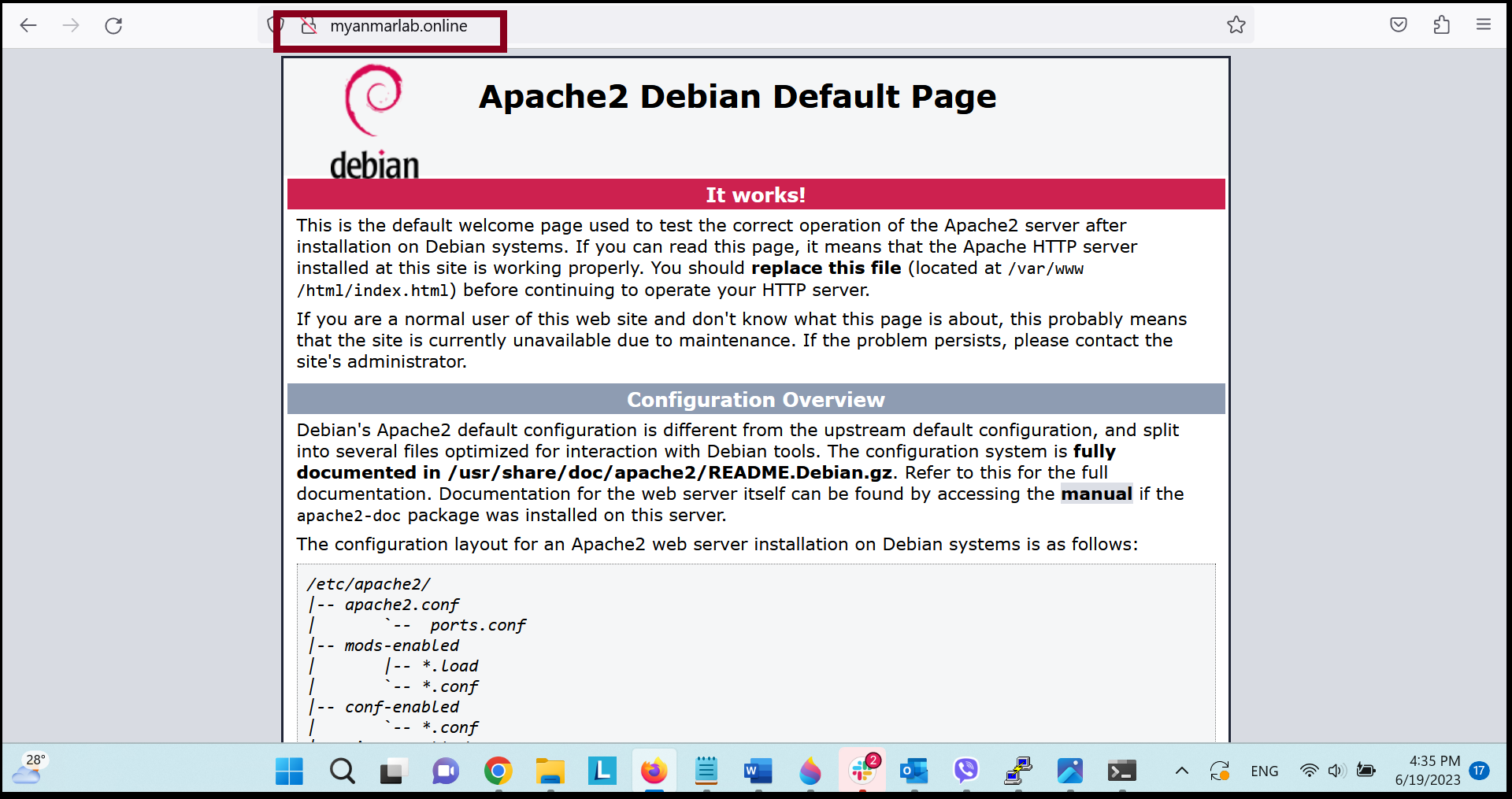 Step6. If we’ve finished the domain addon process in the server, we need to adjust the config file in the Apache server.
root@123-45-67-89 :~# nano /etc/apache2/sites-available/myanmarlab.online.conf
<VirtualHost *:80>
ServerAdmin admin@myanmarlab.online
ServerName myanmarlab.online
ServerAlias www.myanmarlab.online
DocumentRoot /var/www/html/myanmarlab.online/
ErrorLog ${APACHE_LOG_DIR}/error.log
CustomLog ${APACHE_LOG_DIR}/access.log combined
</VirtualHost> 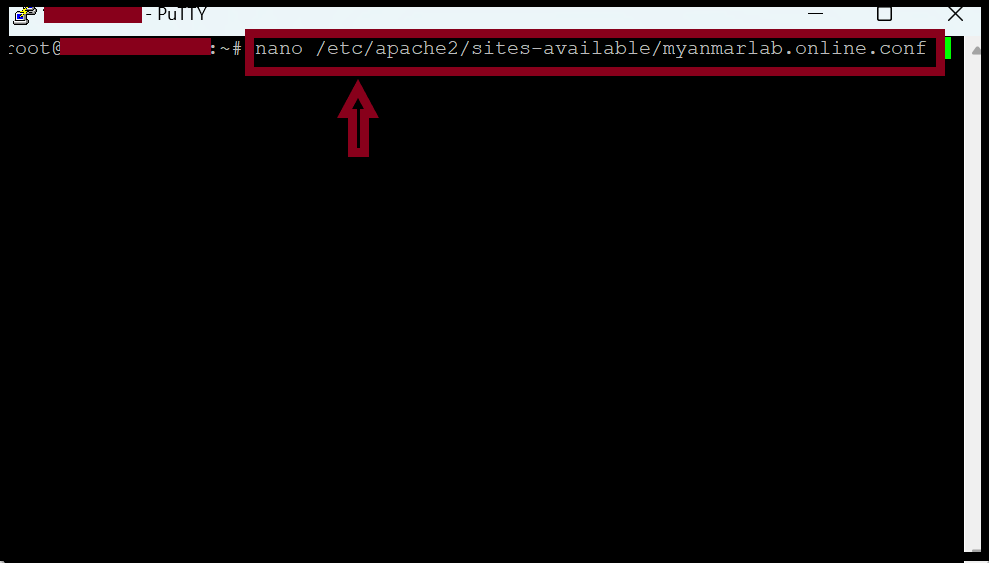
Step7. Now we need to change to enable virtual host files.
root@123-45-67-89 :~#  a2ensite myanmarlab.online.conf
root@123-45-67-89 :~#  systemctl reload apache2
After that, we need to disable the default Apache site.
root@123-45-67-89 :~#  a2dissite 000-default.conf
root@123-45-67-89 :~#  systemctl reload apache2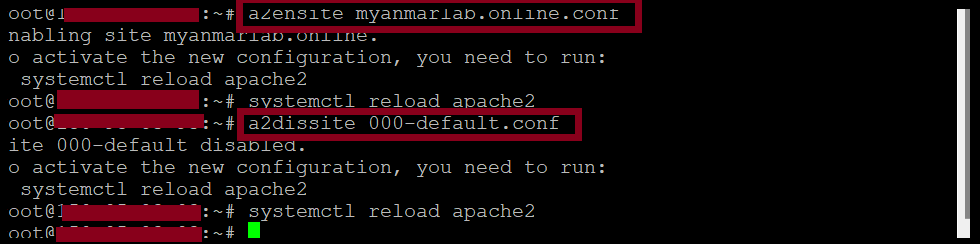
Step8. Now we can access our website with our own domain.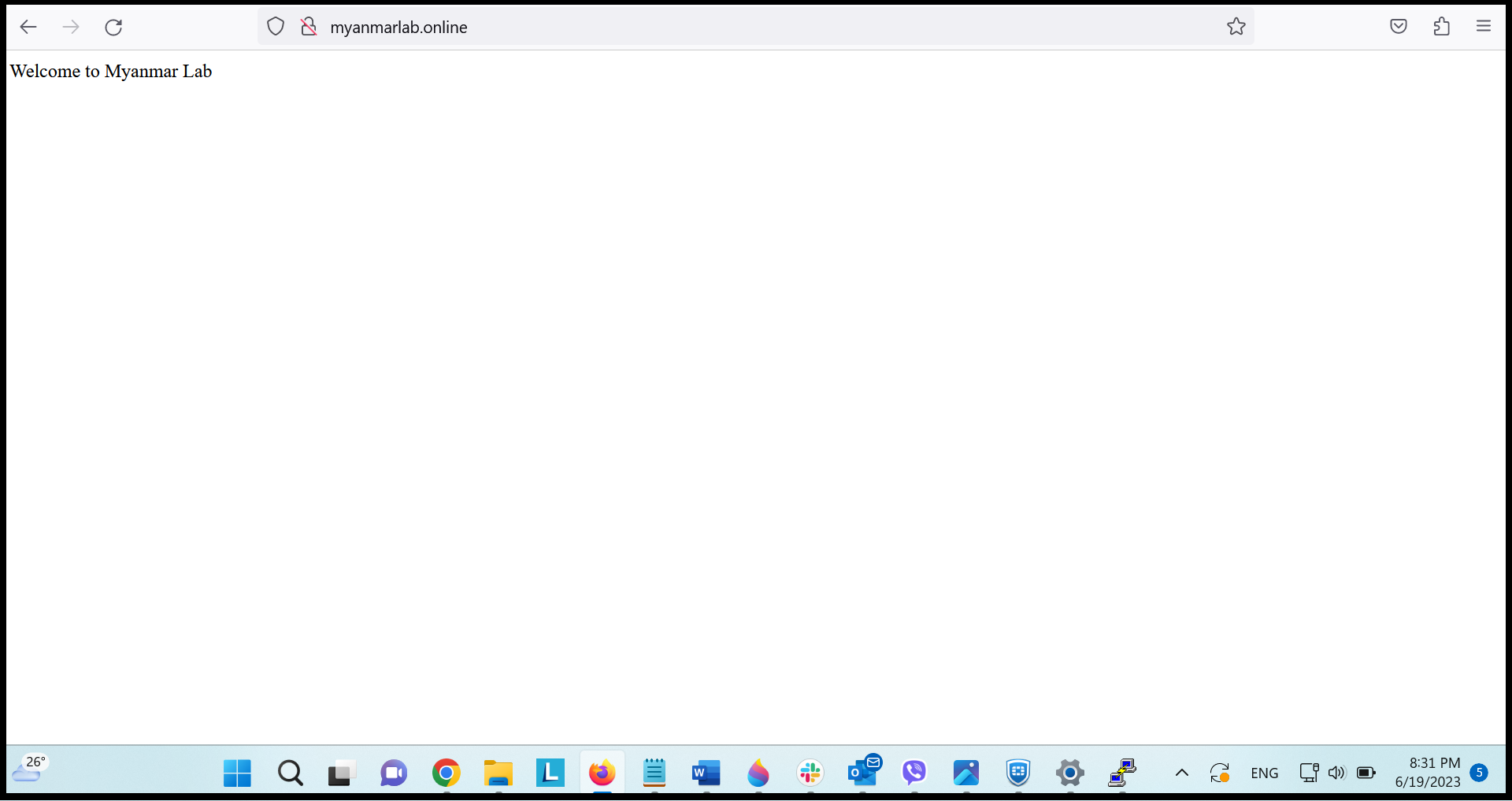
THANK YOU!!!
Was this article helpful?
That’s Great!
Thank you for your feedback
Sorry! We couldn't be helpful
Thank you for your feedback
Feedback sent
We appreciate your effort and will try to fix the article