How to Enable Auto Backup in WHM?
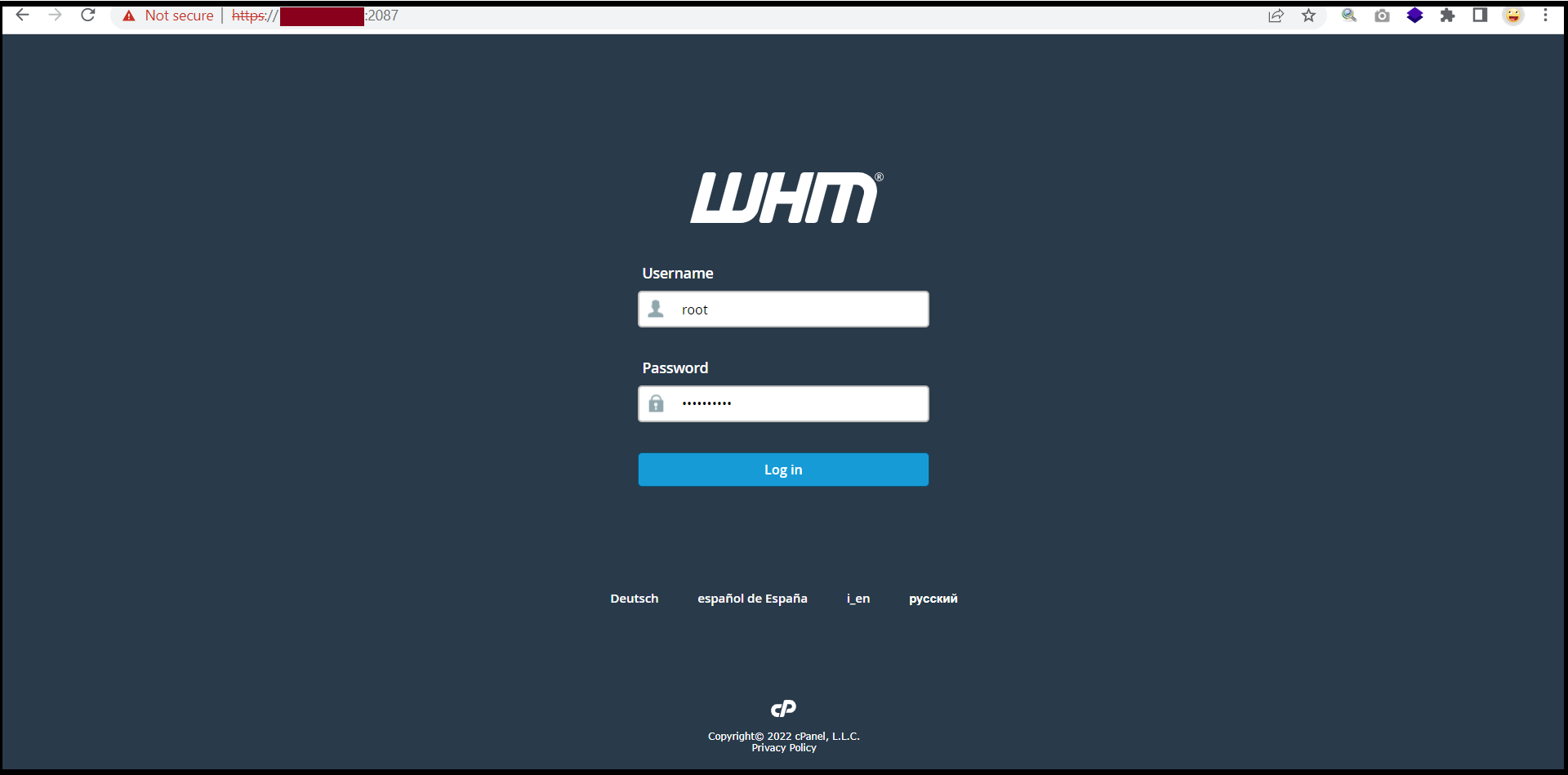
Step1. Login to your WHM.
https://123.45.78.9:2087/
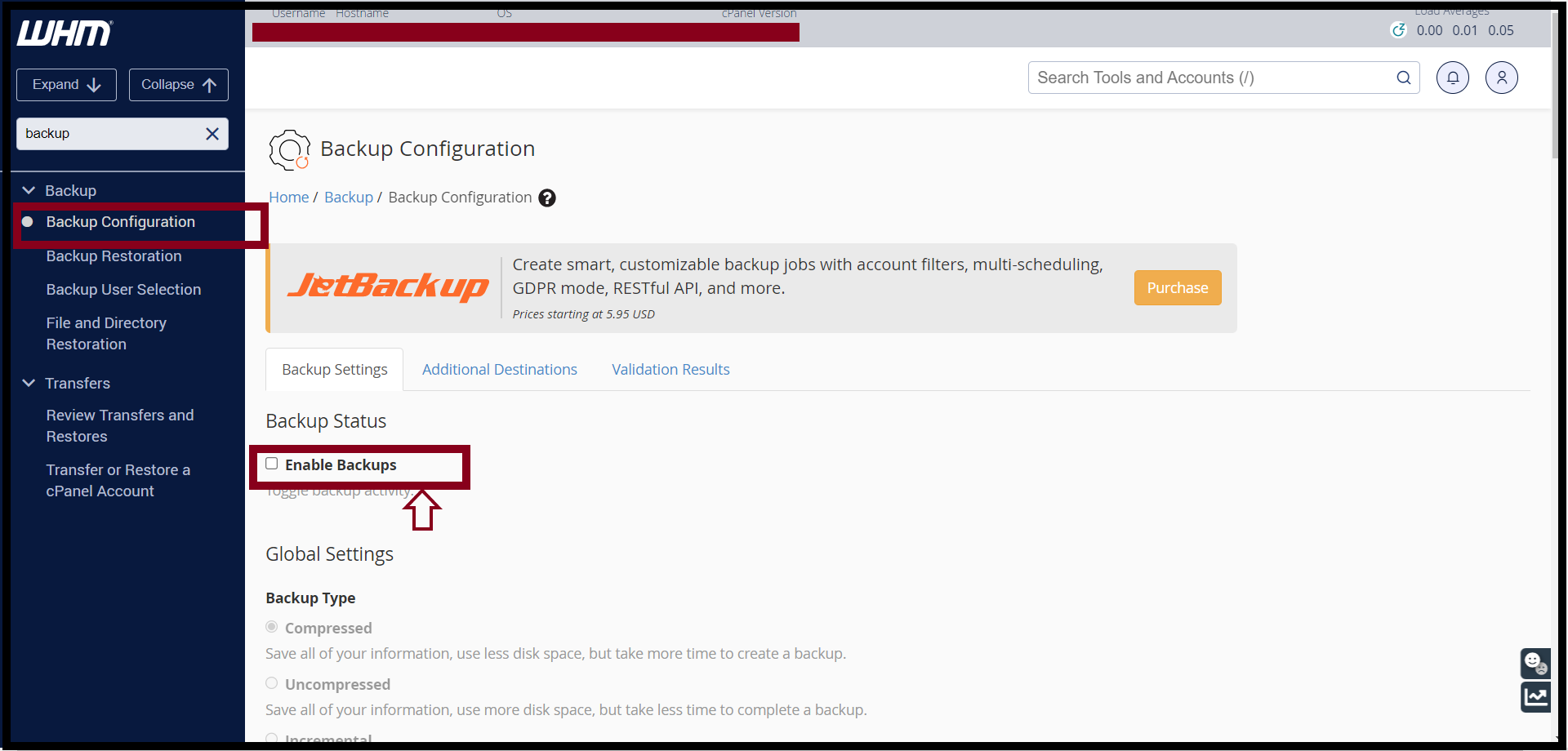
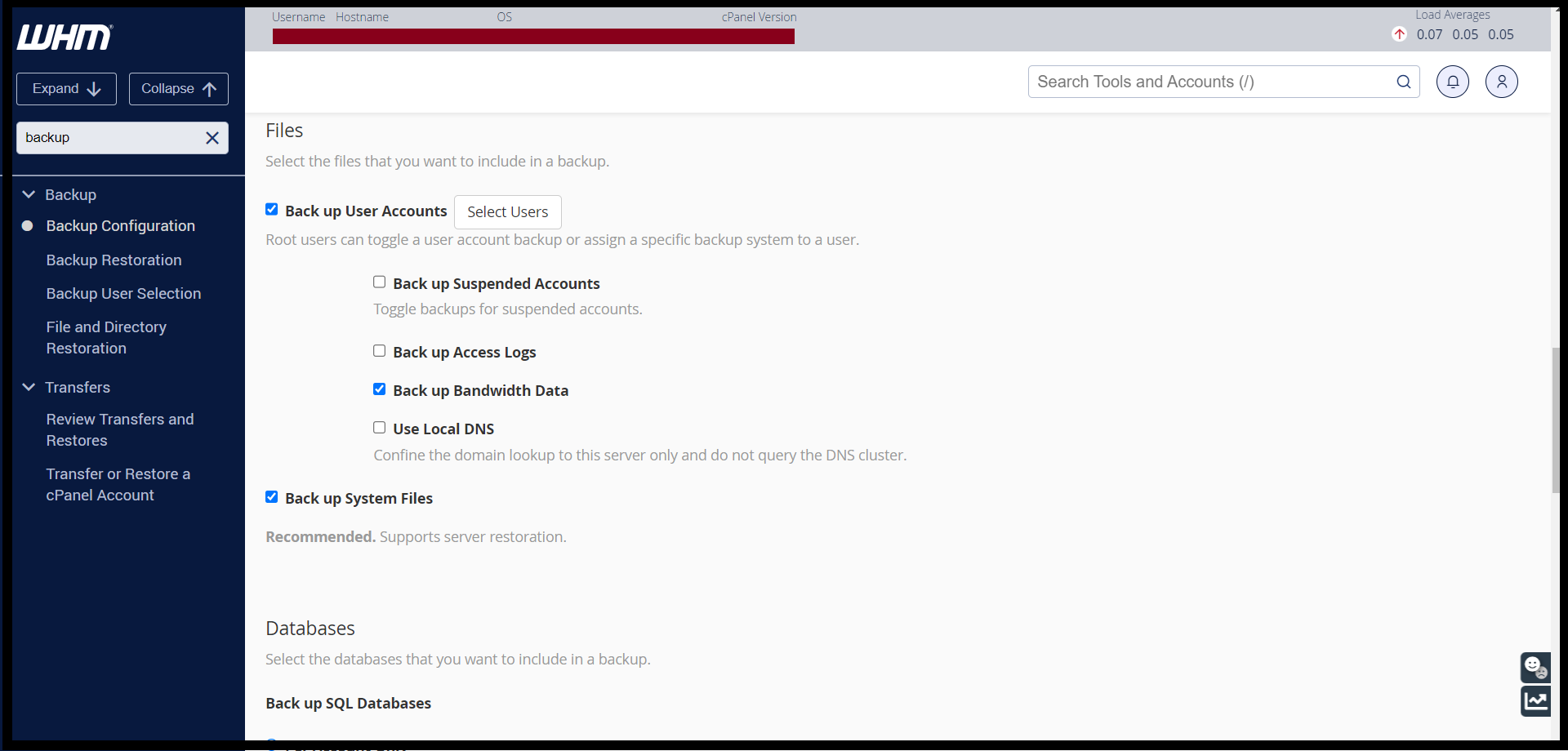
Step2.Search Backup Configuration from Search-bar.
Click Enable Backups
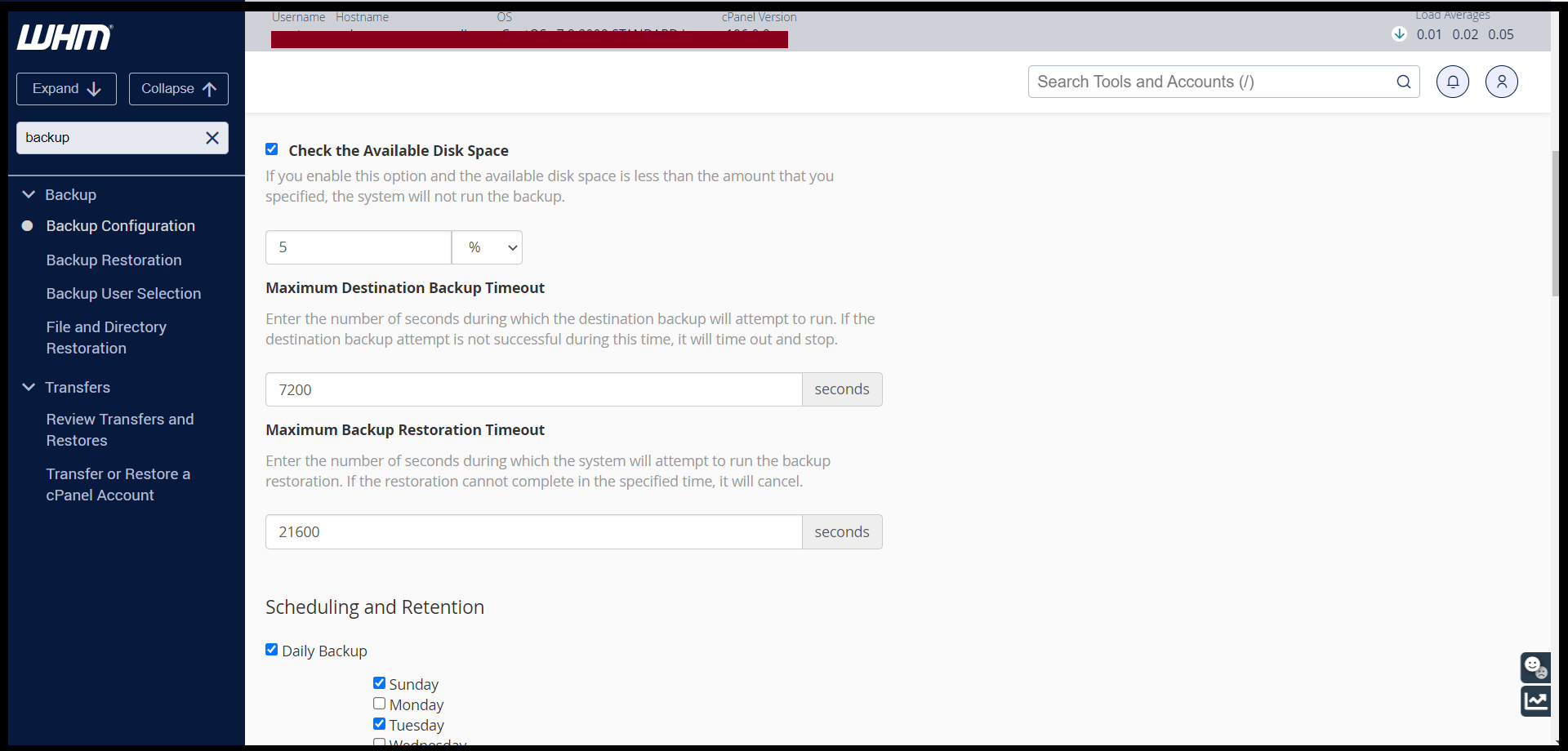
You can adjust backup schedule from WHM.
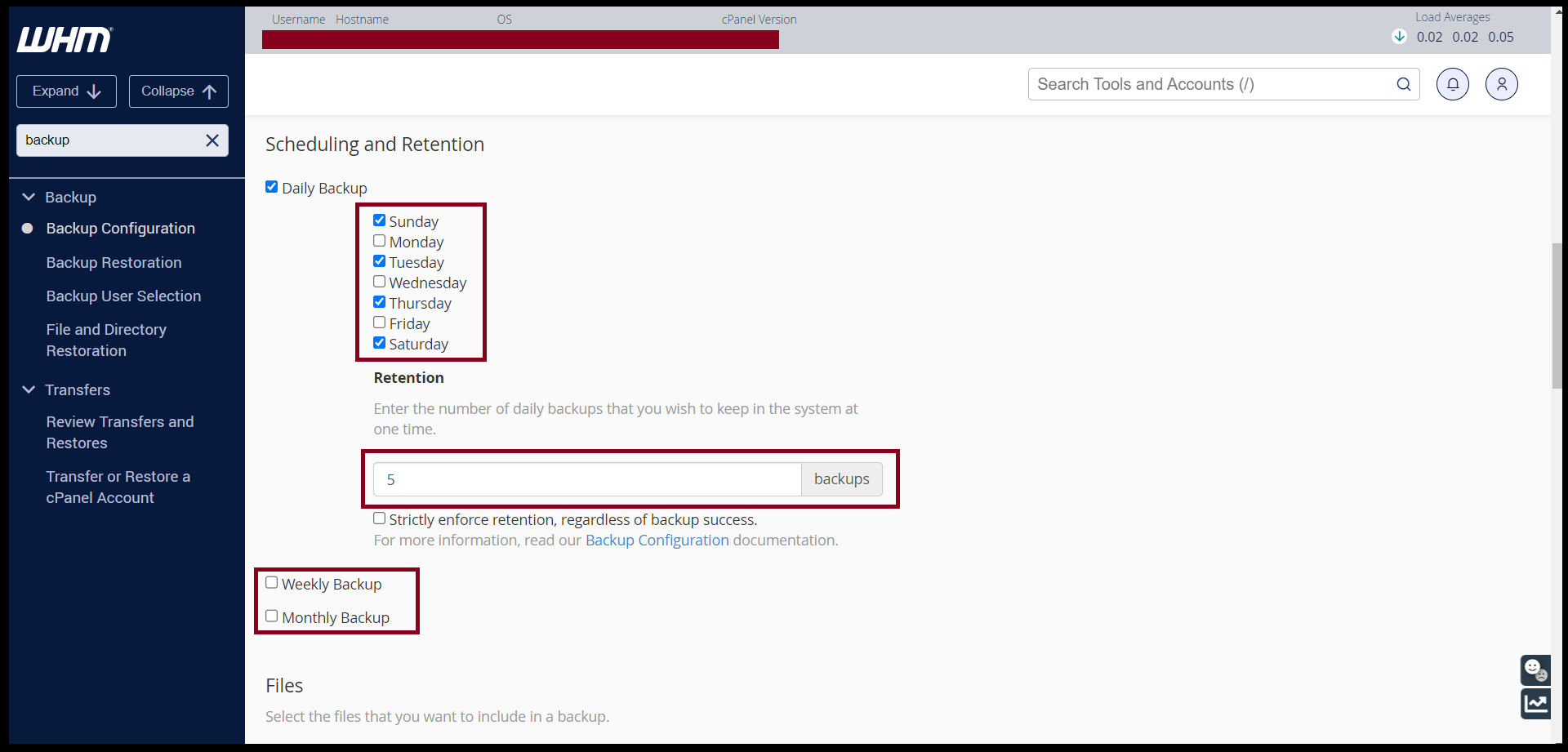
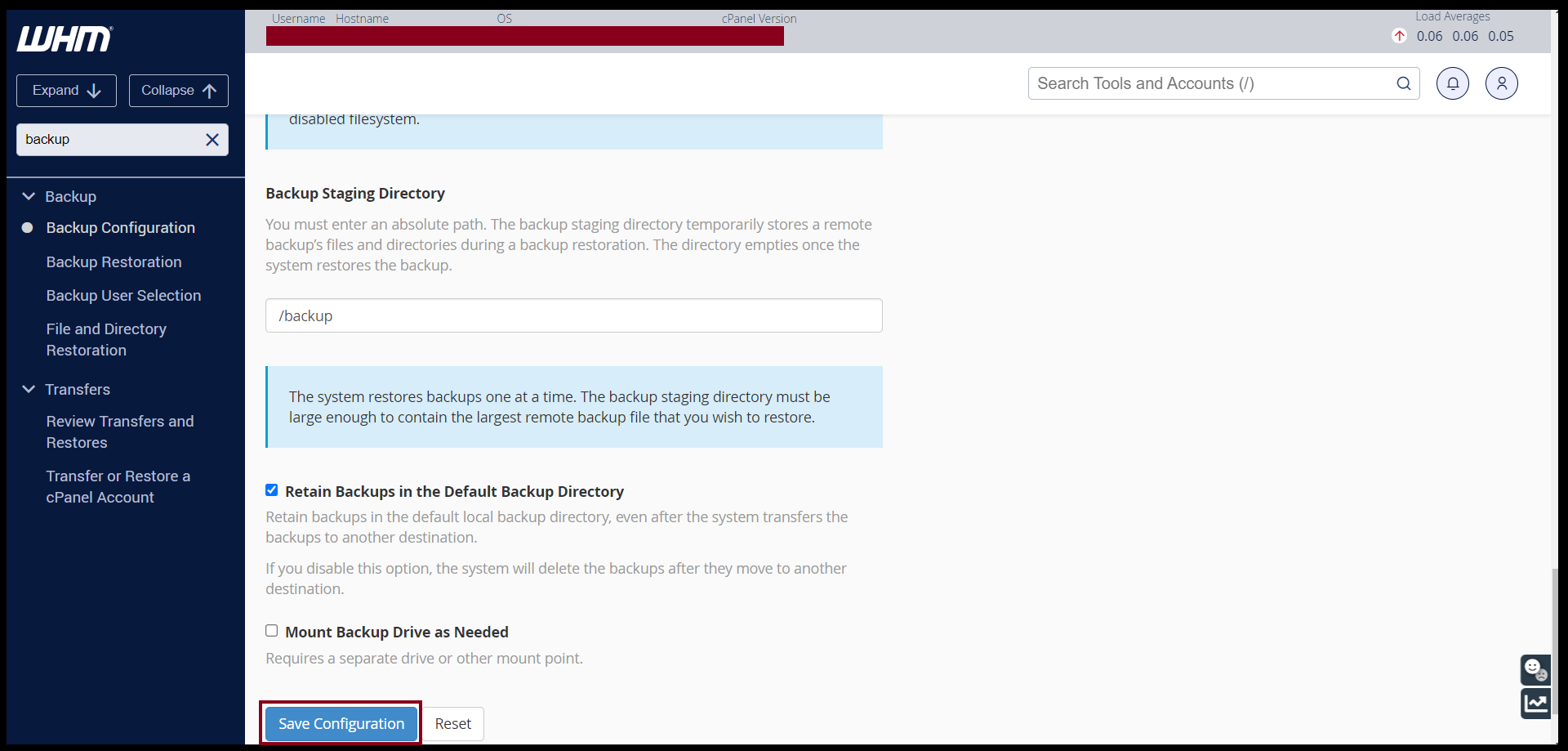
If you’ve finished the adjustment, click on Save Configuration, system will backup.
THANK YOU!!!
Was this article helpful?
That’s Great!
Thank you for your feedback
Sorry! We couldn't be helpful
Thank you for your feedback
Feedback sent
We appreciate your effort and will try to fix the article