How to Restrict SSH login to a Specific IP or host in Ubuntu?
Step1. Login to the server with SSH access.
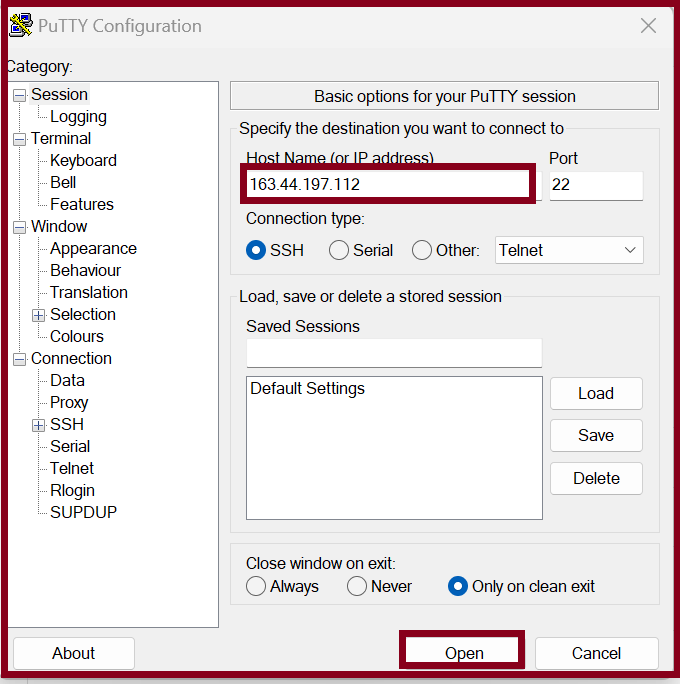
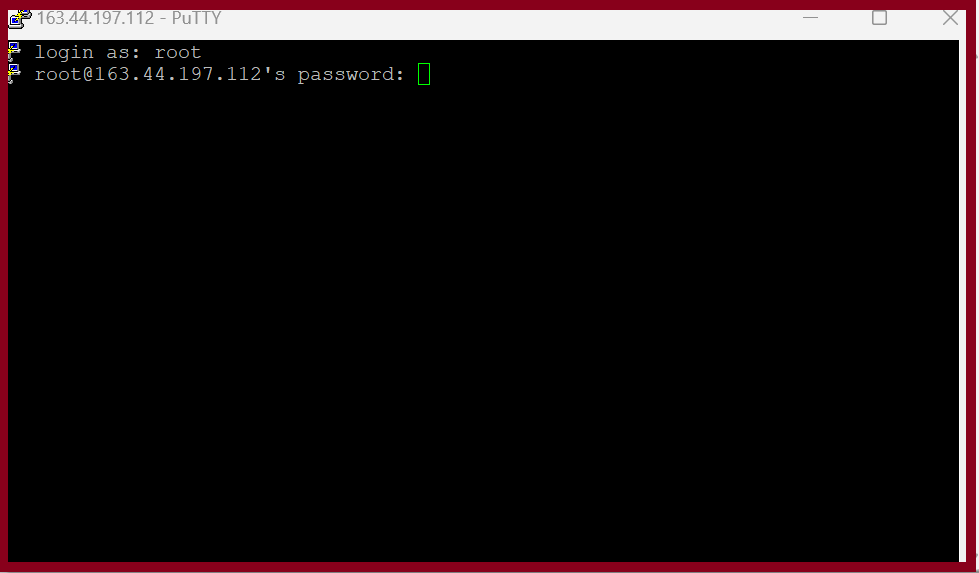
Step2. Login to the server with root access.
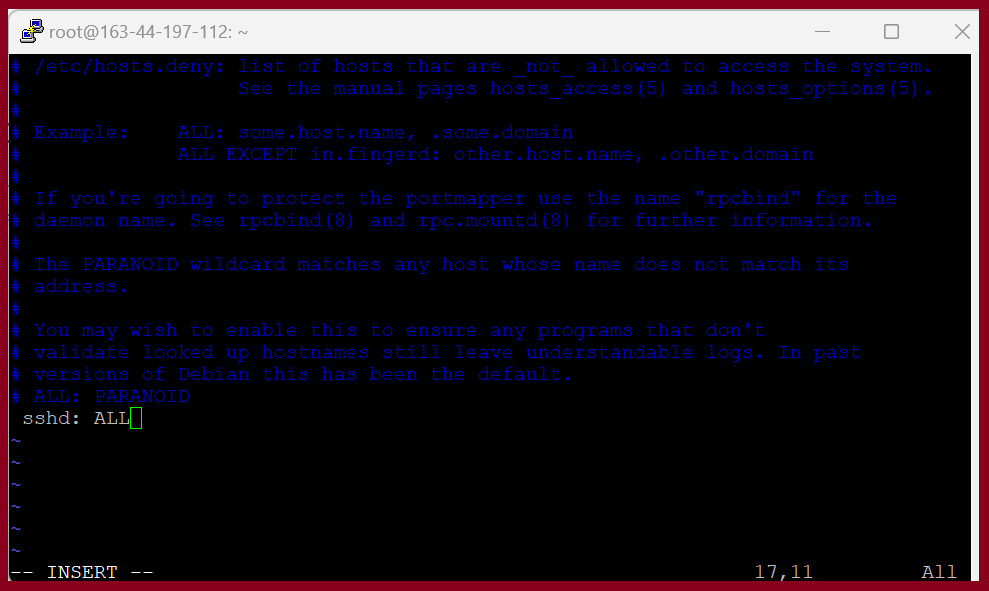
Step3. Open file /etc/hosts.deny by using a text editor.
# vi /etc/hosts.deny
Step4. Add the following line to deny all incoming SSH connections to the server:
# sshd: ALL
Step5. Save and close the file.
Step6. Open the file /etc/hosts.allow file by using a text editor:
# vi /etc/hosts.allow
Add the following line to allow incoming SSH connections for specific ip or host to the server.
sshd : localhost
sshd : 192.168.0.
sshd : 99.151.250.7
Step7. Save and close the file.
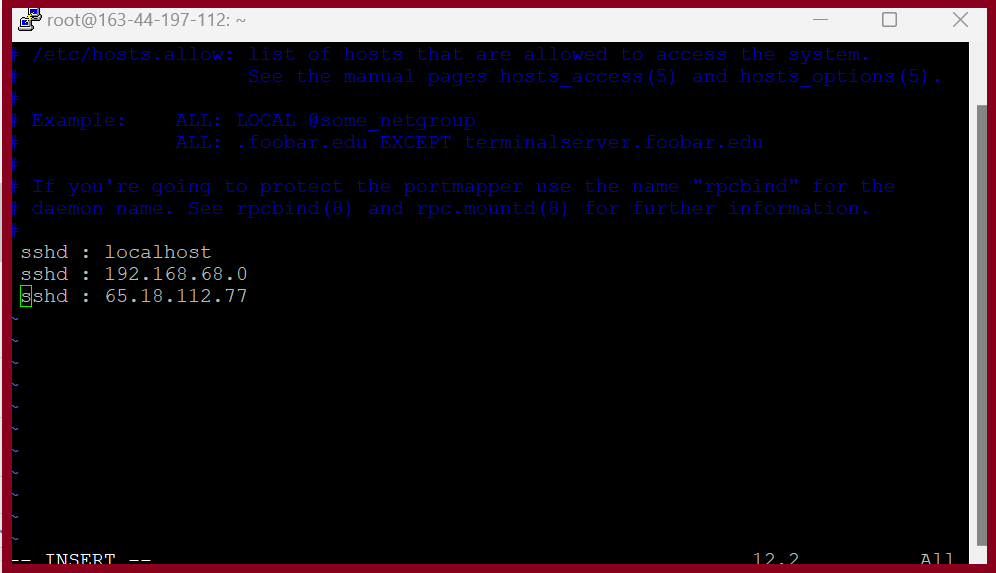
You can allow or deny based on IP address, subnet, or hostname.
THANK YOU!!!
Was this article helpful?
That’s Great!
Thank you for your feedback
Sorry! We couldn't be helpful
Thank you for your feedback
Feedback sent
We appreciate your effort and will try to fix the article