How to Order CloudVPS Monthly Plan in Z.com Portal?
Step1. Login to the Z.com account with your registered email. https://cloud.z.com/mm/signin/
Step2. Click VPS server under Cloud Tab.
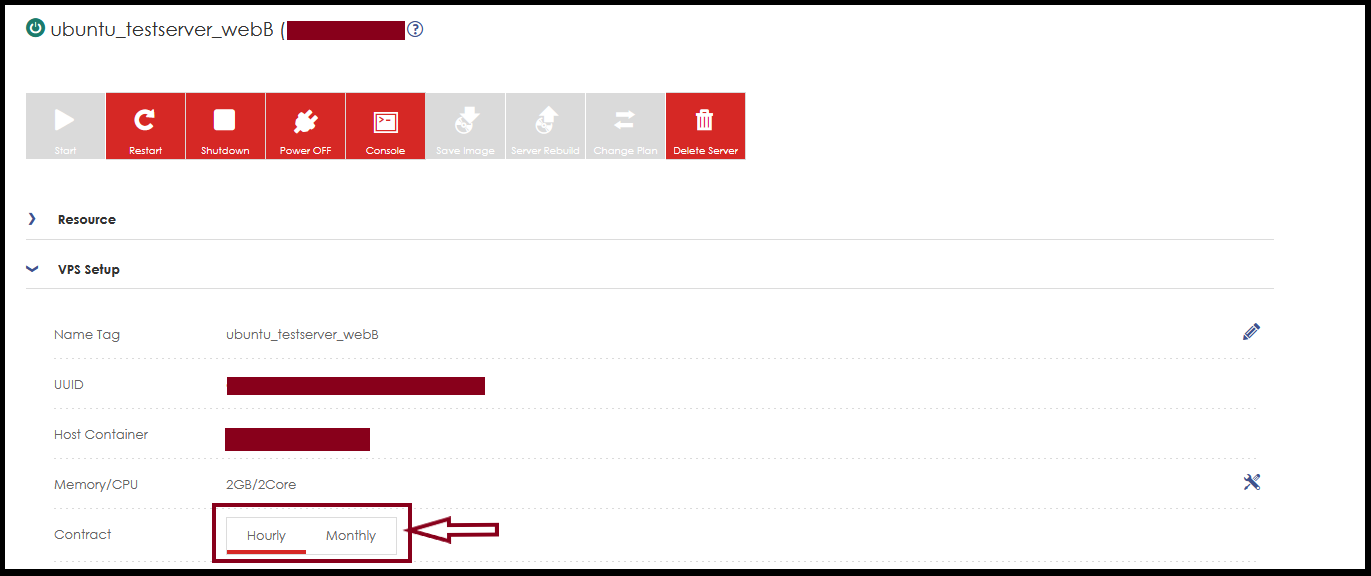
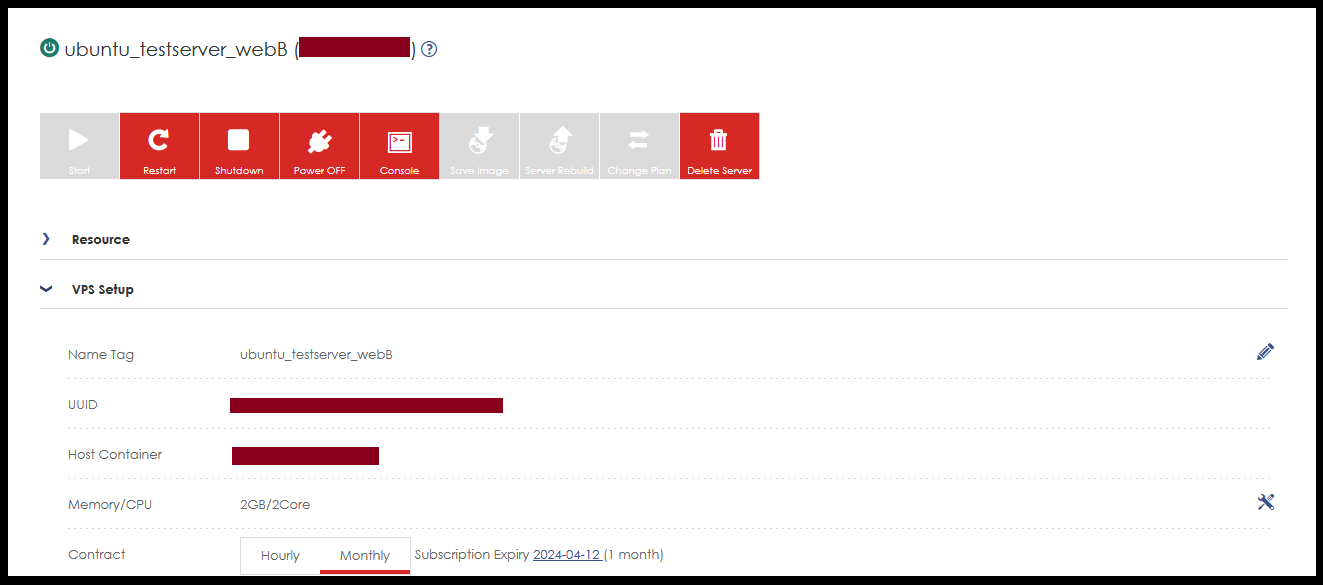
Step3. Click the “Monthly” icon and order the server contract plan.
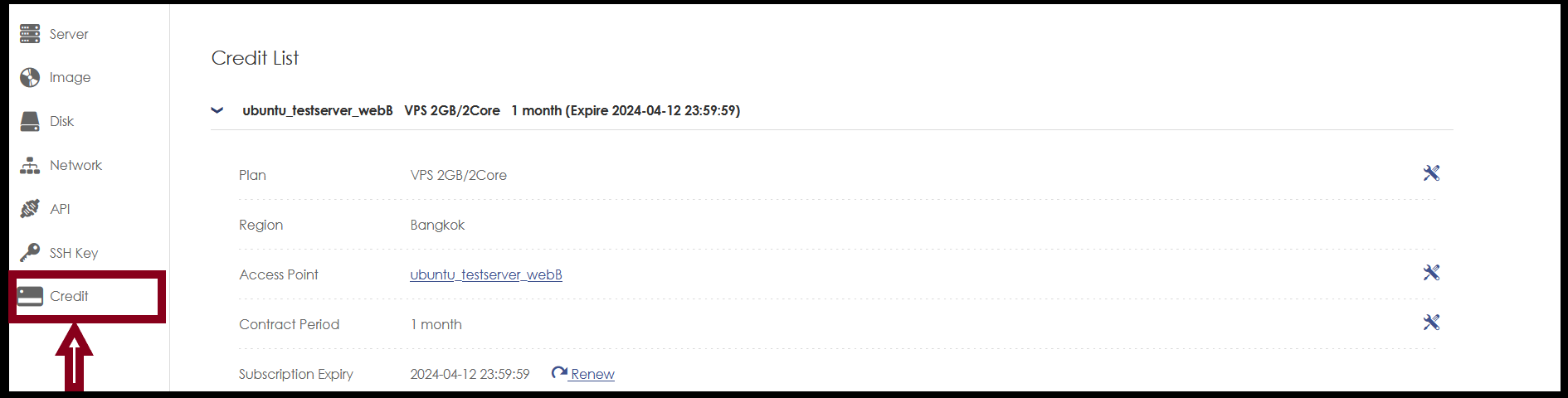
Step4. Now we can choose the credit type that we want to use package (for eg, 1 month, 3 months etc..)
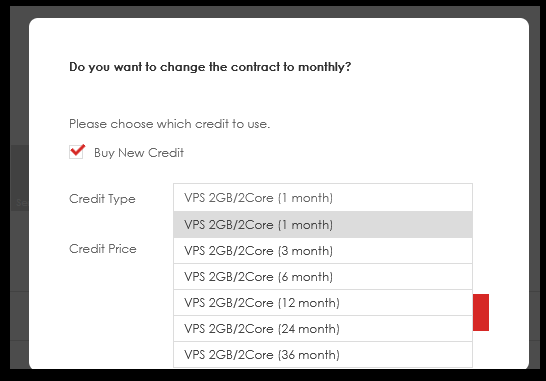
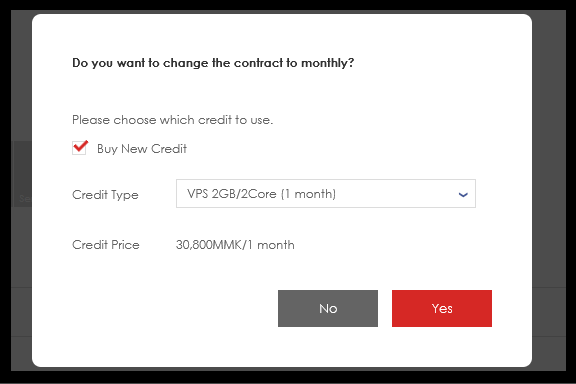
Now, we choose a 1-month contract plan and order it.
And Click “Yes”
Step5. Now, the system will show the contract plan amount and we can choose the payment method option.
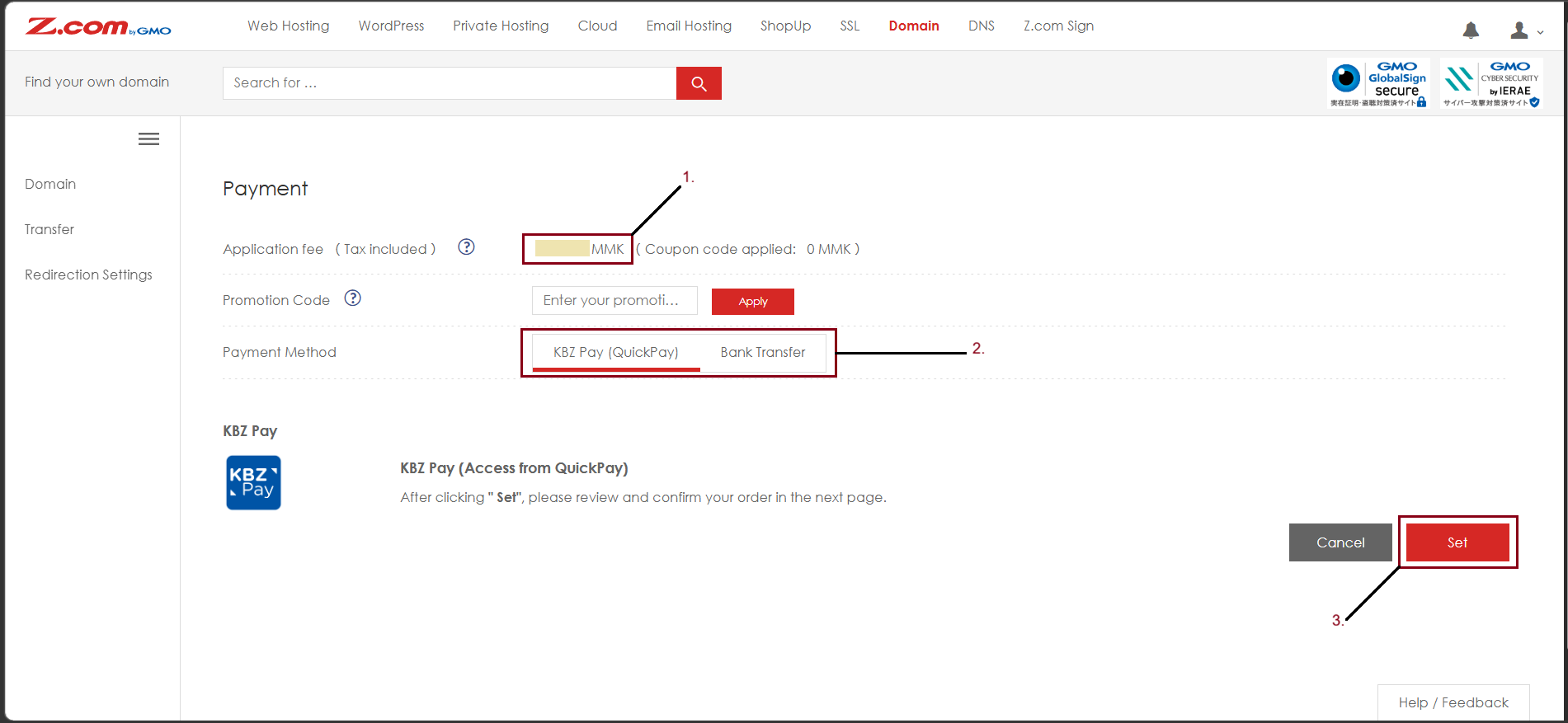
Step6. If we choose Bank transfer payment, the system will show banking information as below.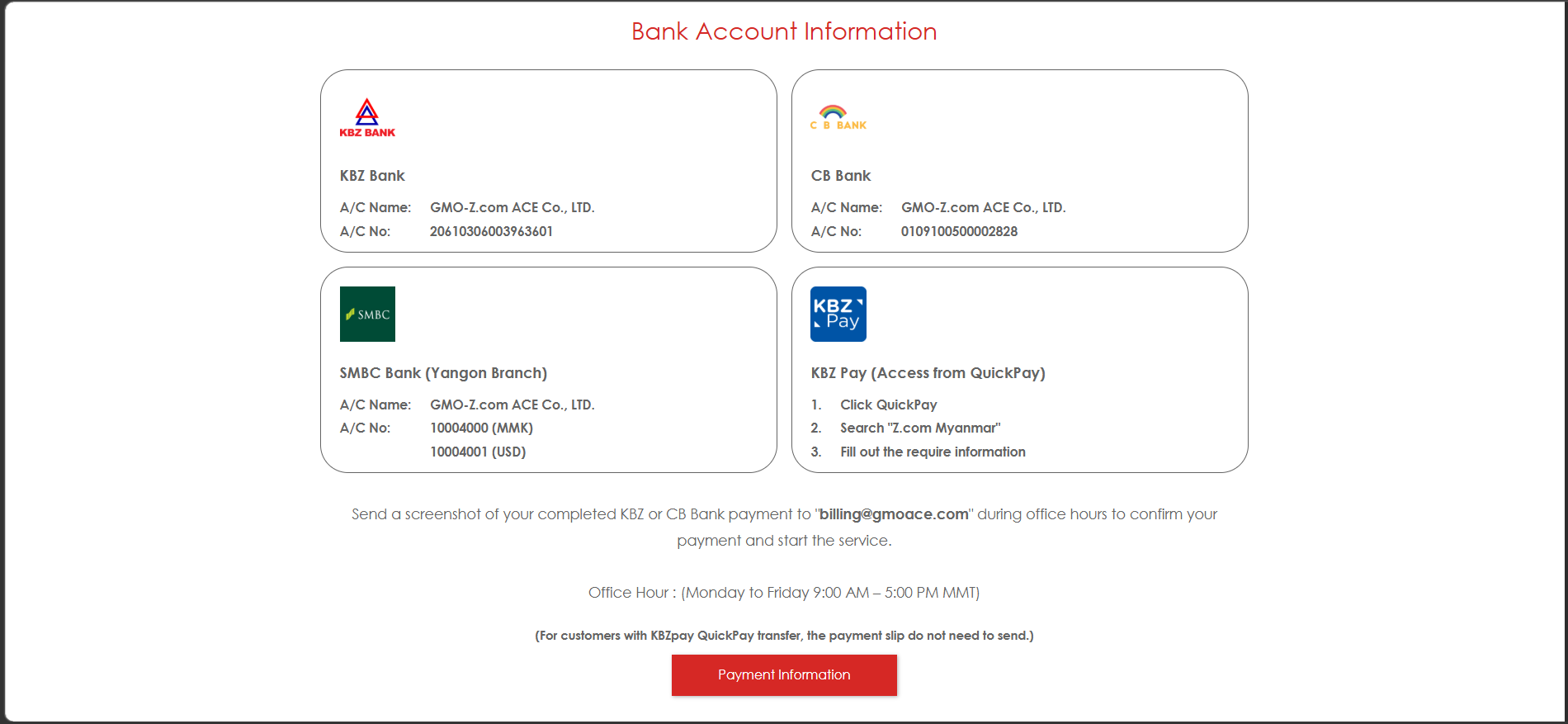
Step7. Now, the server is monthly type successfully.
THANK YOU!!!
Was this article helpful?
That’s Great!
Thank you for your feedback
Sorry! We couldn't be helpful
Thank you for your feedback
Feedback sent
We appreciate your effort and will try to fix the article