How to Create Autoresponders for Specific Email Accounts in Web Hosting (cPanel)?
Step1. Login to the Z.com account, https://cloud.z.com/mm/signin/
Step2. Click the "Web Hosting" Menu
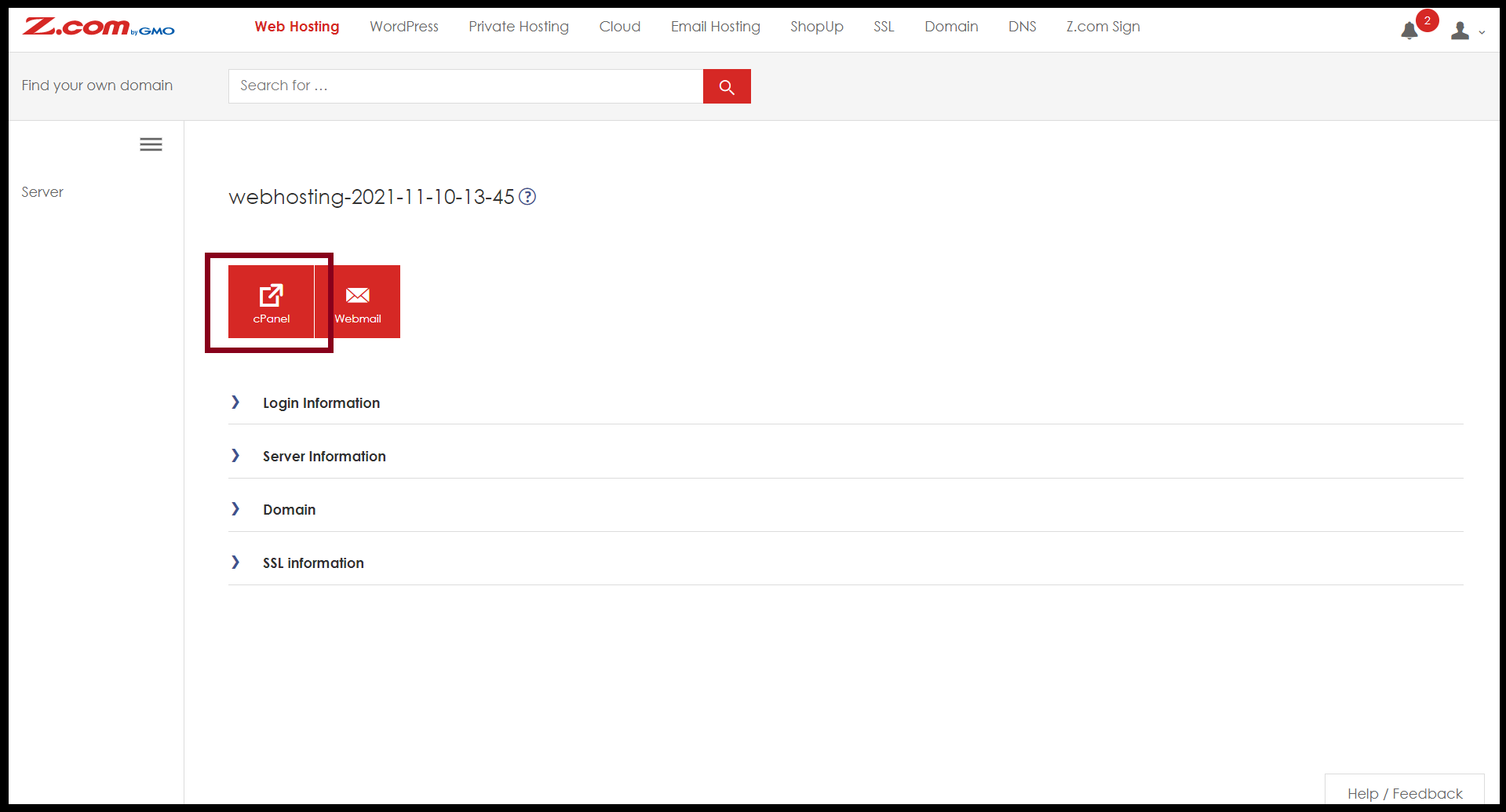
Step3. Select your Webhosting server Under Web Hosting Server List
Step4. Enter the "cPanel"
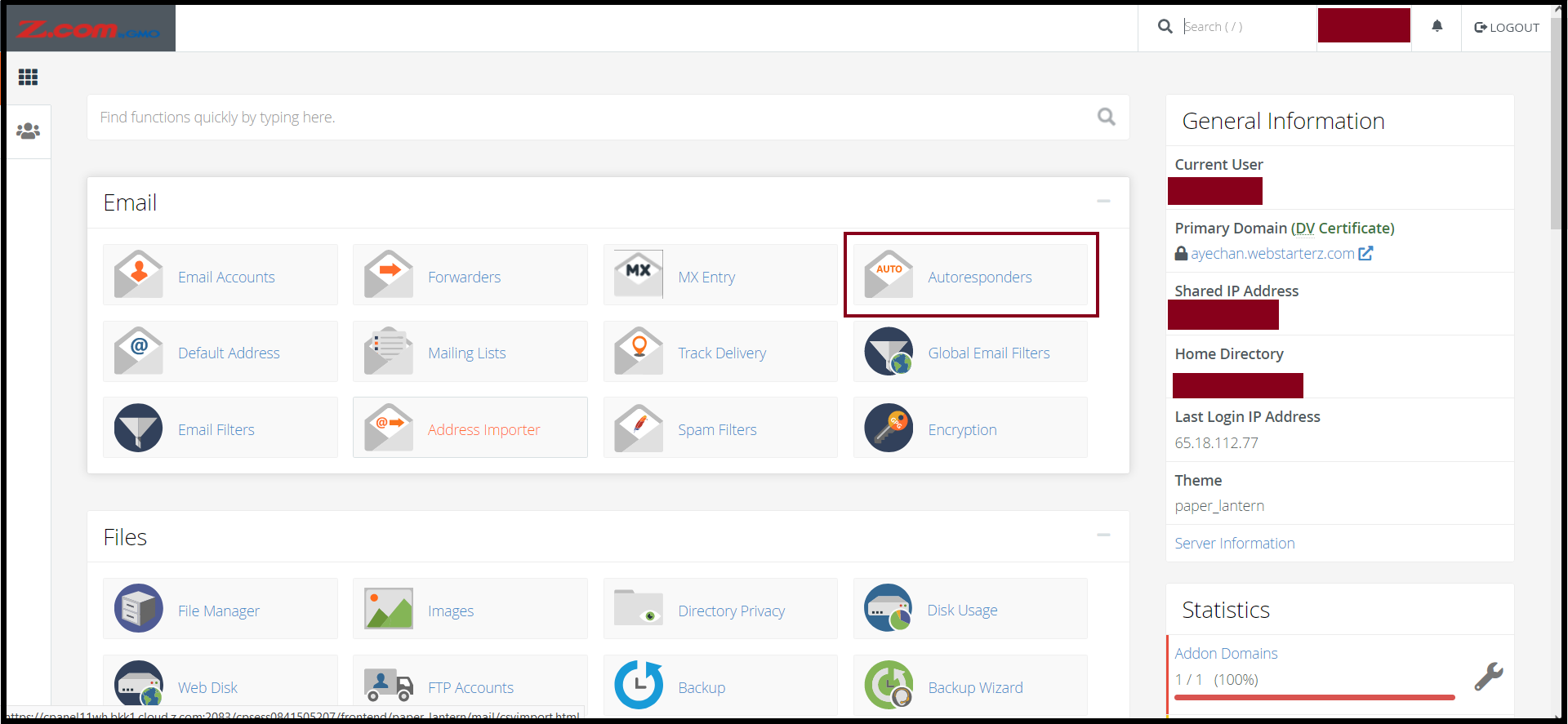
Step5. Go to the "Autoresponders" under Email Menu
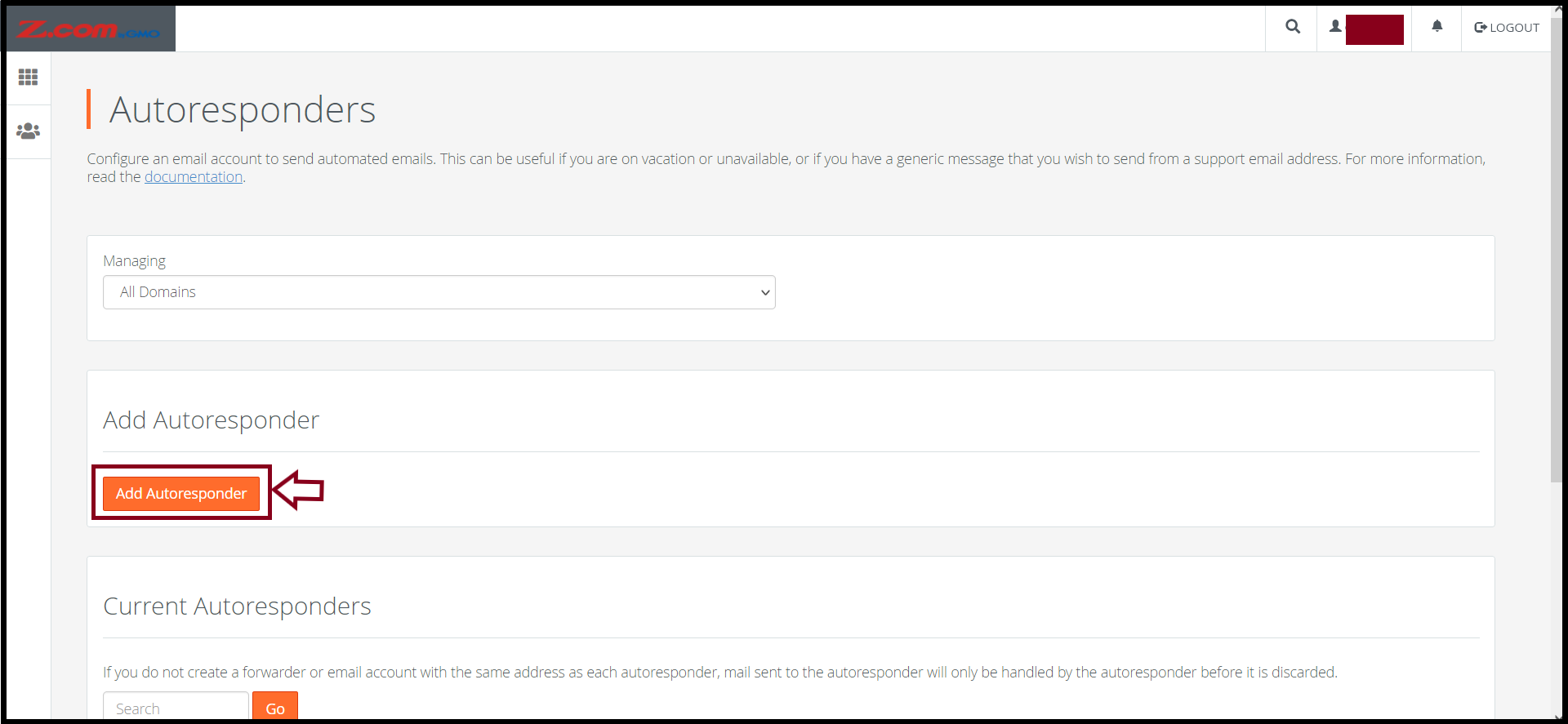
And then, click "Add Autoresponder"
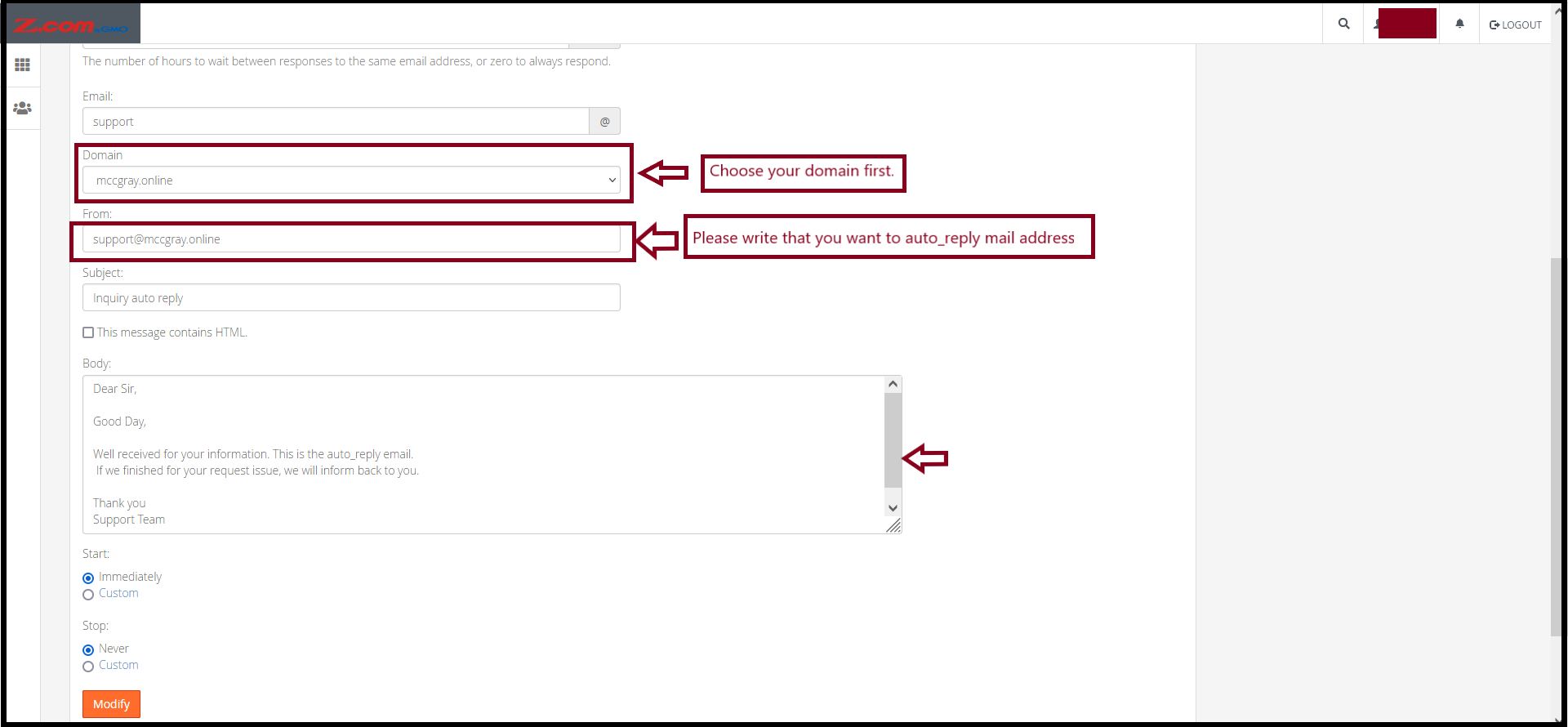
Step6. Enter your email address which will be the autoresponder email
And, prepare the Email Format that you want to send it back
- Enter Email Address
- Email Subject
- Email Body
- Set Schedule
- Click "Modify"
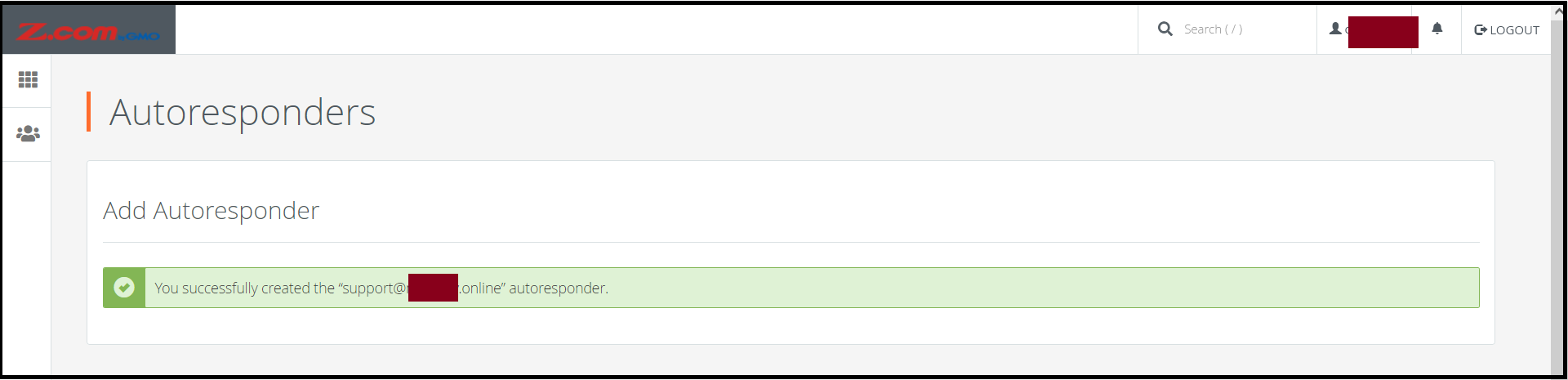
Now, you created the autoresponder for your email address successfully.
Thank you.
Was this article helpful?
That’s Great!
Thank you for your feedback
Sorry! We couldn't be helpful
Thank you for your feedback
Feedback sent
We appreciate your effort and will try to fix the article