How To Generate The CSR on cPanel?
Step(1). Login to the cPanel.
Login URL: https://123.456.78.9:2083
Username : *******
Password : *******
And then click " Log in " 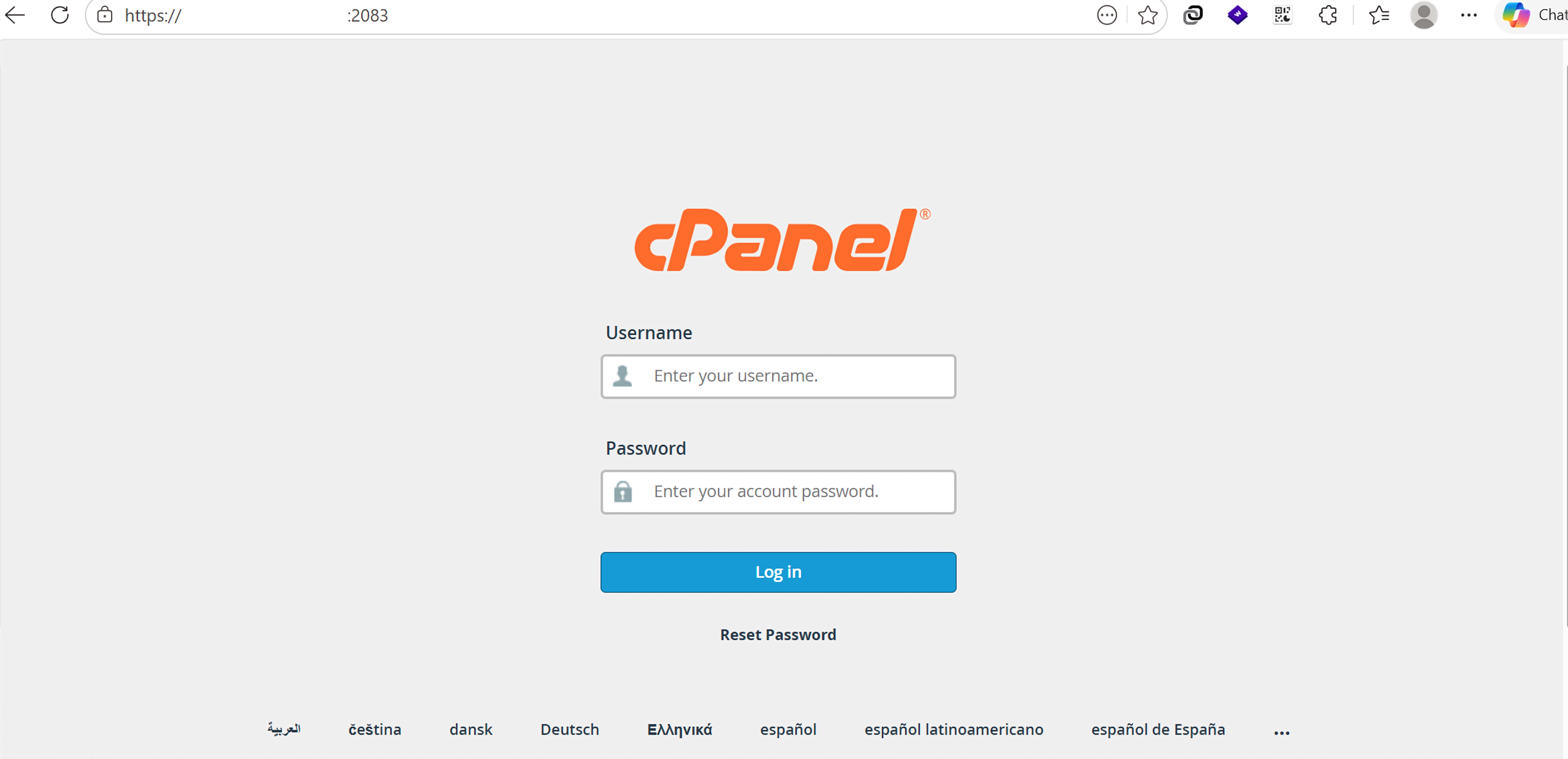
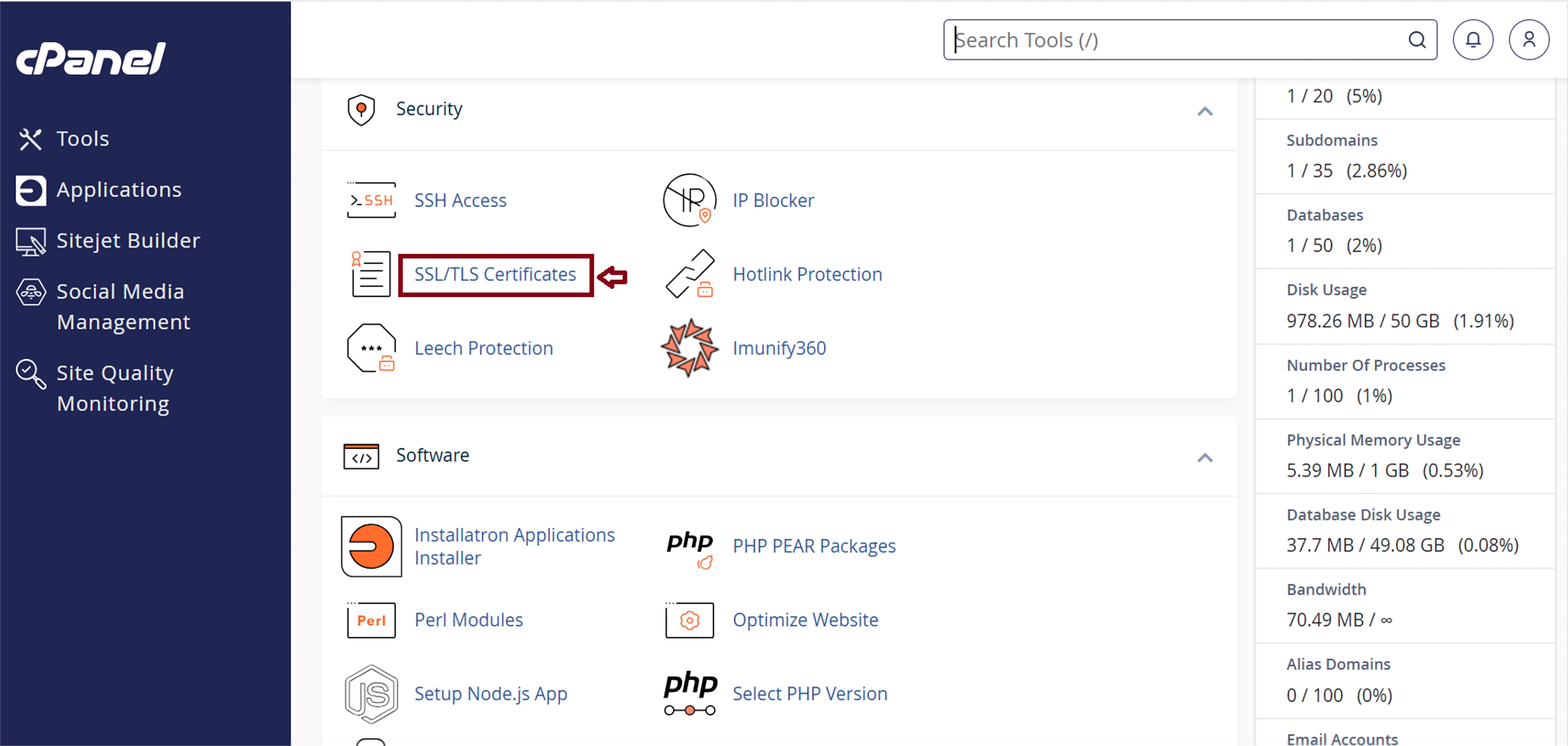
After logging into cPanel, go to the " Security " section in cPanel.
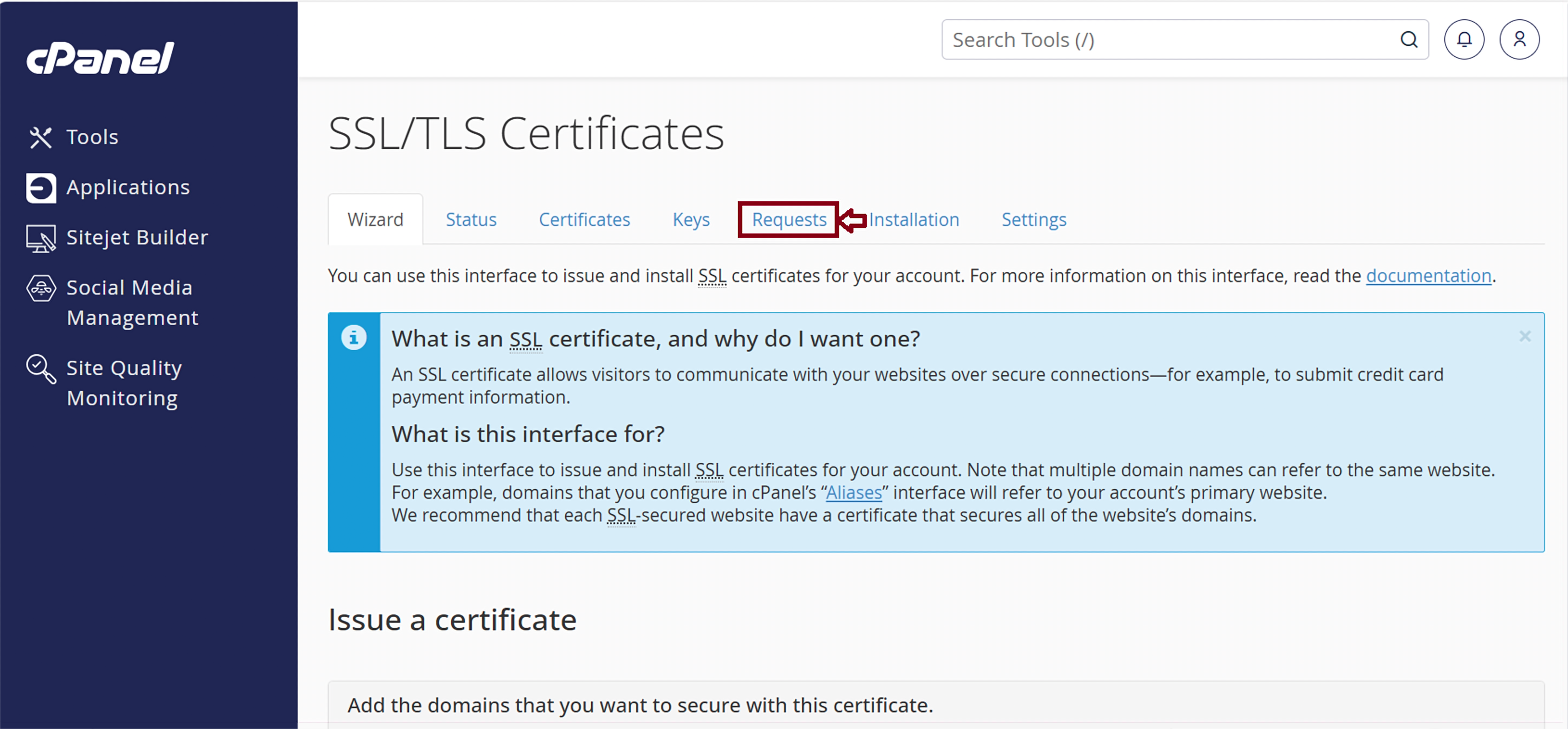
Step(2). Select “SSL/TLS Certificates” to generate CSR.
Click " Requests "
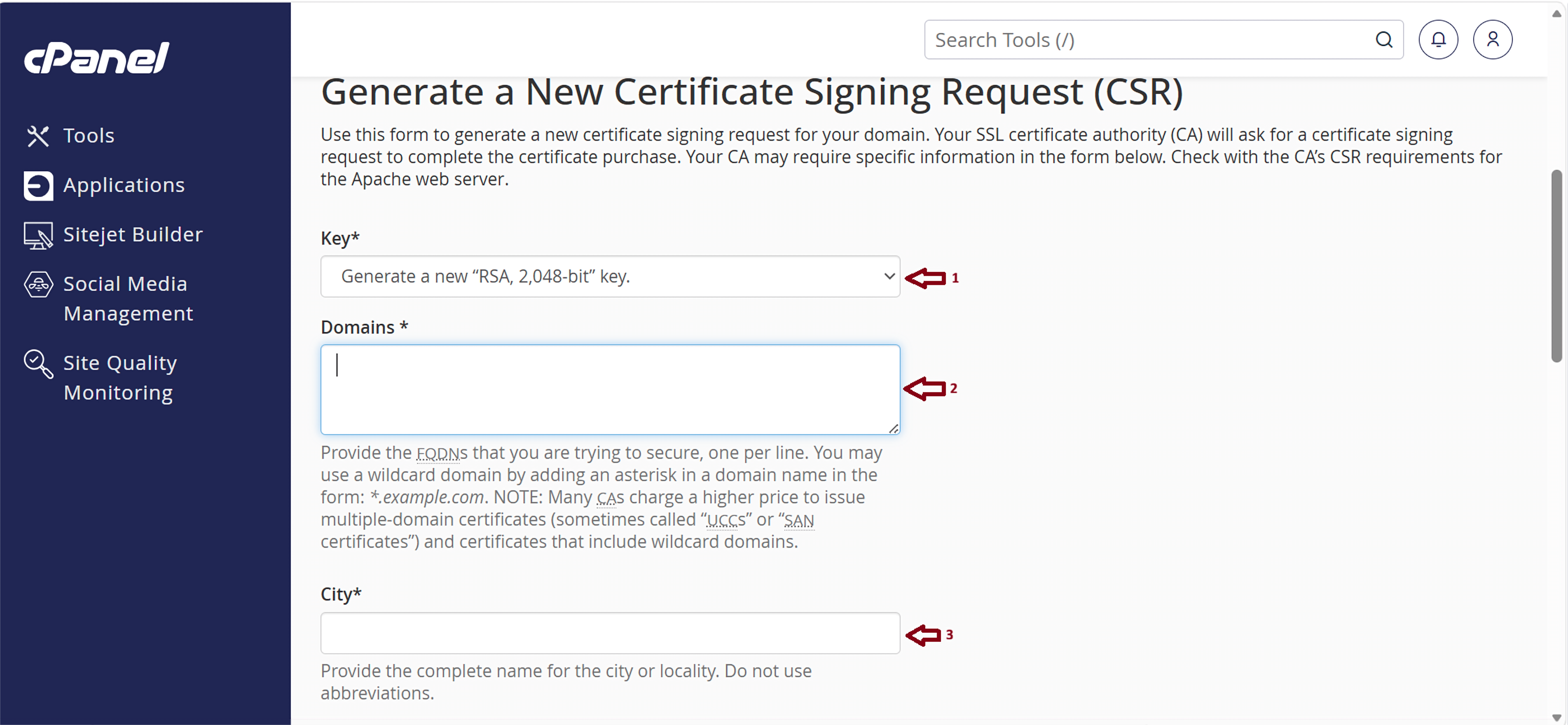
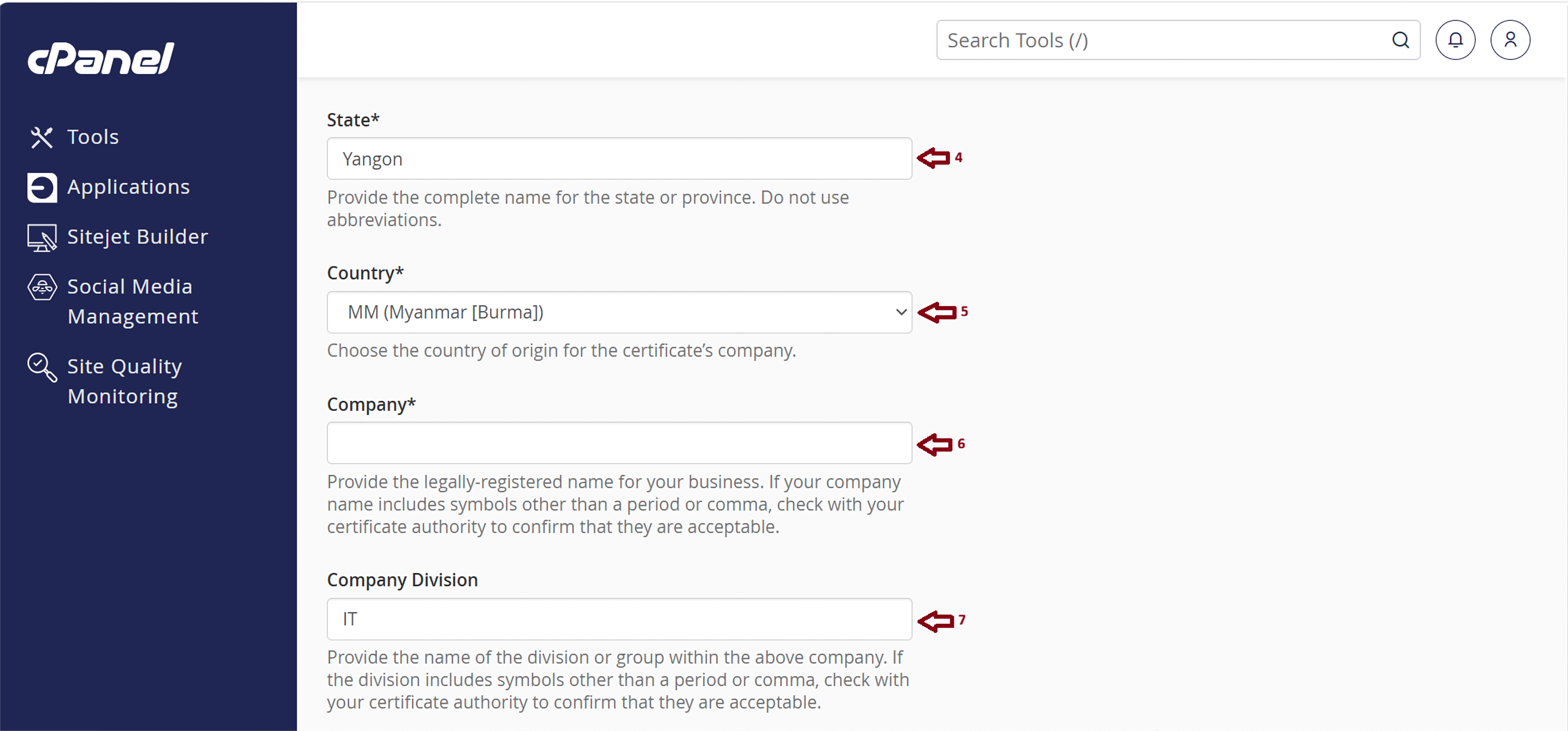
Step(3). Fill the CSR information of your Domain Name.
And Then Please Click " Generate "
Note: Please double-check your common name and take care the Spelling of your common name.
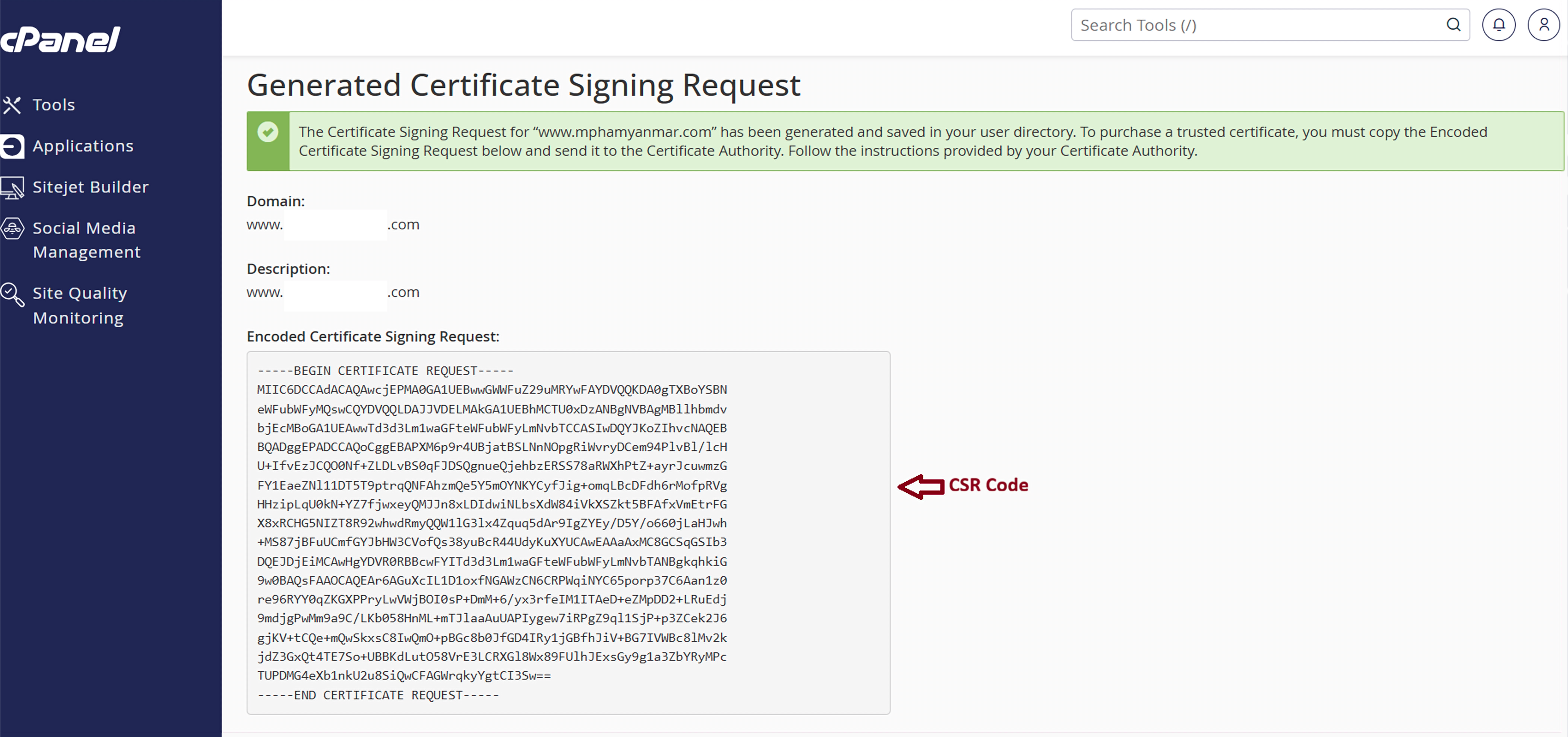
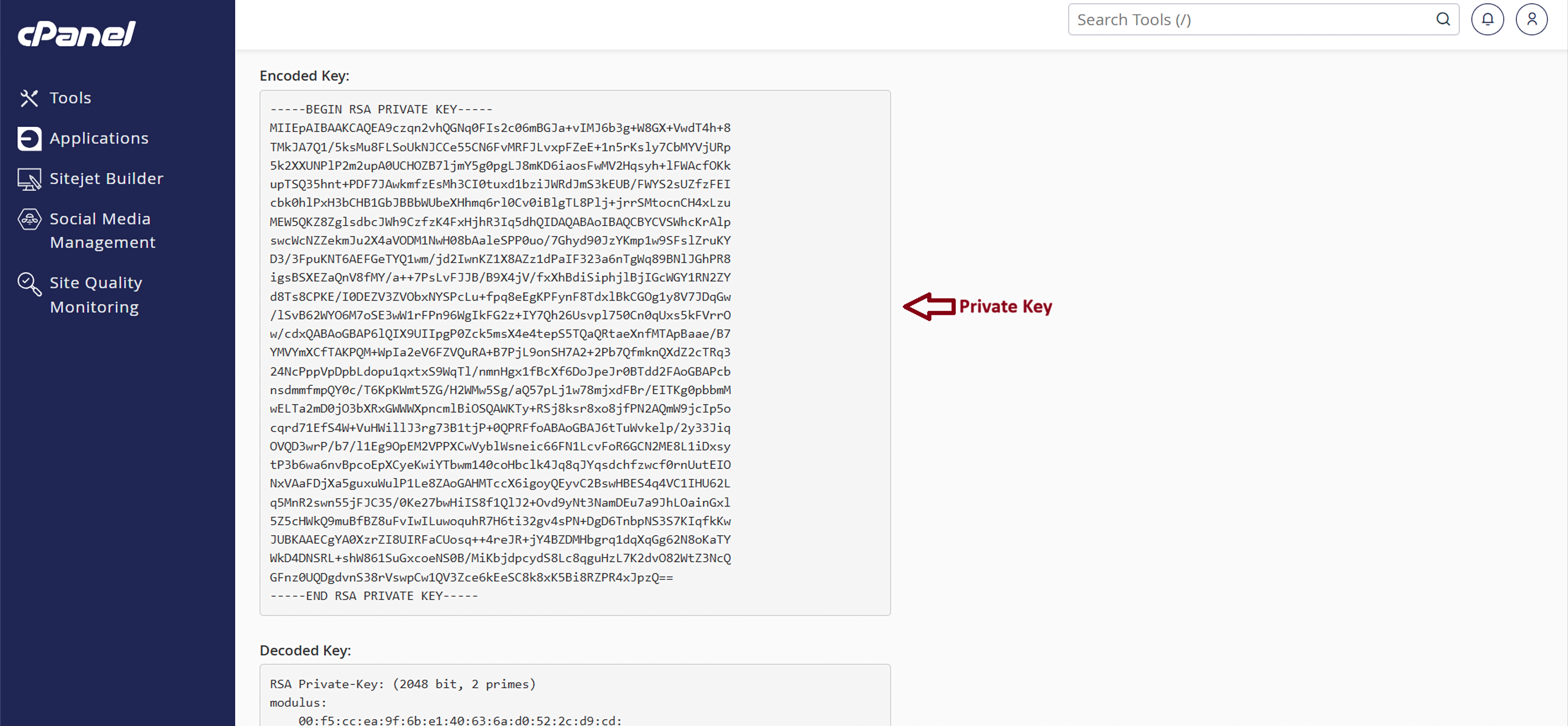
Finally, You got the new CSR Code and Private Key .
After that, copy the CSR and Private Key into Notepad.
Please save it in Notepad like this.
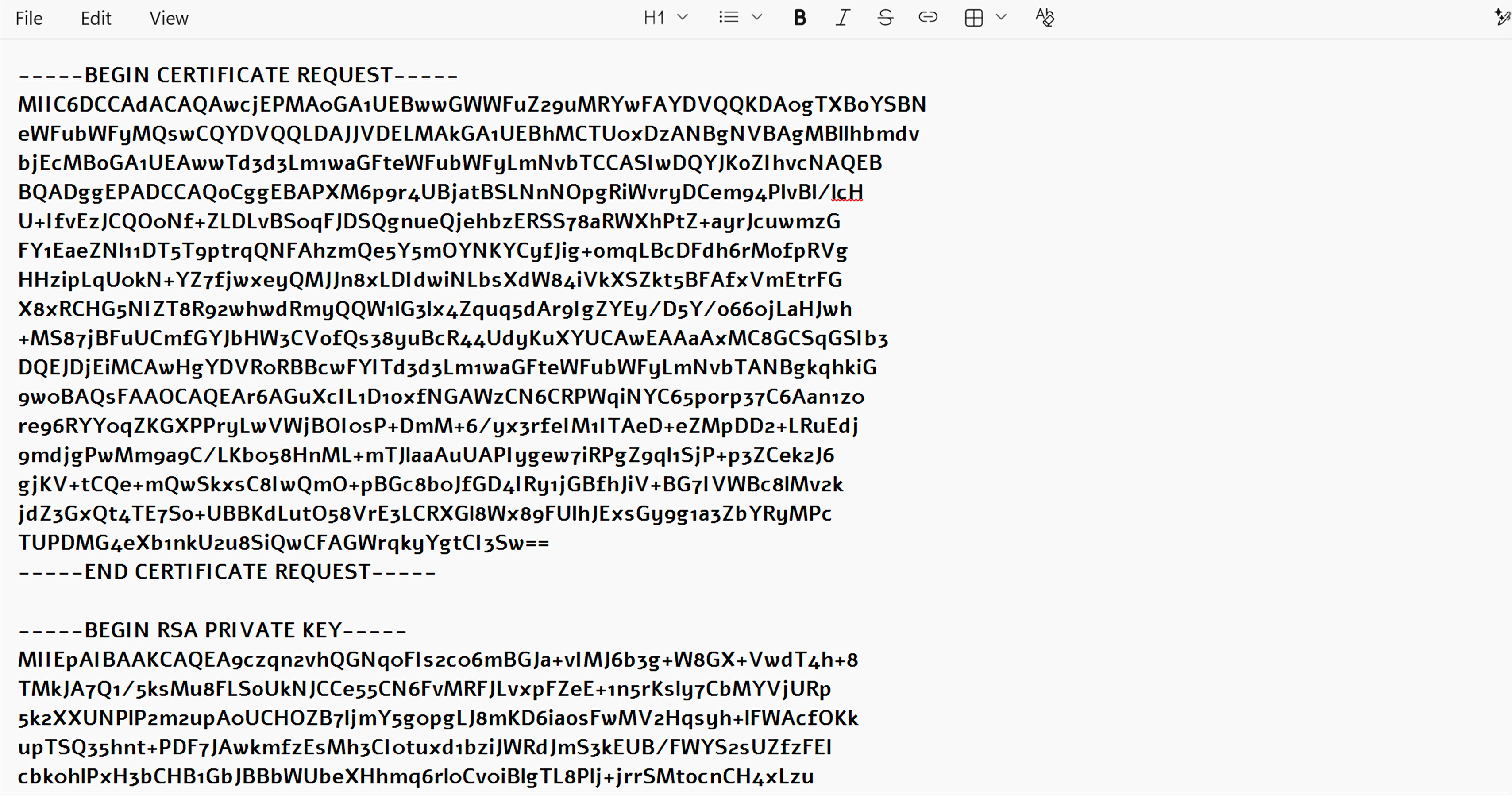 Now , you can use this CSR to start the SSL apply process with your SSL provider.
Thank You !!!
Was this article helpful?
That’s Great!
Thank you for your feedback
Sorry! We couldn't be helpful
Thank you for your feedback
Feedback sent
We appreciate your effort and will try to fix the article