How to Set Up a Node.js Website in cPanel Shared Hosting?
Step1. Upload Your Project
Log in to cPanel, open File Manager, and upload your Node.js project to the domain folder.
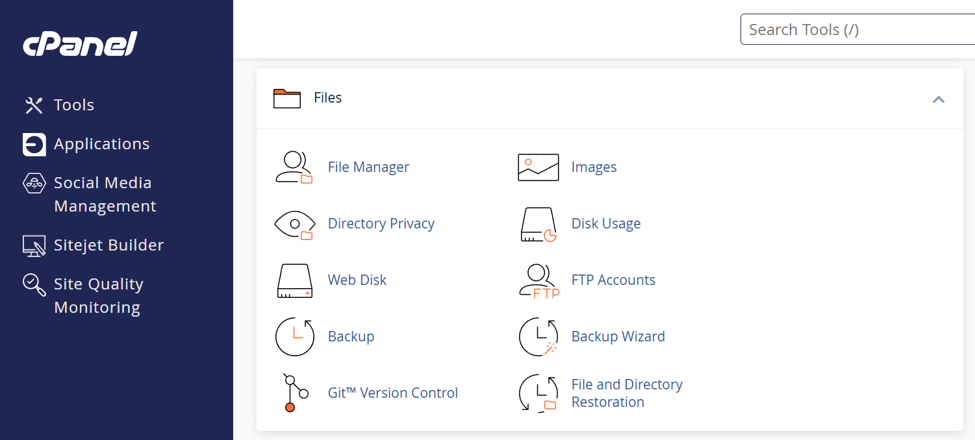
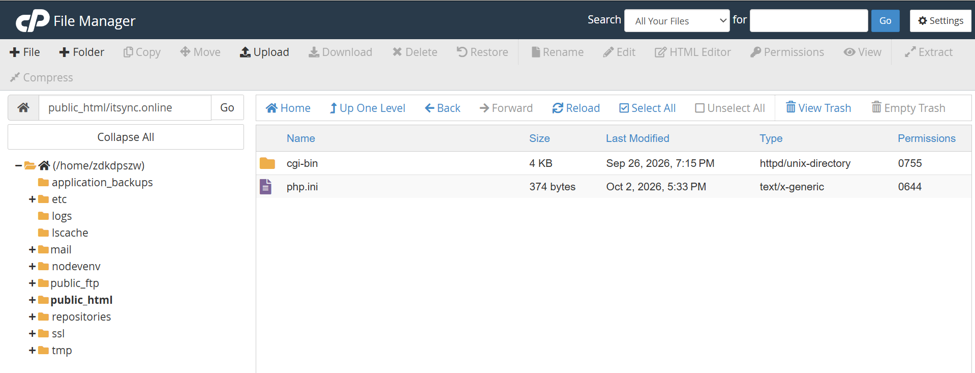
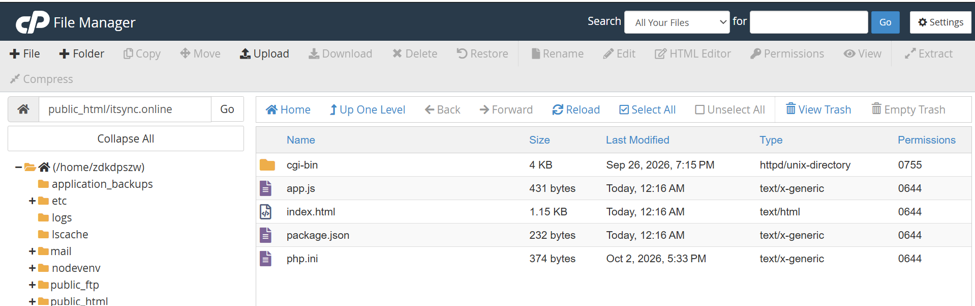
Step2. Create the Node.js Application
In cPanel, go to Software → Setup Node.js App.
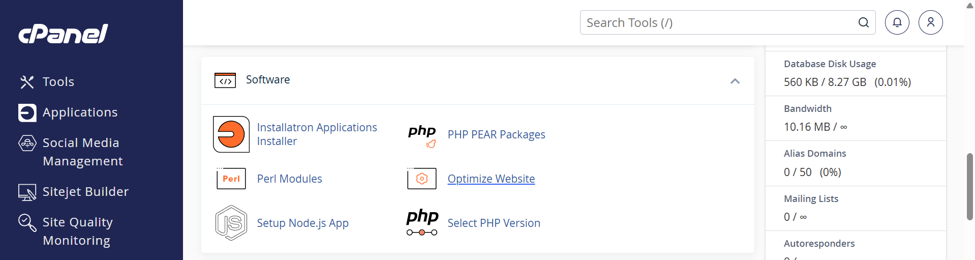
Click Create Application and complete the setup form.
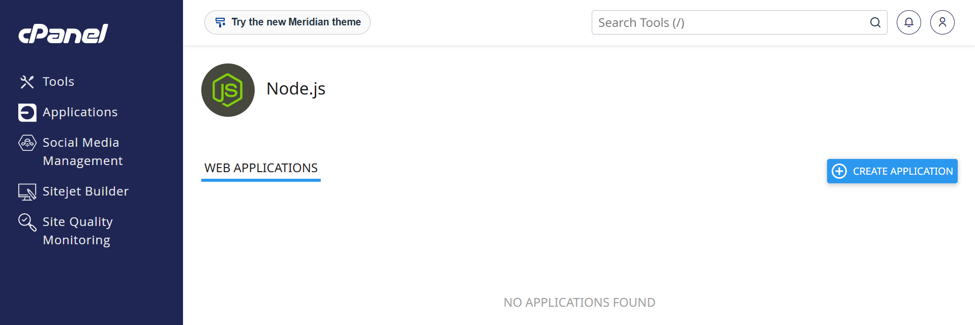
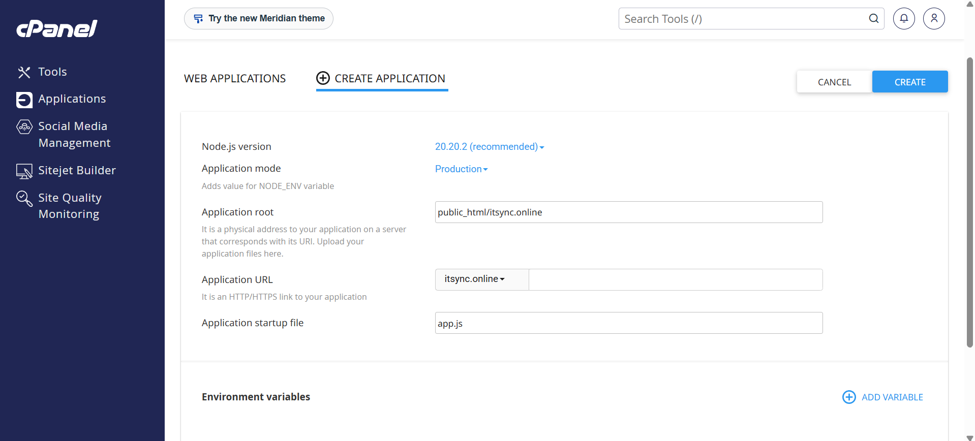
Once you click Create, cPanel sets up the Node.js application environment.
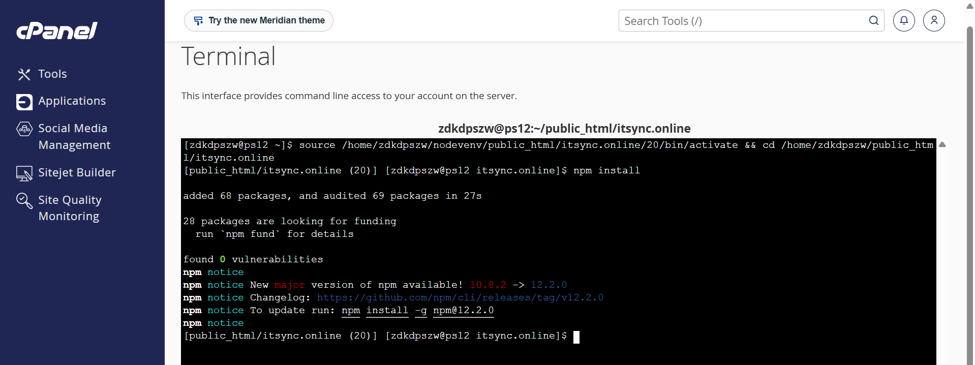
Step3. Enter the Virtual Environment
Copy the virtual environment command shown on the application page; you will run it in Terminal (SSH).
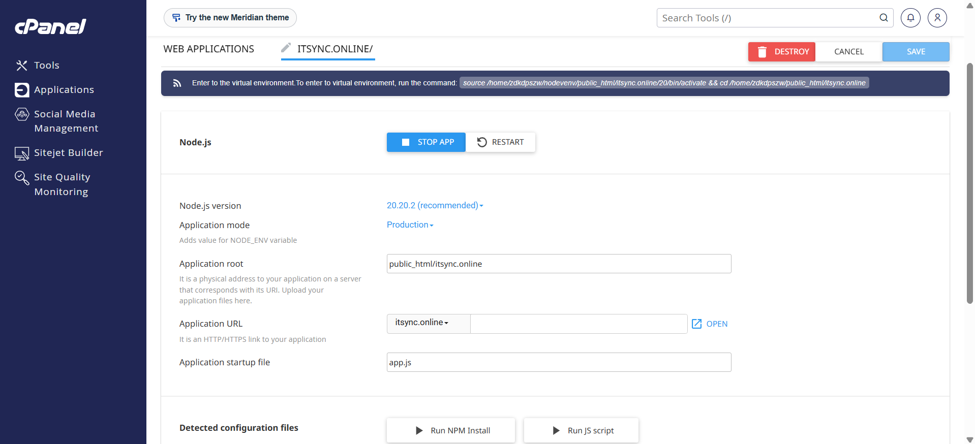
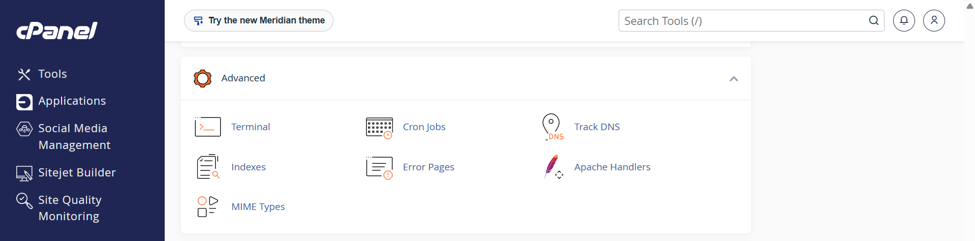
Open Terminal from the cPanel dashboard, then paste and run the command.
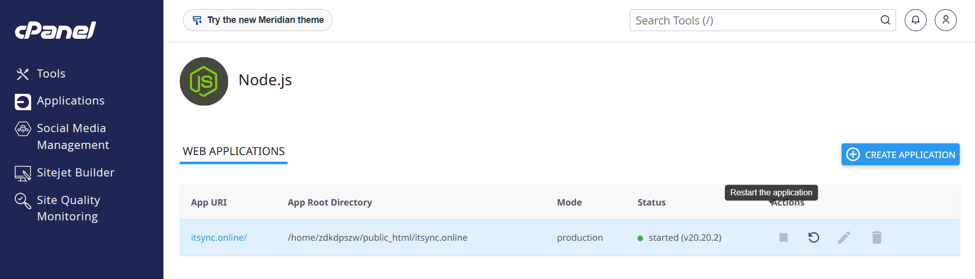
Step4. Restart the Application
Go to cPanel → Software → Setup Node.js App, find your itsync.online application, and click Restart.
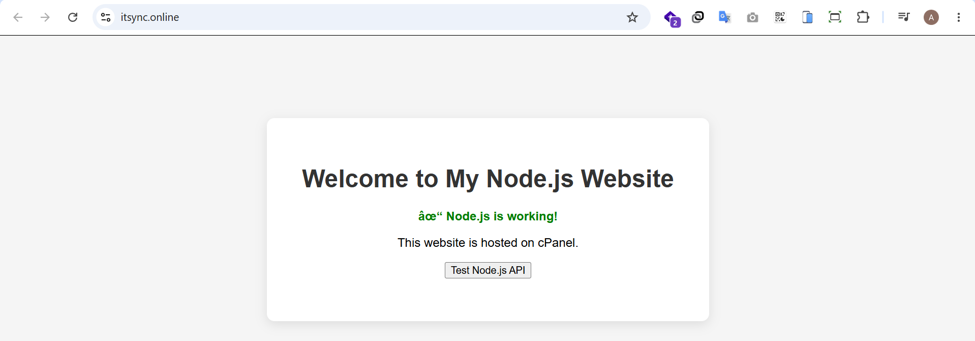
Now, we can call website from browser.
Thank you!!!
Was this article helpful?
That’s Great!
Thank you for your feedback
Sorry! We couldn't be helpful
Thank you for your feedback
Feedback sent
We appreciate your effort and will try to fix the article