How to install PHP Version on WHM (PrivateHosting)?
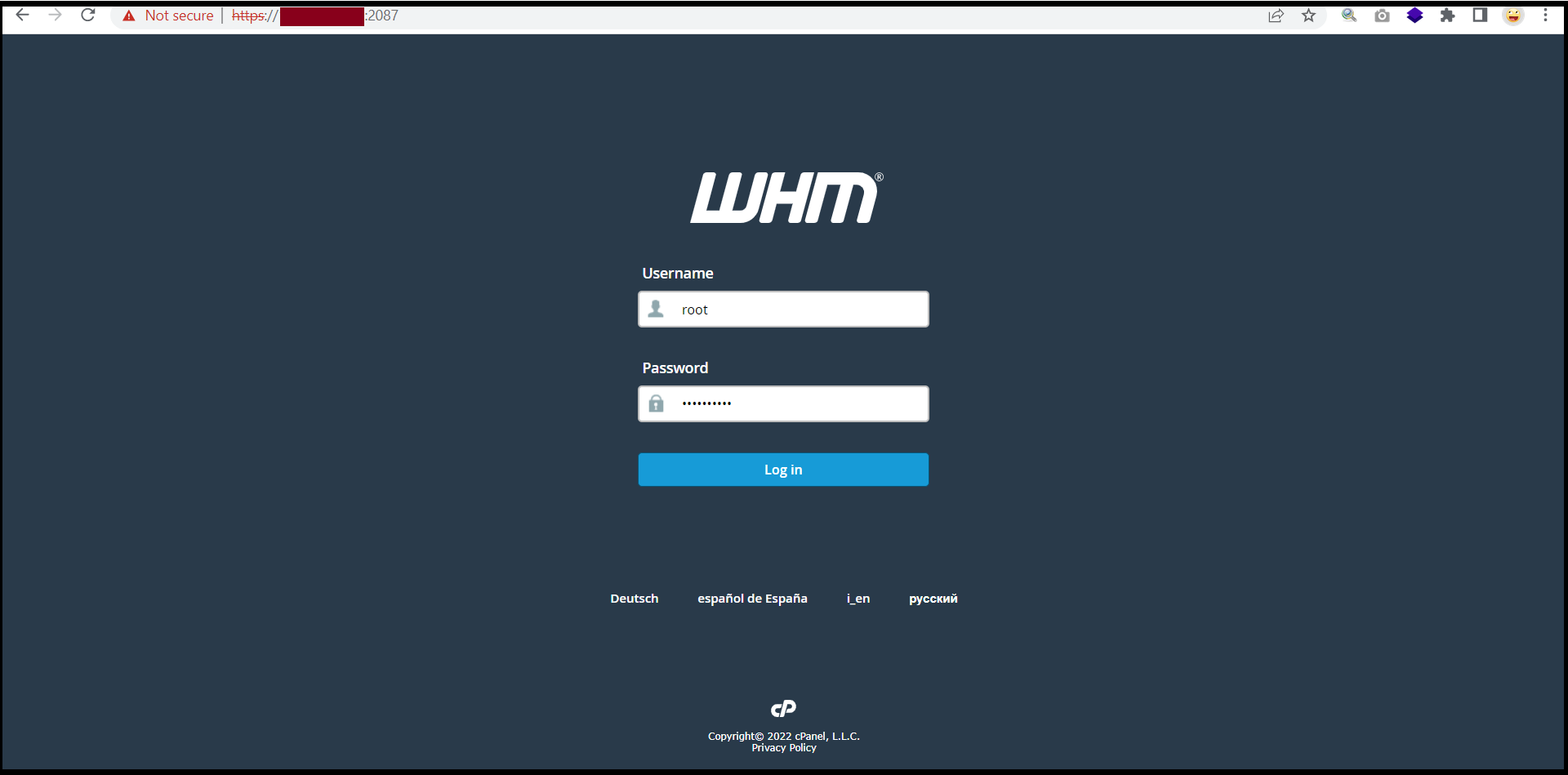
Step1. Login to the WHM.
Login URL: https://123.456.78.9:2087
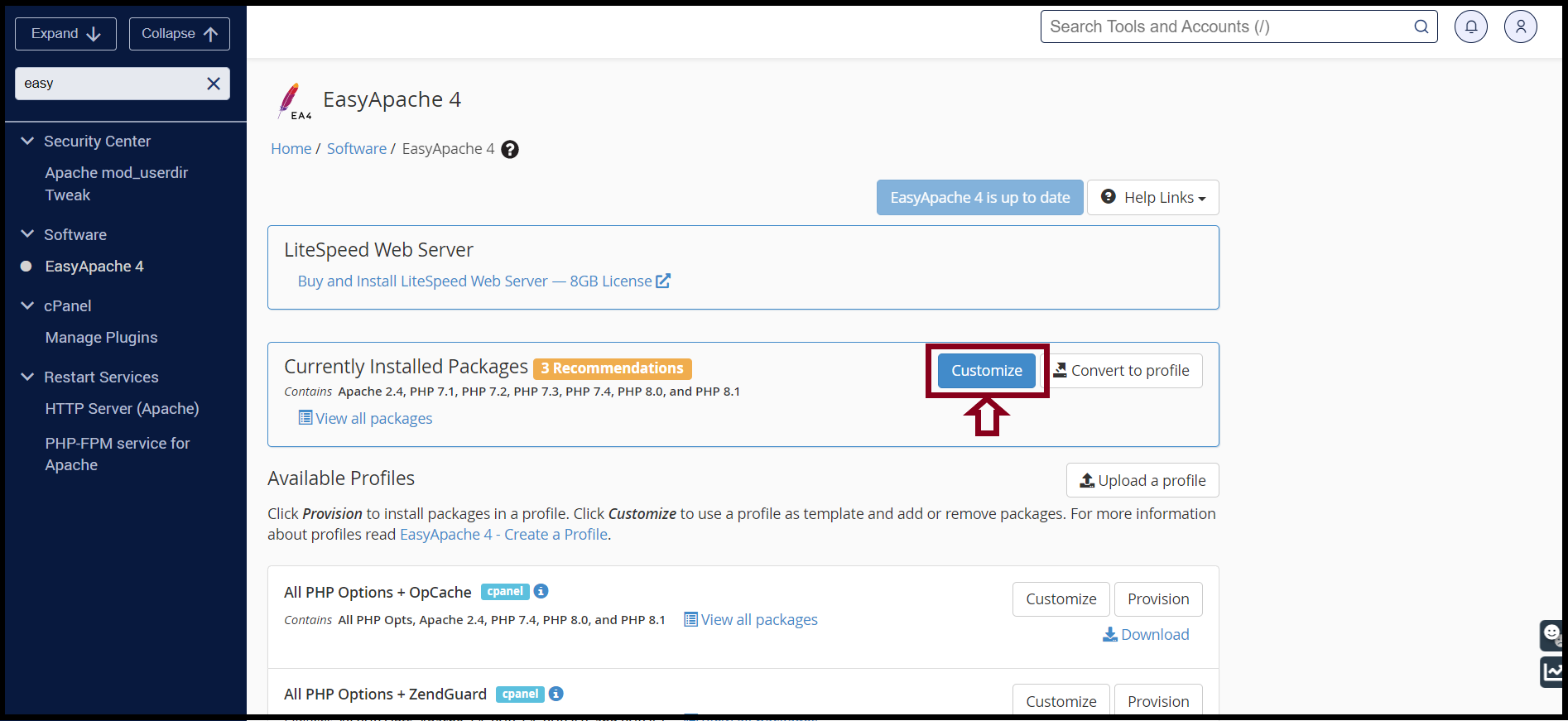
Step2. You can install the PHP version on WHM easily via EasyApache4. So, please search with the Keyword “EasyApache4” on Searchbox
And then, click “Customize” as follows.
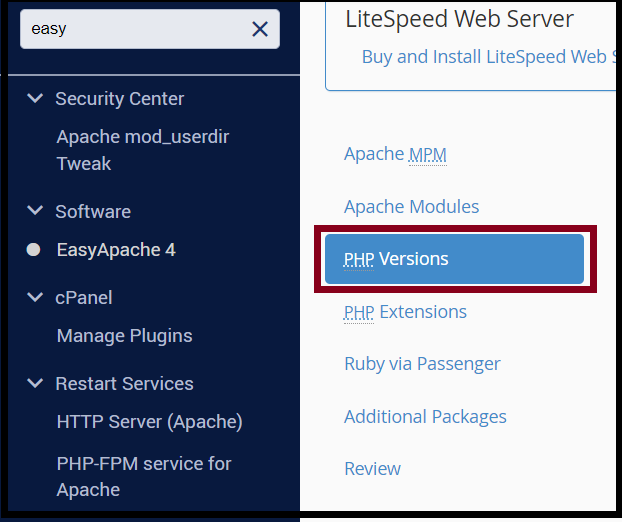
 Step3. Click “PHP Versions“
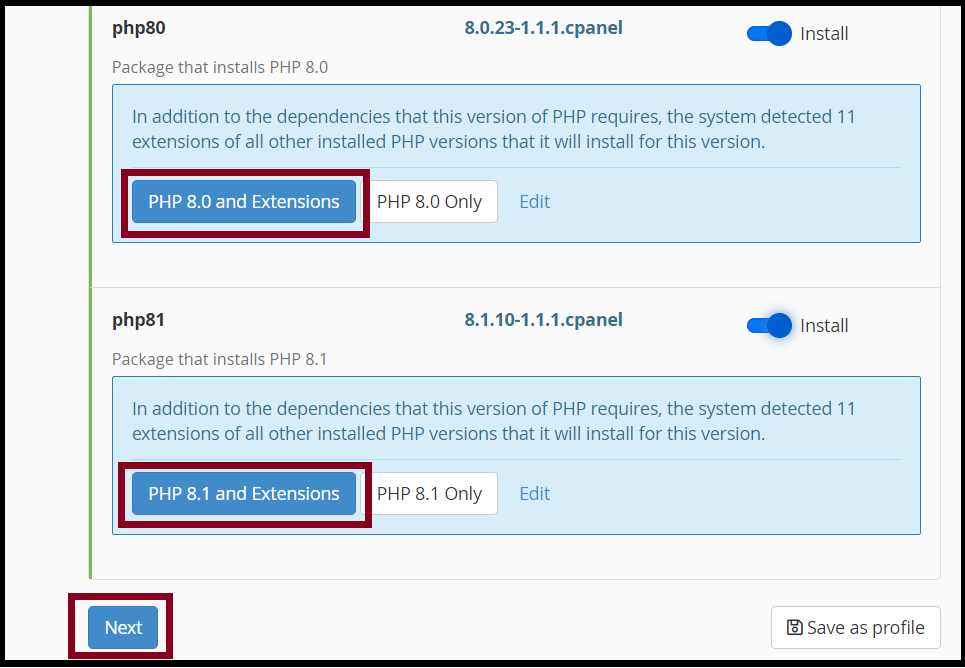
Step4. You can install the PHP Versions and Extensions that you want to the desired version.
And Click “Next“
You can review your services
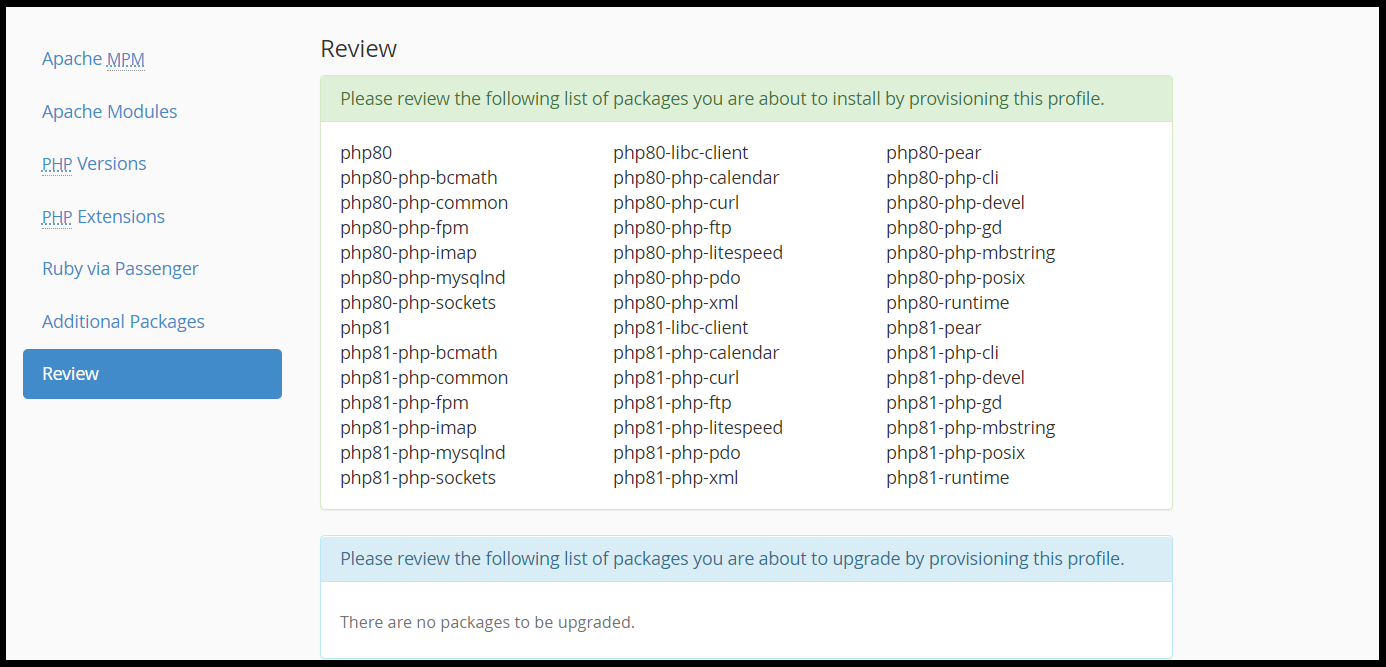
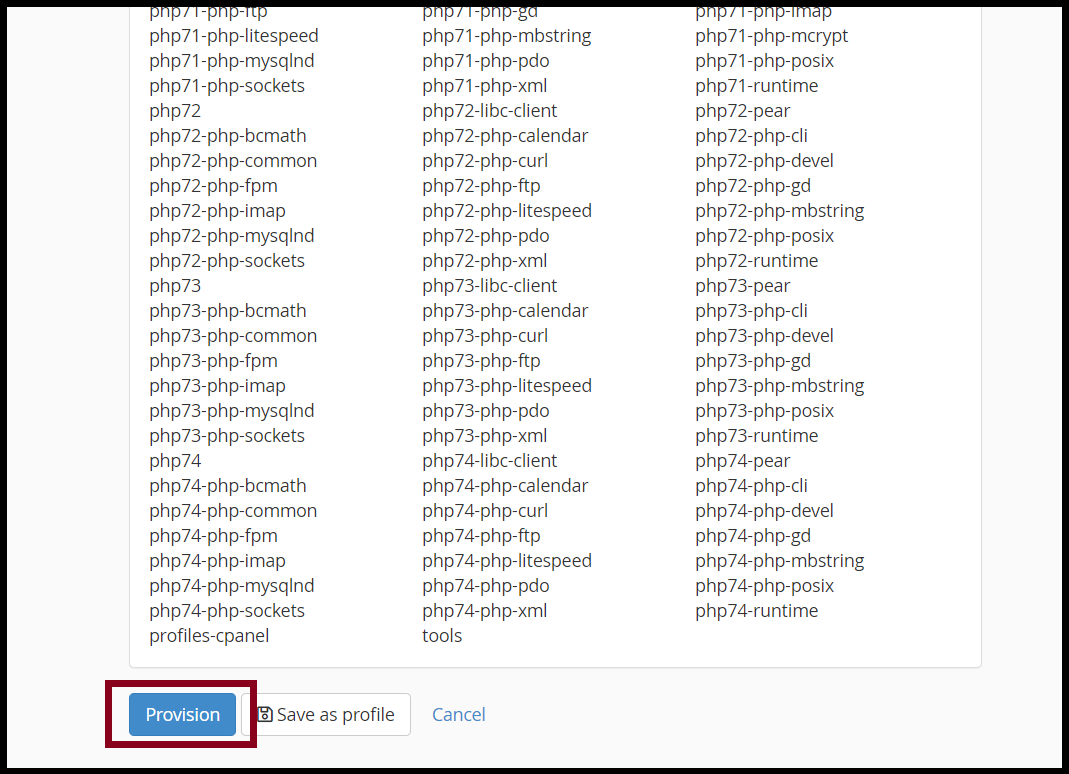
Click “Provision“
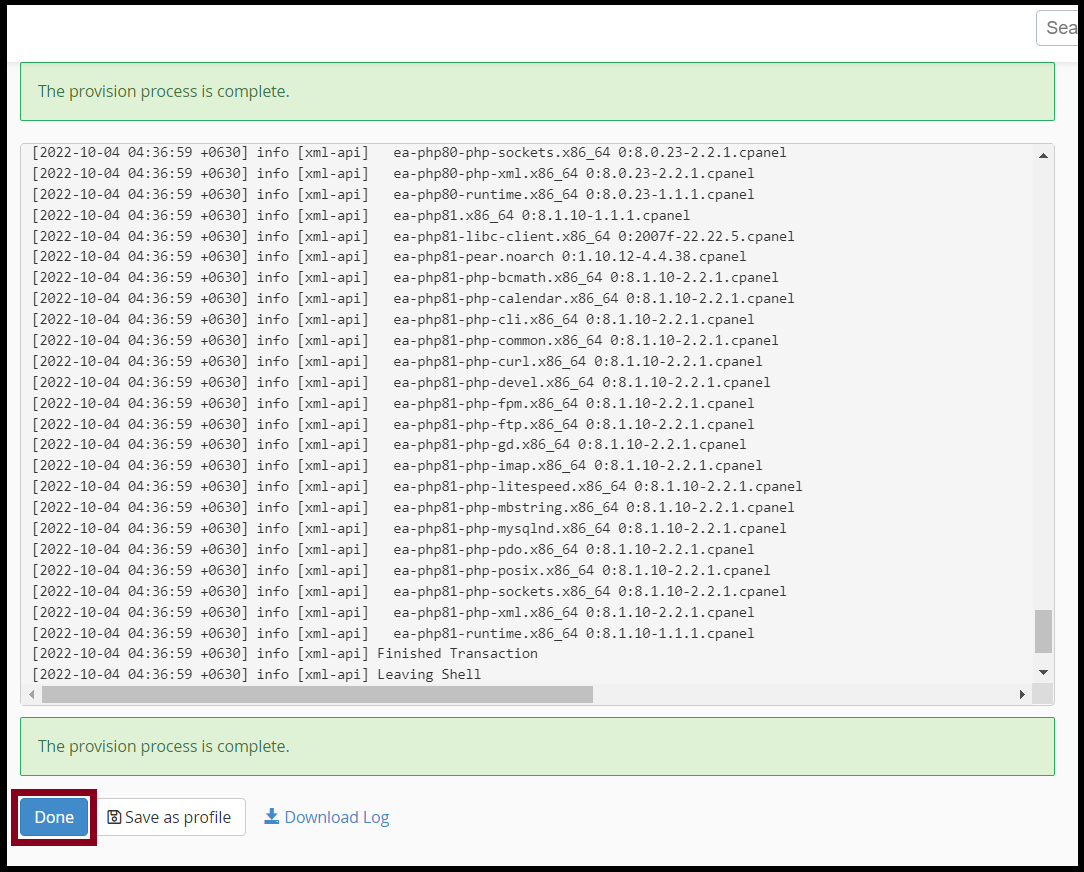
Finally, You can install the PHP versions and Extensions successfully. And click “Done“
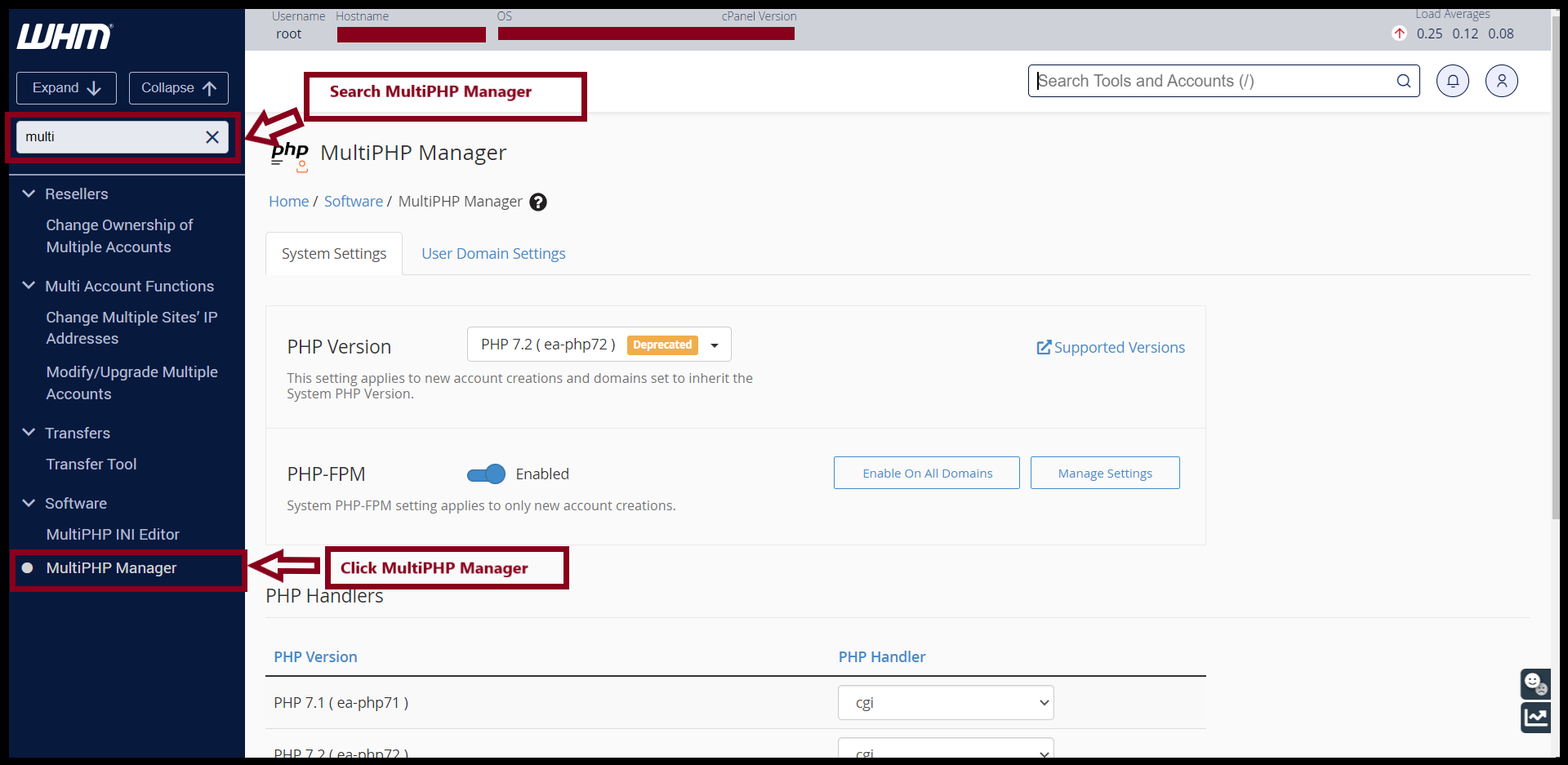
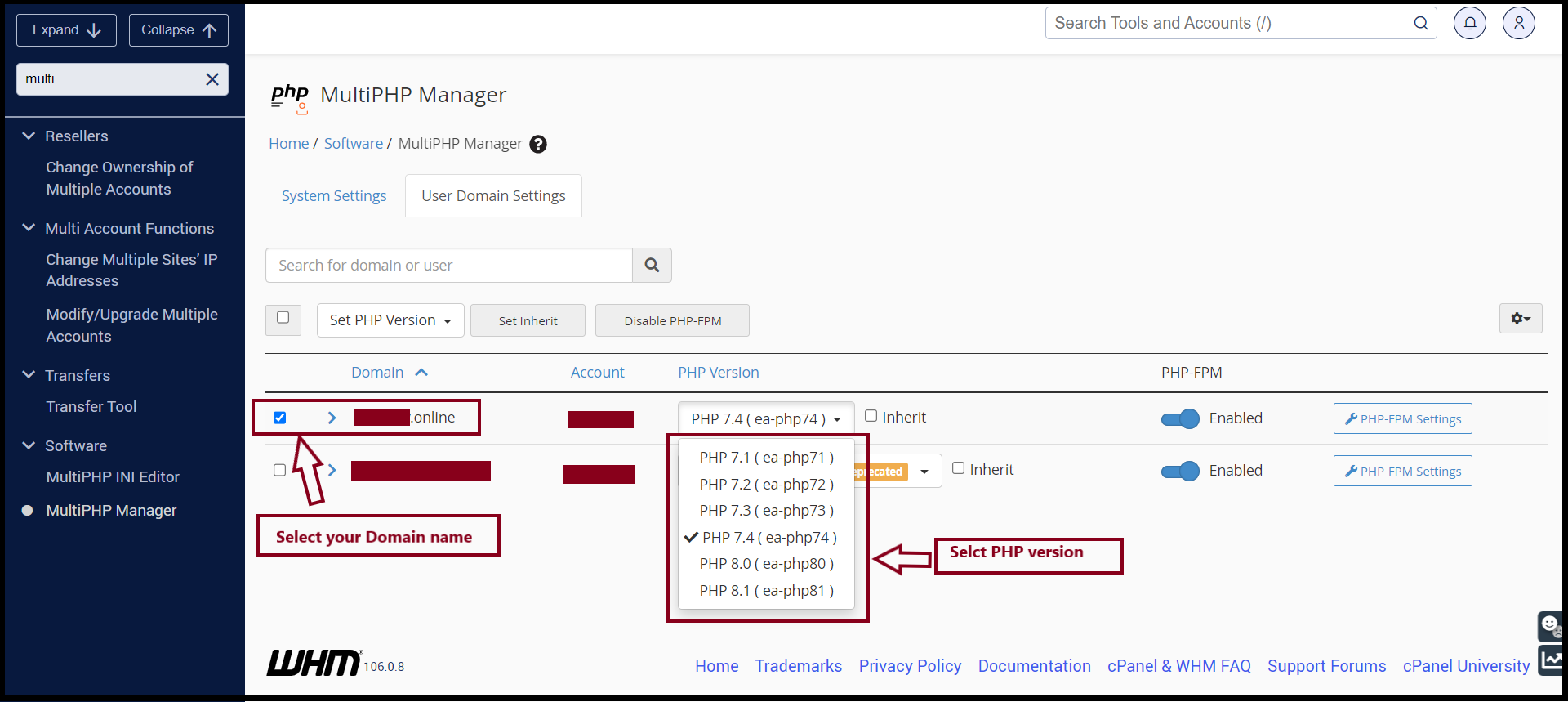
Step5. You can also change the PHP Versions on MultiPHP Manager
THANK YOU!!!
Was this article helpful?
That’s Great!
Thank you for your feedback
Sorry! We couldn't be helpful
Thank you for your feedback
Feedback sent
We appreciate your effort and will try to fix the article